The unified
platform for
meetings

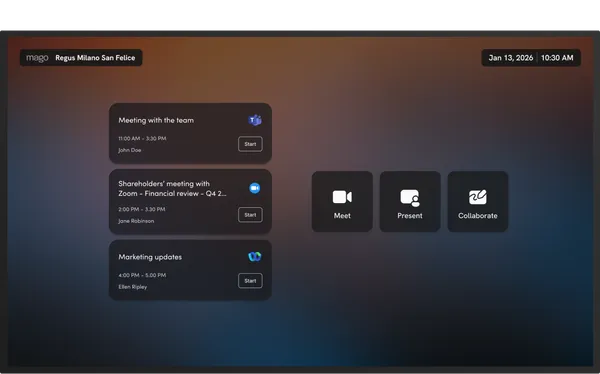
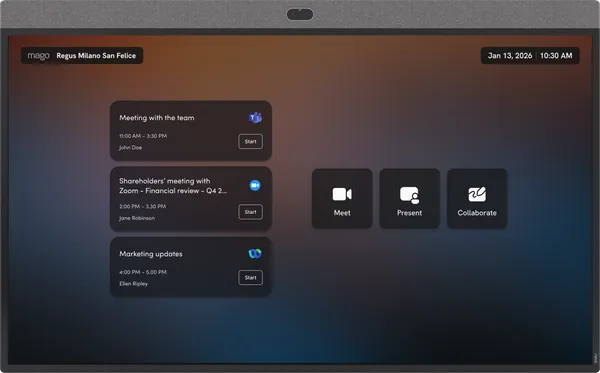
Join any video call, present wirelessly and collaborate remotely, all in one software for meeting rooms and shared spaces.
Why Mago

Why choosing Mago

Three films. What a BYOD room becomes once it is managed, what a meeting costs while it has not started, and what changes when the room simply works.
01
Enterprise BYOD
Your BYOD video bar becomes managed and intelligent. People join and present the way they walk in, with a cable or wirelessly, and IT keeps central control and usage statistics over the BYOD rooms too, from Mago Admin Center.
02
The cost of a slow start
A room full of people keeps costing money while the meeting has not begun. This is that number, counted out loud.
03
From waiting to meeting
Walk in and the room is already yours: the call joined, the content shared, nobody hunting for a cable.
Meet

Join any video call in seconds

  • Microsoft Teams
  • Zoom
  • Google Meet
  • Webex
  • 15+ more platforms

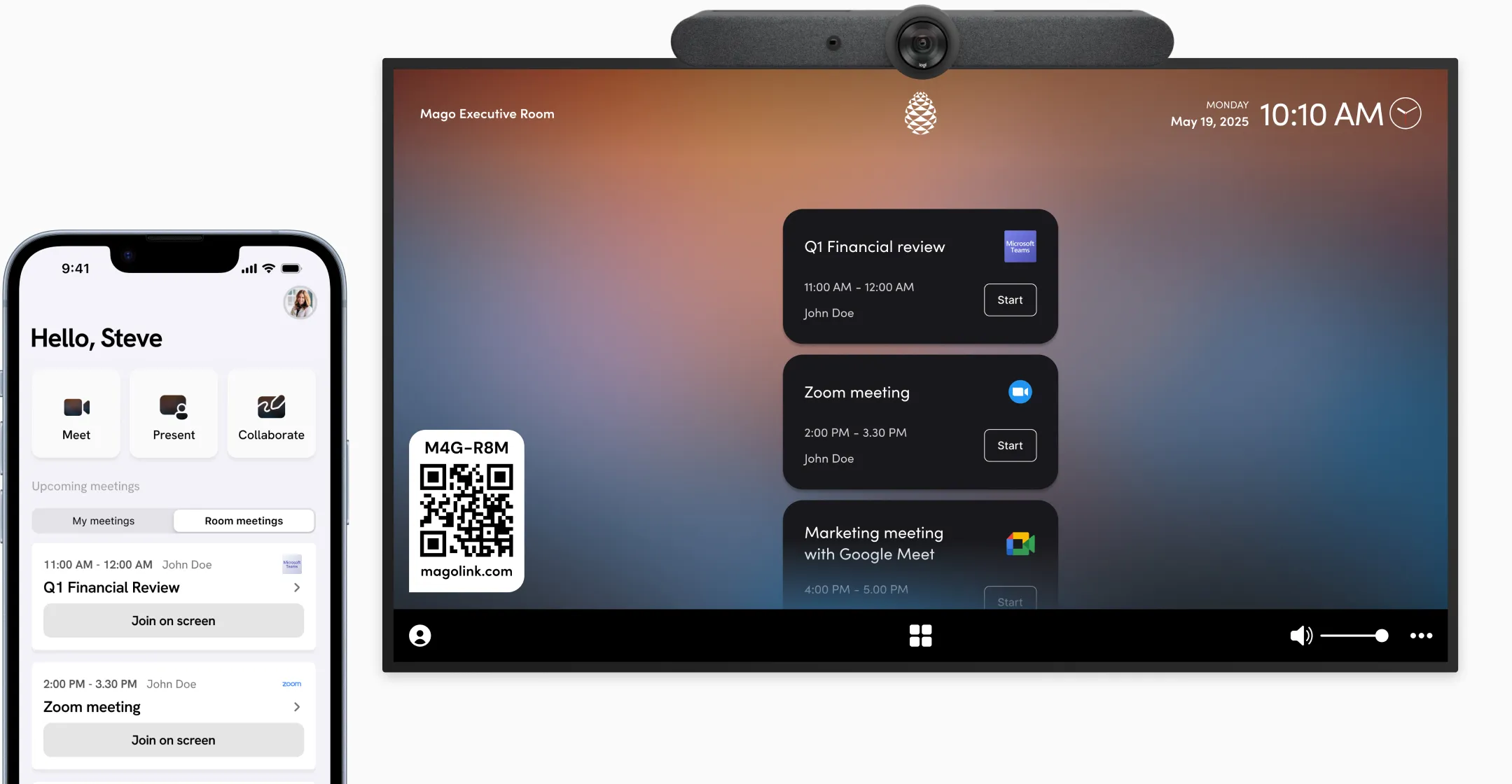
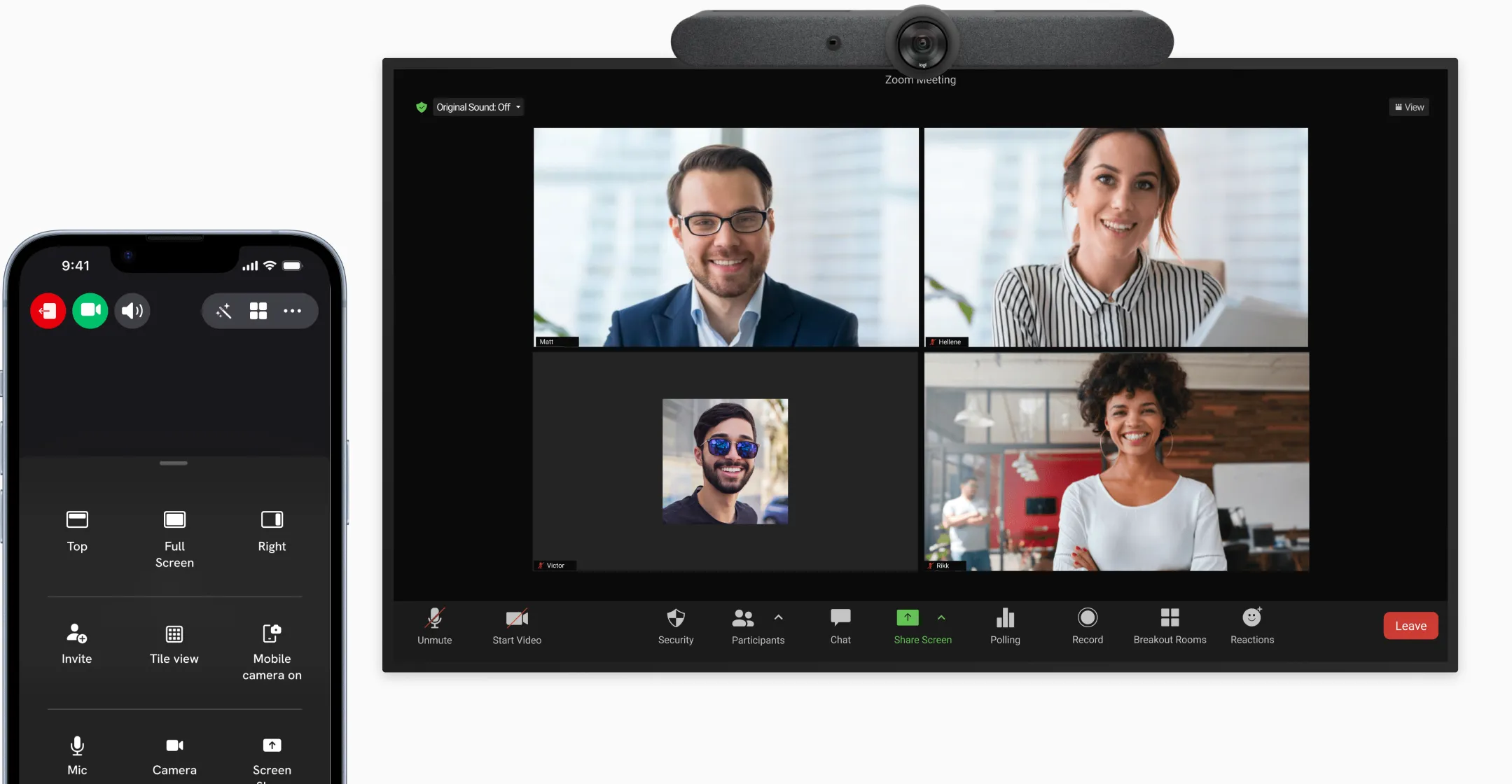
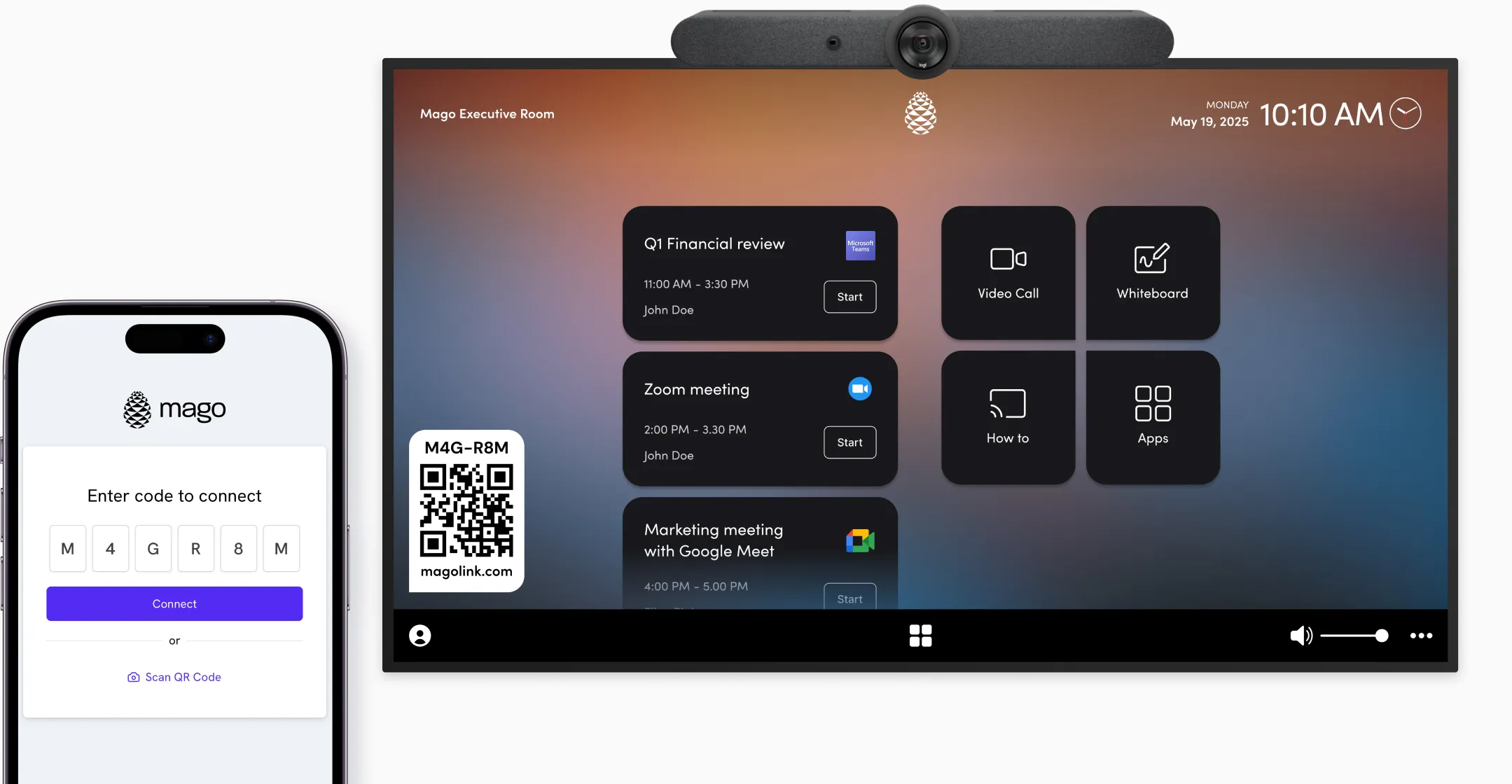
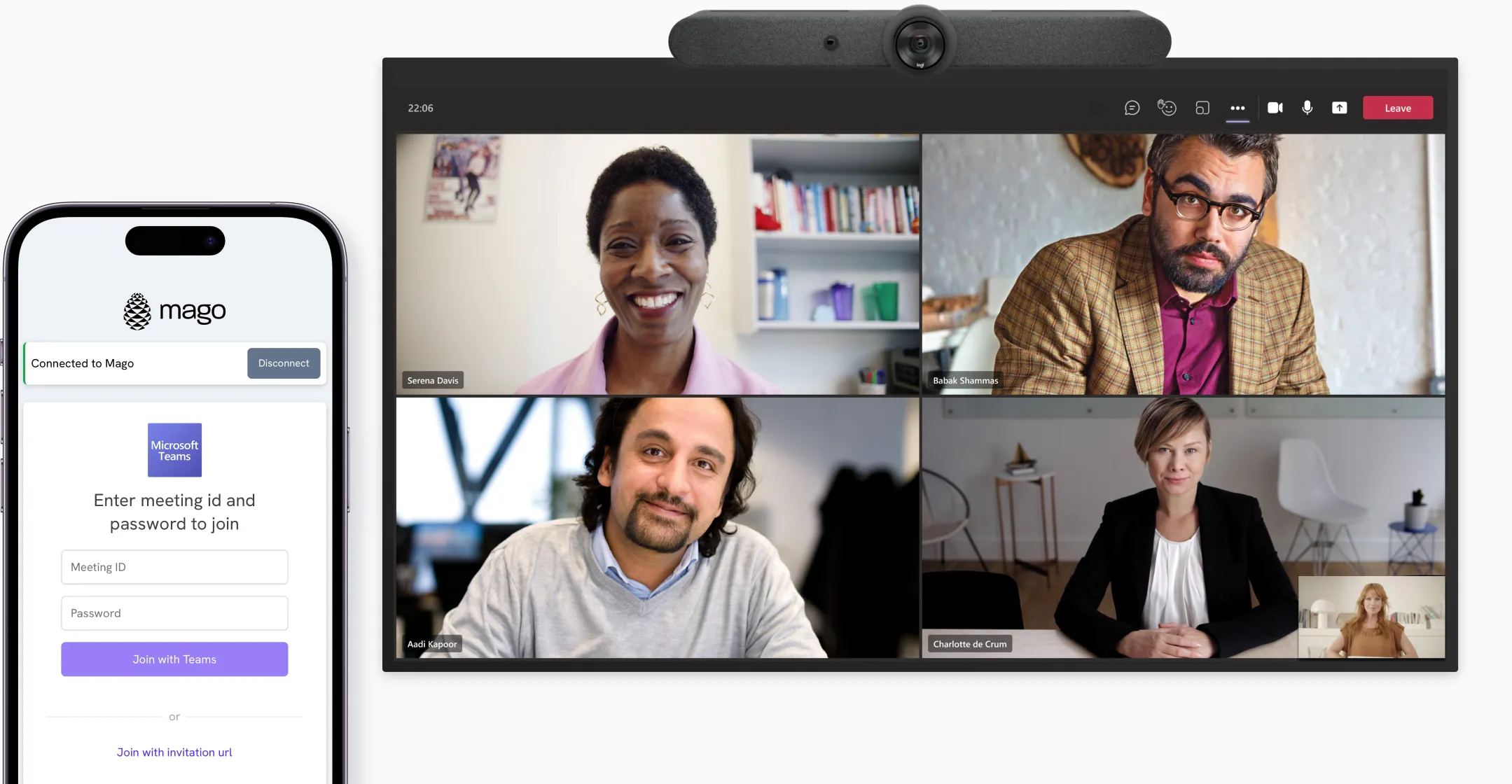
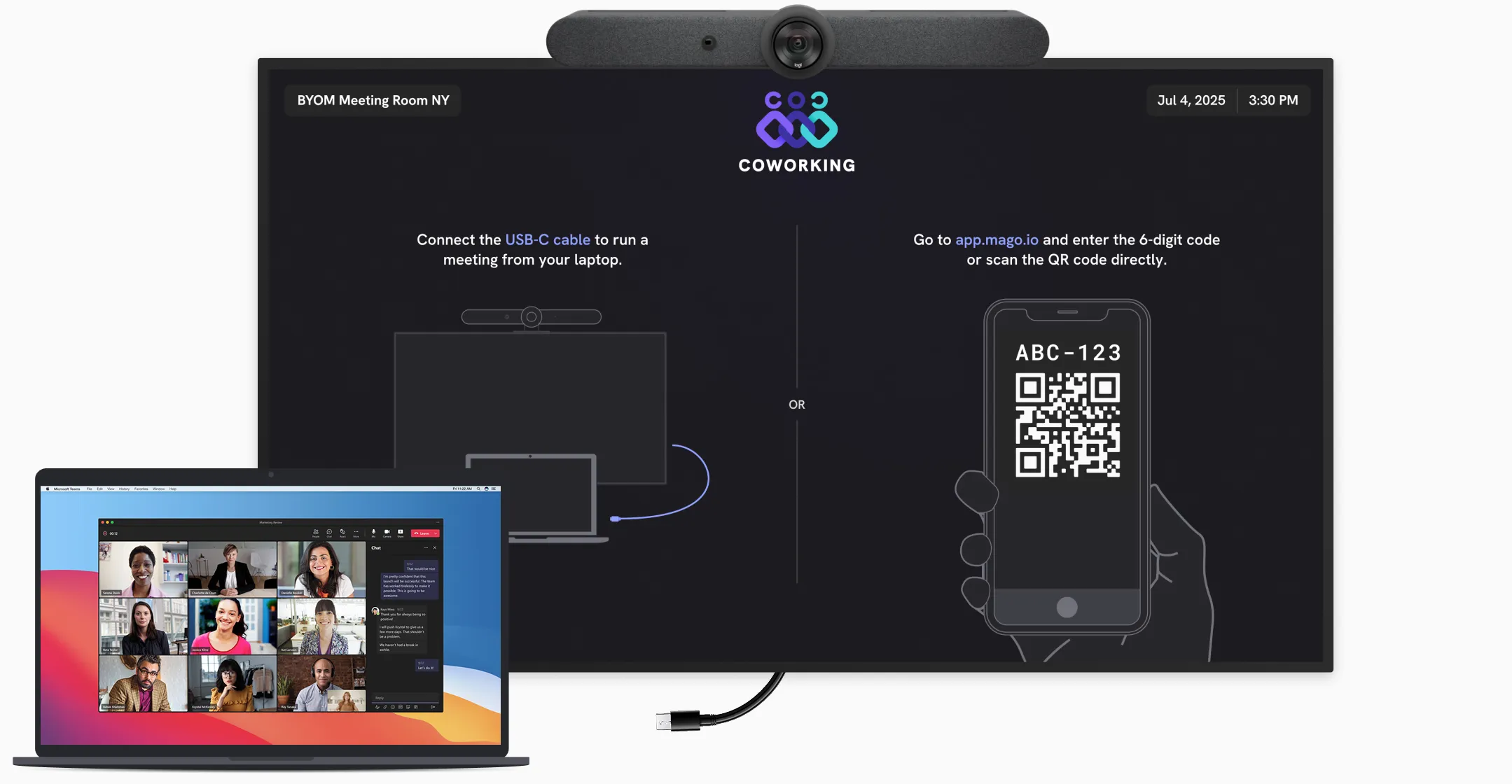
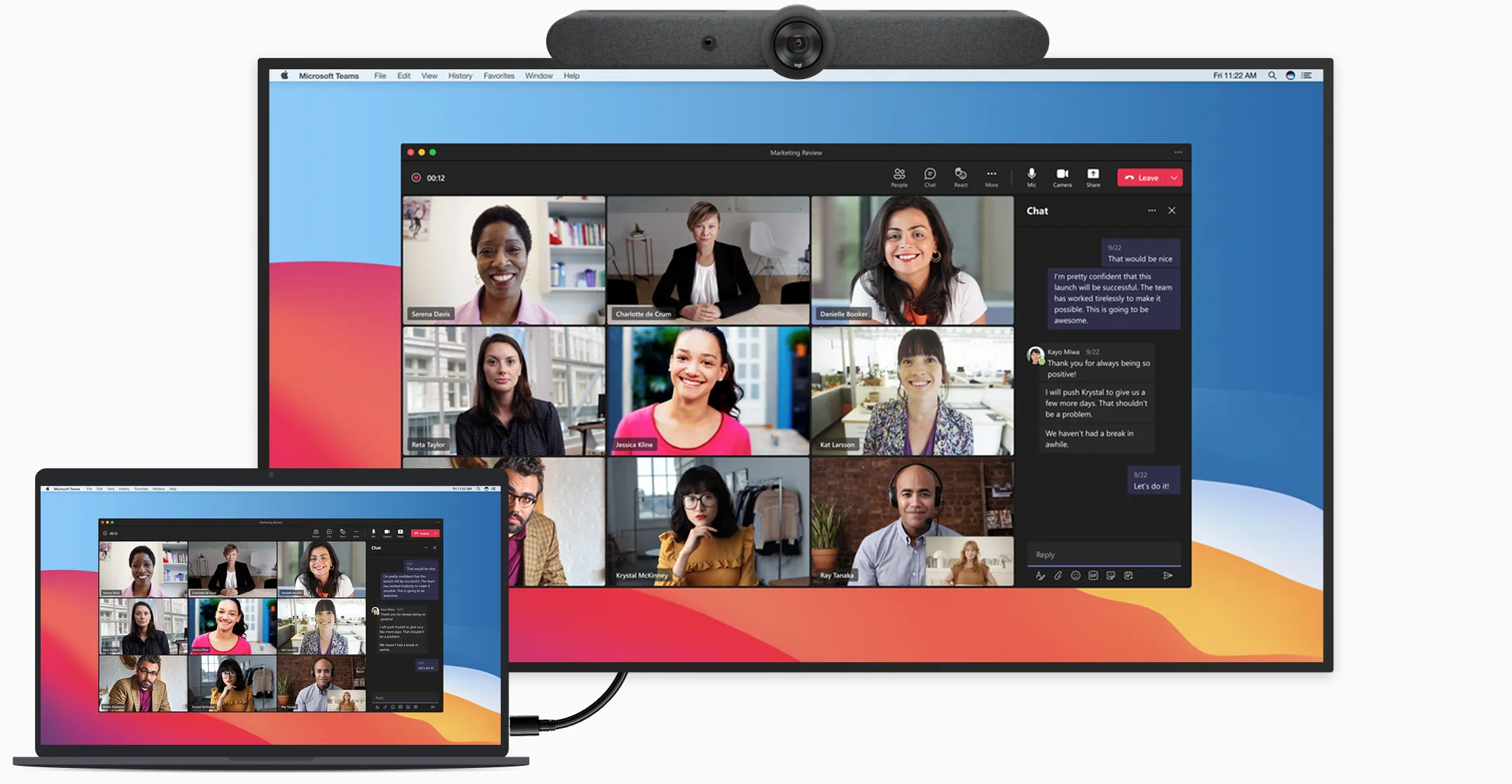
Joining a video call with Mago is effortless. Start meetings on the screen from any device, using Teams, Google Meet, Zoom, Webex, or any of the 15+ supported platforms.
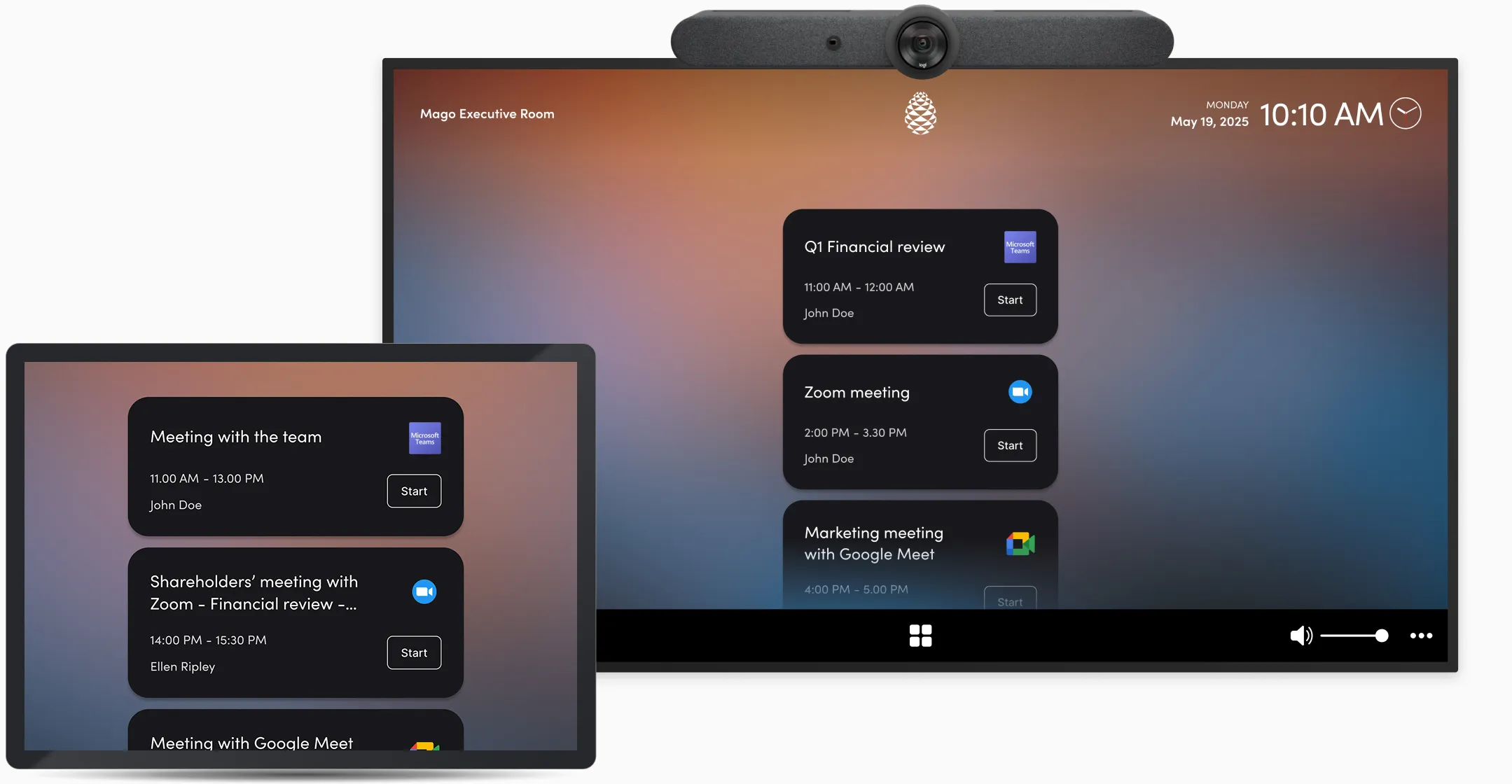
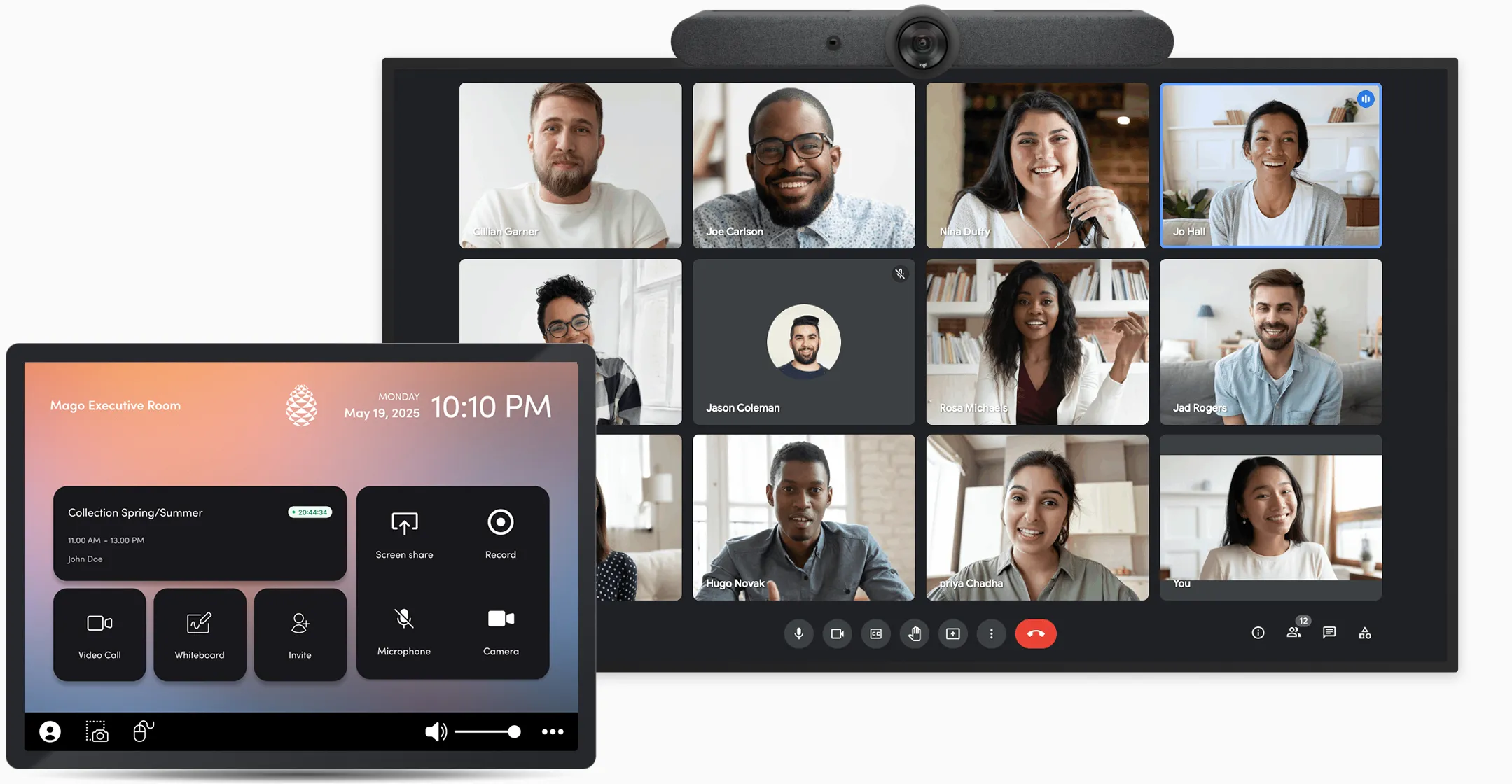
Joining a video call from the room: in one tap, from the room's calendar
Joining a video call from the room: in one tap, from your calendar
Joining a video call from the room: via meeting link or id / password
Joining a video call from the room: connecting a usb-c cable (byom)
Present

Seamlessly share content from any device
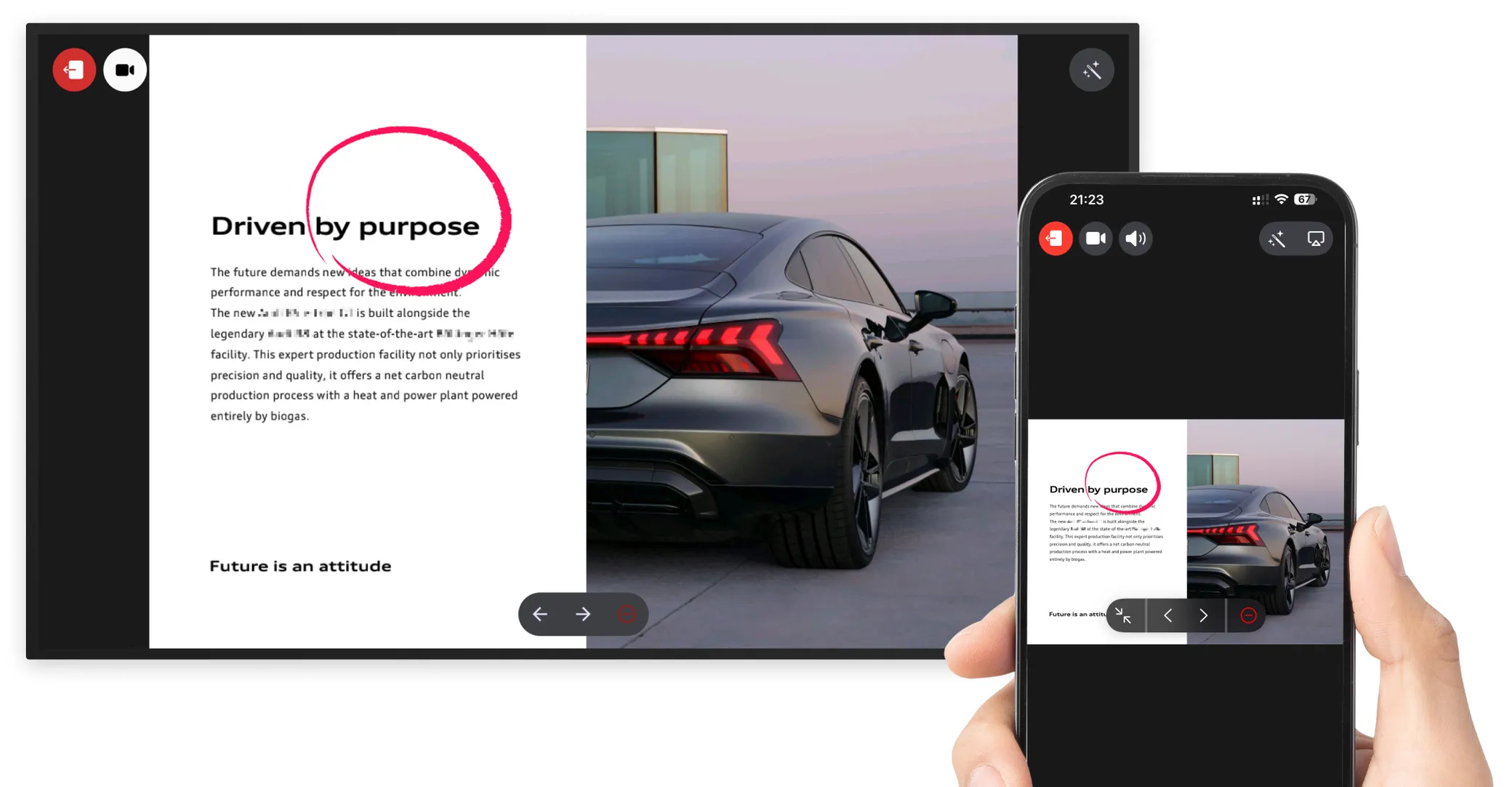
Imagine walking into any room with any device and presenting your content within seconds, securely and effortlessly. With Mago, that vision is now a reality. Simply scan a QR code using your smartphone or tablet camera, use your browser or your device native sharing protocols. No apps, no software installations, and no network restrictions. Even mobile networks are supported.
Sharing a screen on the room display
Collaborate

Bring everyone together, no matter the distance

Mago Whiteboard lets teams collaborate in real time from home, coworking spaces, or meeting rooms. Brainstorm, design, and solve problems together on a powerful digital canvas.

Join from any device with Mago. After the meeting, your whiteboards are securely saved on your private server with the Mago App, ready to revisit anytime.

The canvas is Mago Whiteboard, a product of its own: free on any personal device, and included here on the room display.
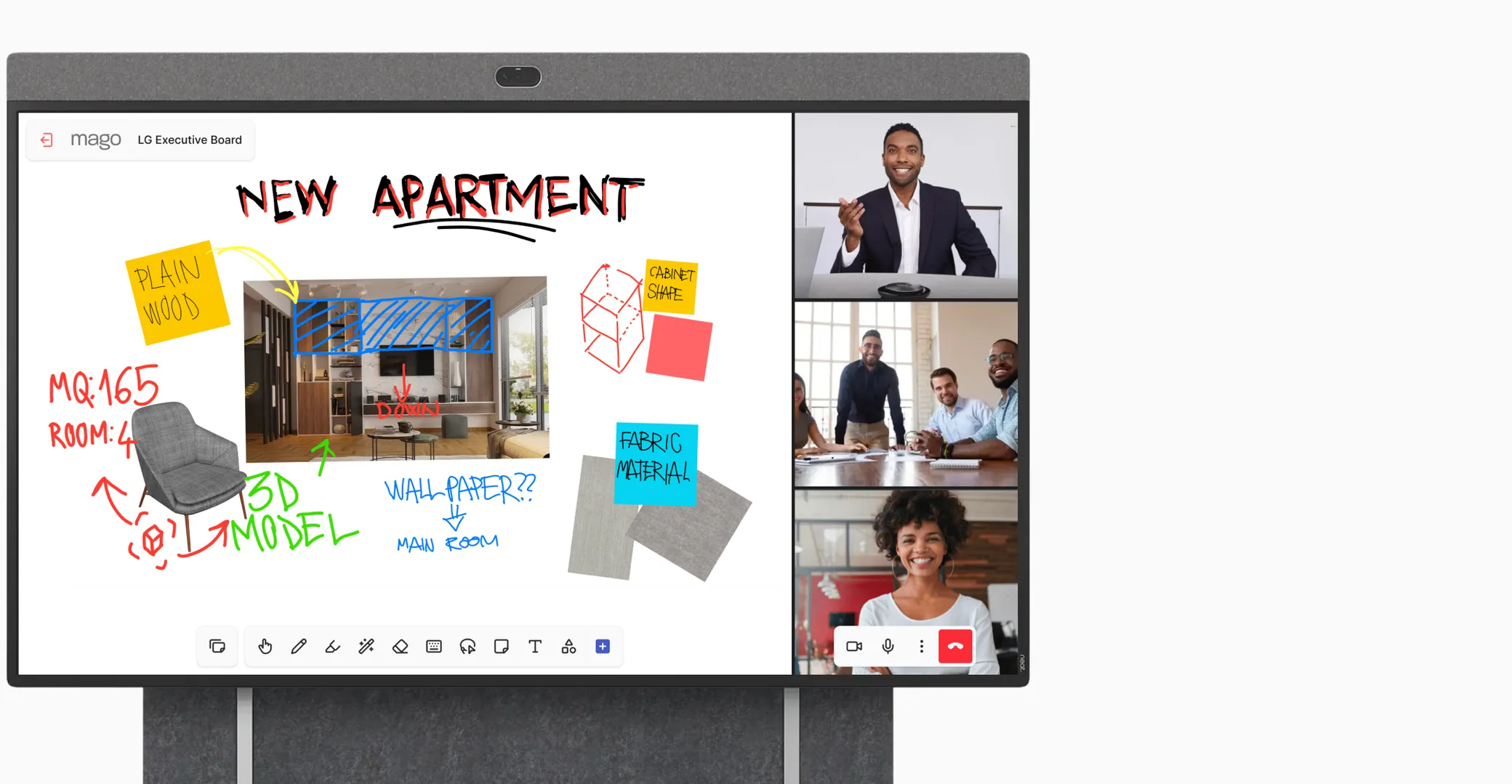
Mago Whiteboard on the room display

Immersive meetings, from one to three displays
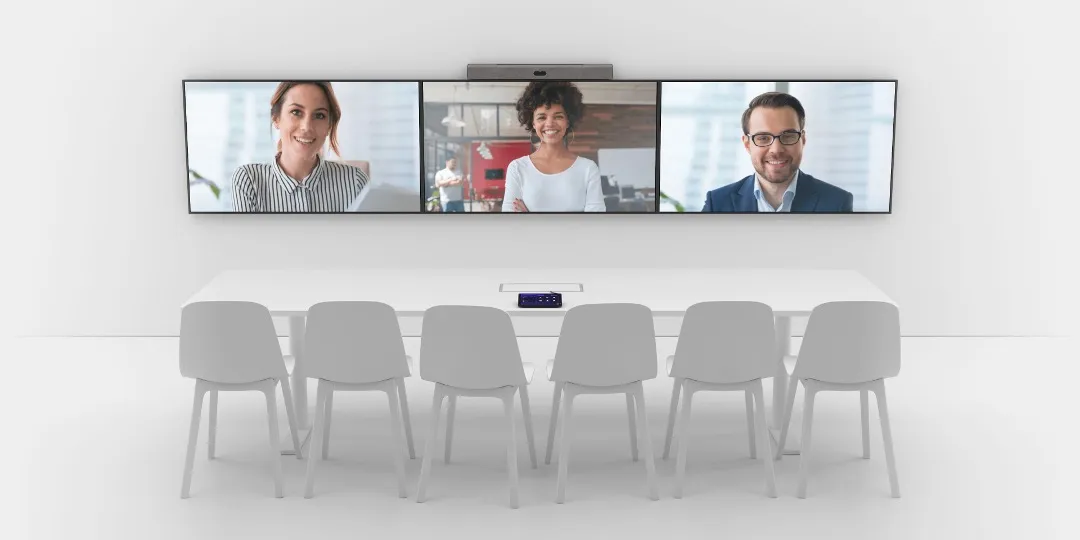
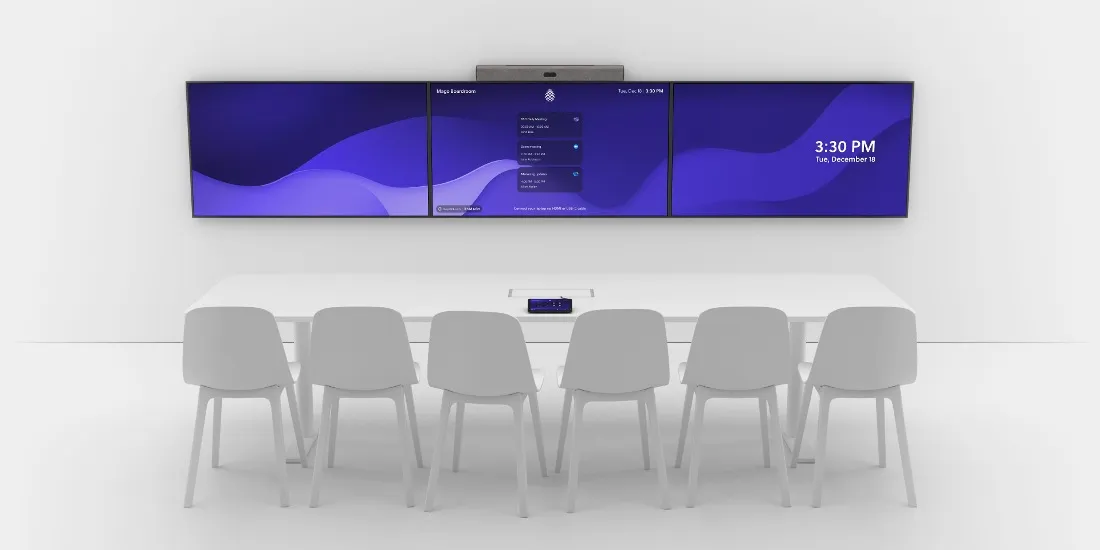
With Mago your video conferences become immersive: the same call runs on one, two or three displays in the room, and you choose how it is laid out while it is going on. Give every remote participant a screen of their own, or keep the shared content on one display and the people on the others.
The same three displays during a video call, with one remote participant filling each screen.
A boardroom with three displays side by side, each showing the Mago home screen: the room name, the agenda of the day and the time.
IdleIn a call

Mago is available on certified devices

Mago is available on certified professional displays and AV devices from trusted brands, delivering a seamless and fully supported meeting experience in every space.

Check out the complete list of Mago Certified devices on kb.mago.io

Want to see it in your room?

Book a demo on your own hardware, or find the partner nearest to you.