
Flexibility for your spaces and meetings
Effortless Meetings, Wired or Wireless
The Smartest Way to Collaborate
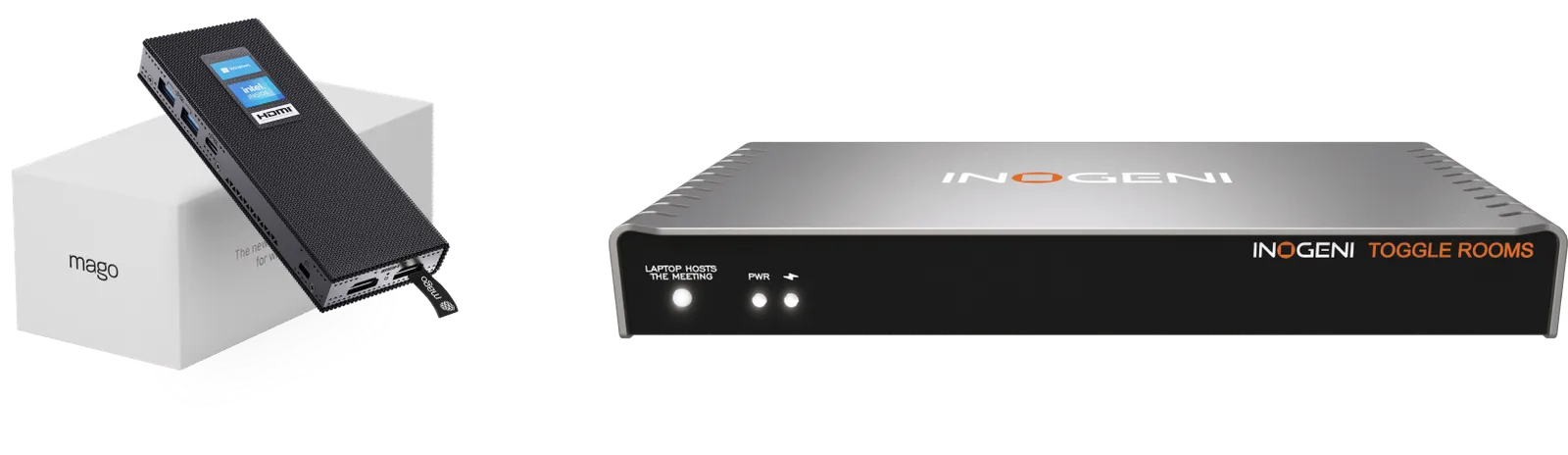
Mago and INOGENI unite to deliver the ultimate hybrid meeting solution—flexible, intuitive, and ready for any space. Whether you're in a shared office, coworking hub, or hospitality setting, it's the perfect match for modern teamwork.
Plug In or Go Wireless. Your Meeting, Your Way.
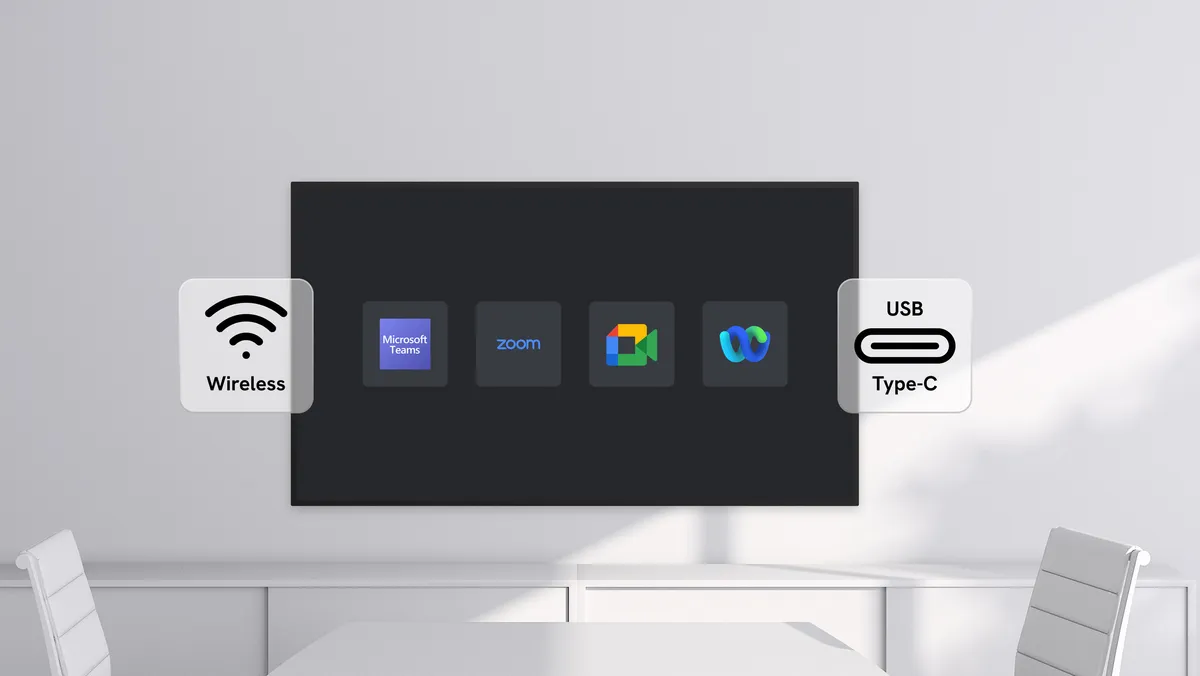
The solution Mago + INOGENI (TOGGLE ROOMS & TOGGLE DOCK 2x1) setup gives you a flawless BYOM/BYOD experience. Launch meetings wirelessly or connect via a single USB-C cable—no setup hassle, no network dependency. Just scan, join, and present.
One Cable to Rule Them All
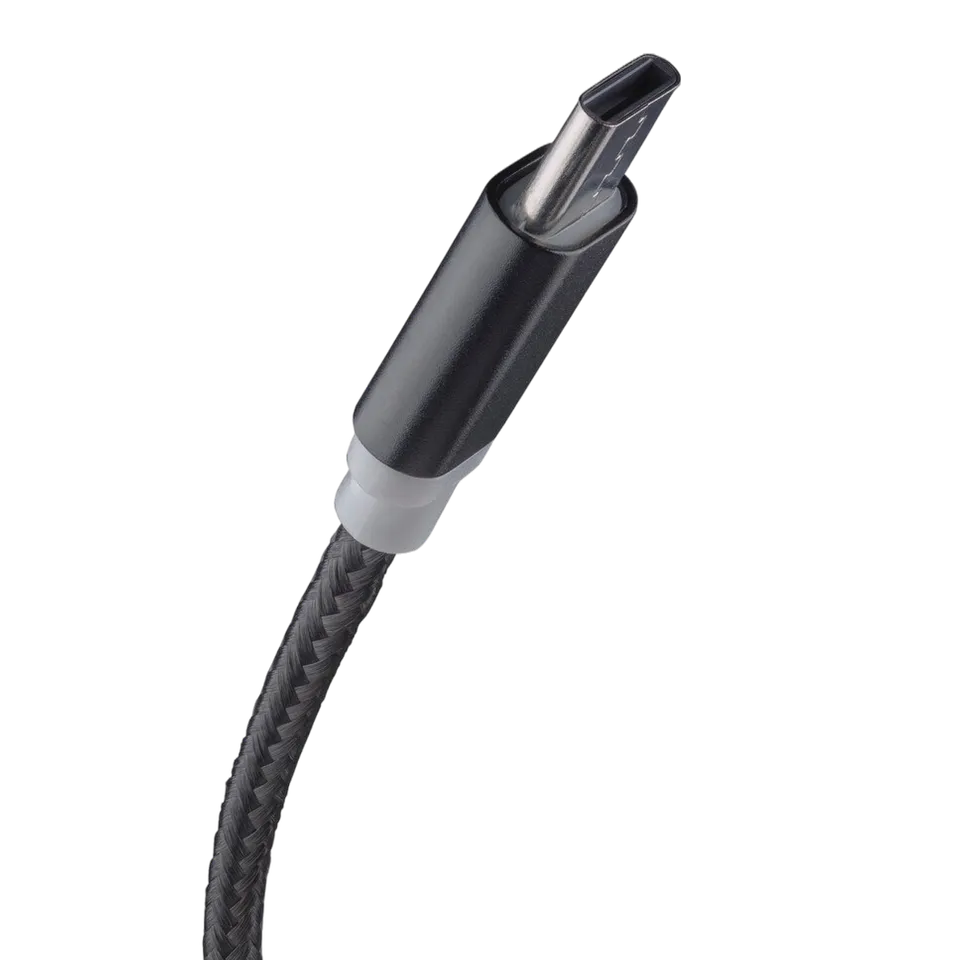
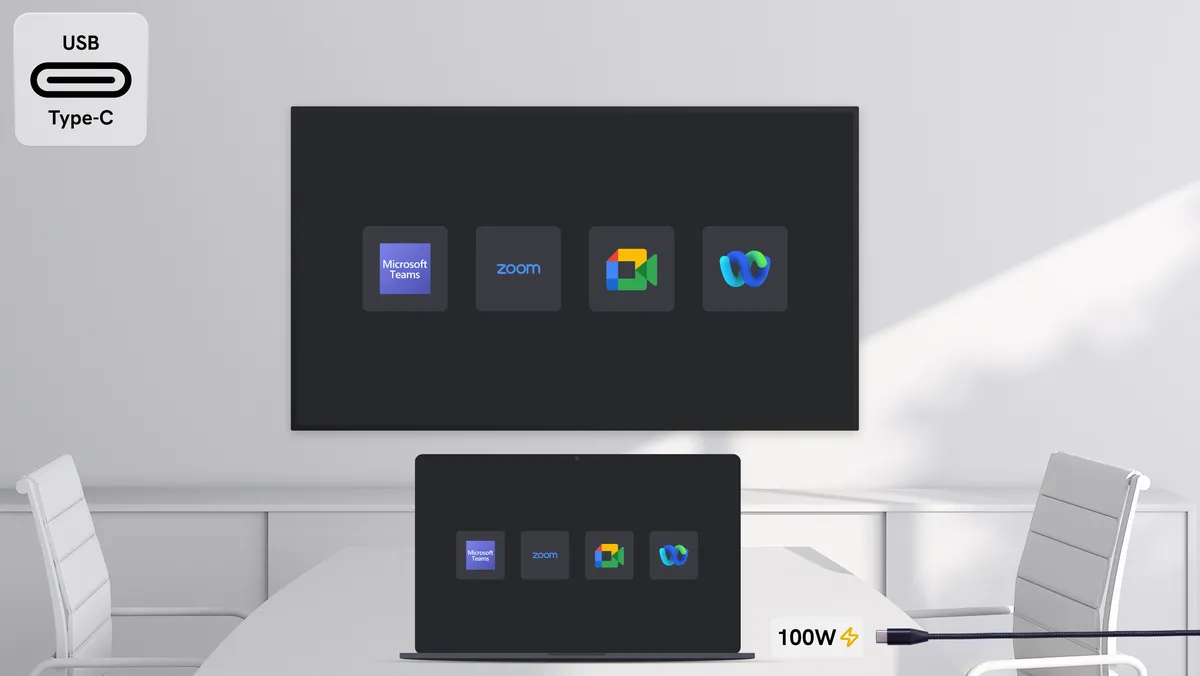
Connect your laptop (including Mac) via USB-C to instantly power your device, share your screen, and access room peripherals.
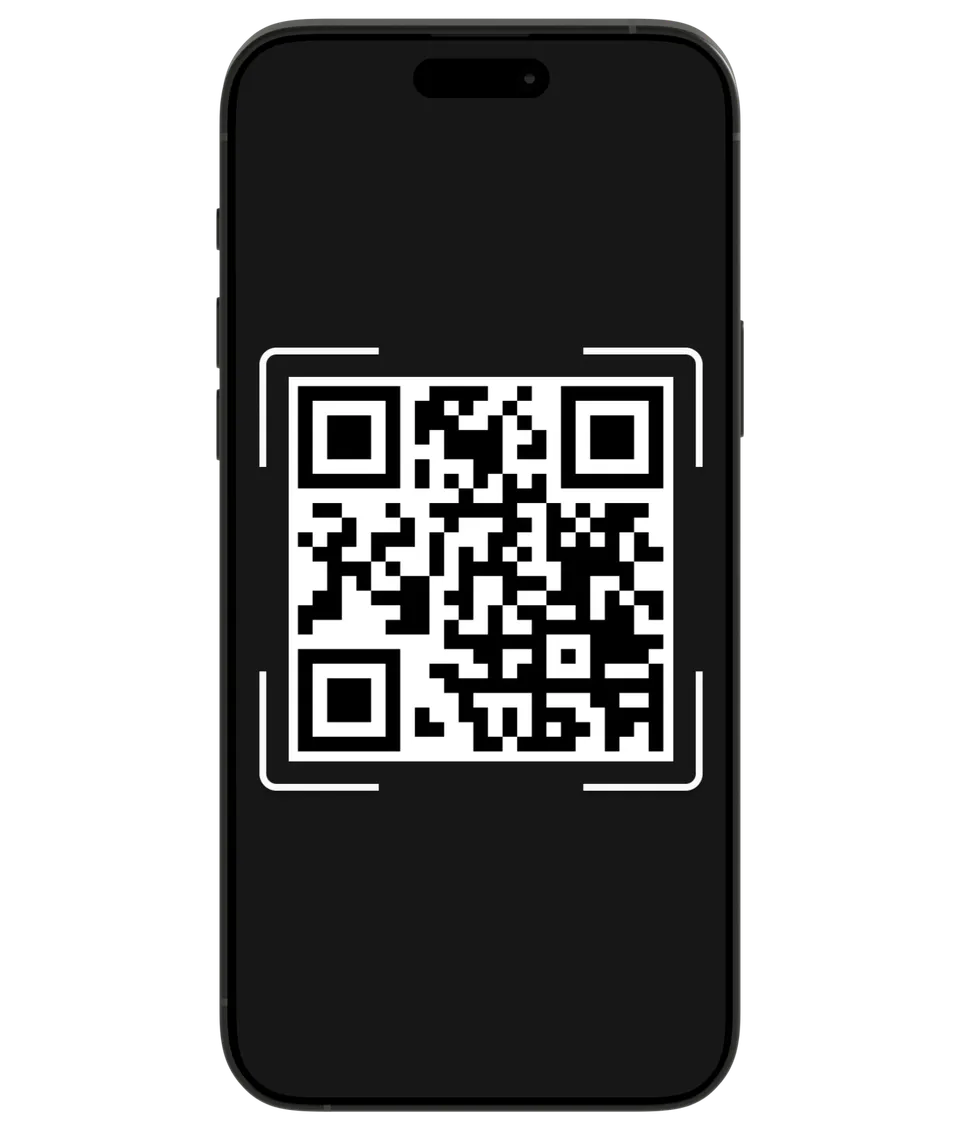
Instant Meeting Access
Join via QR scan—Teams, Zoom, Webex, Google Meet. No apps, no drama.
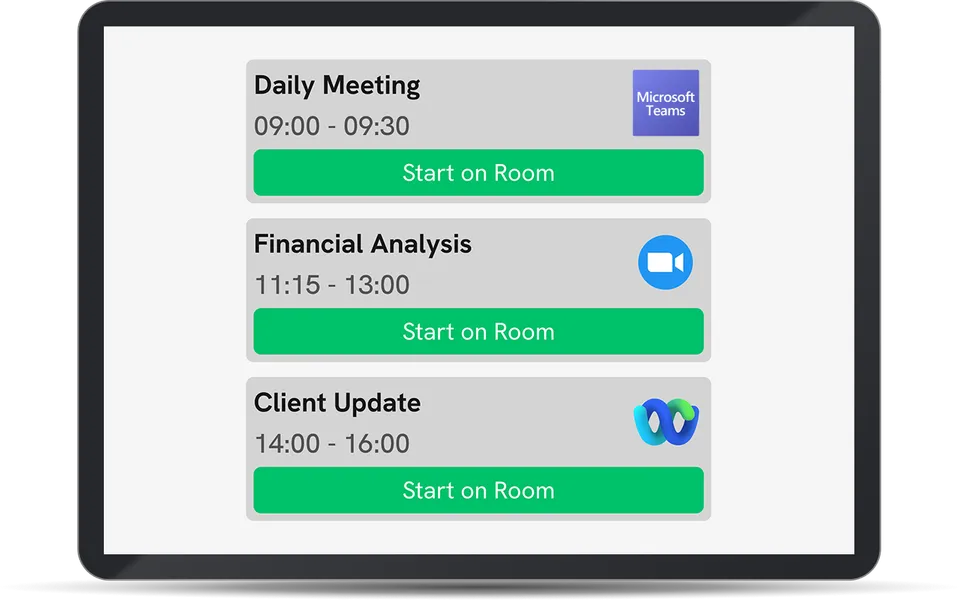
Join with mobile app
Sign in with with Office365 or Google Account credentials to access your calendar and join and control your meetings.
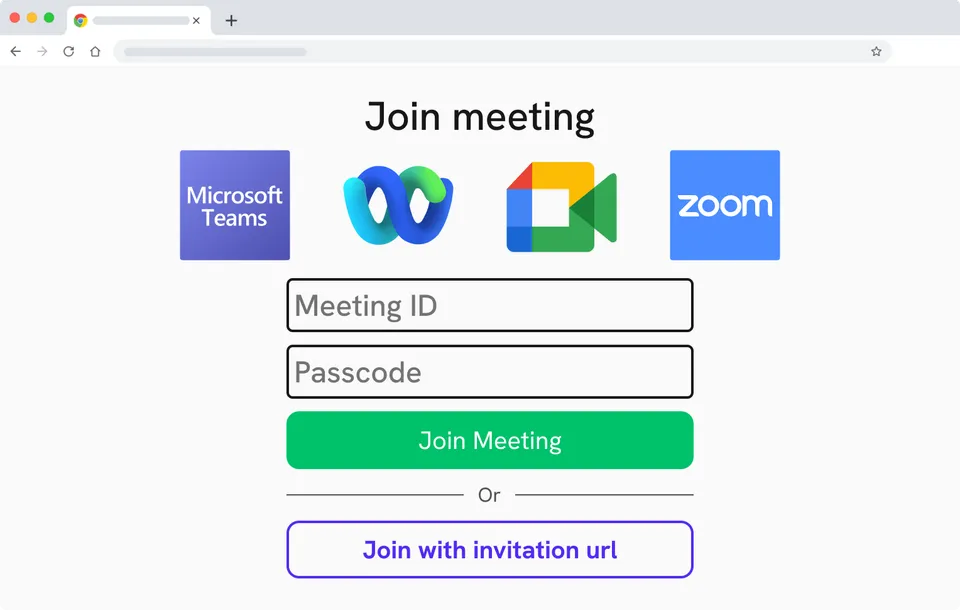
Join with browser
Access meetings directly through your web browser without installing software. Enter the meeting URL and passcode to connect instantly.
Key Features:
- Automatic host switching (BYOD/BYOM)The INOGENI TOGGLE ROOMS and DOCK 2x1 instantly switch camera, mic, and speakers between the room system and user laptop.
- Cross-platform compatibilityCompatible across operating systems and devices for wireless presenting, screen-sharing, digital signage and videoconferencing
- 100W Power DeliveryPower your device with up to 100 W through a single USB-C cable (up to 2M with included cable; Up to 15M @ 60W using approved USB-C cables)
- Universal USB Camera SupportCompatible with any USB 3.0 camera, giving you flexibility to use your preferred video devices and webcams.
- Lowest TCO for Smart RoomsCost-effective BYOD/BYOM solution with the lowest total cost of ownership, without compromising reliability.
- TAA-Compliant & Centrally ManagedTAA-compliant devices with central admin console for over-the-air updates and remote management.
Use case 1
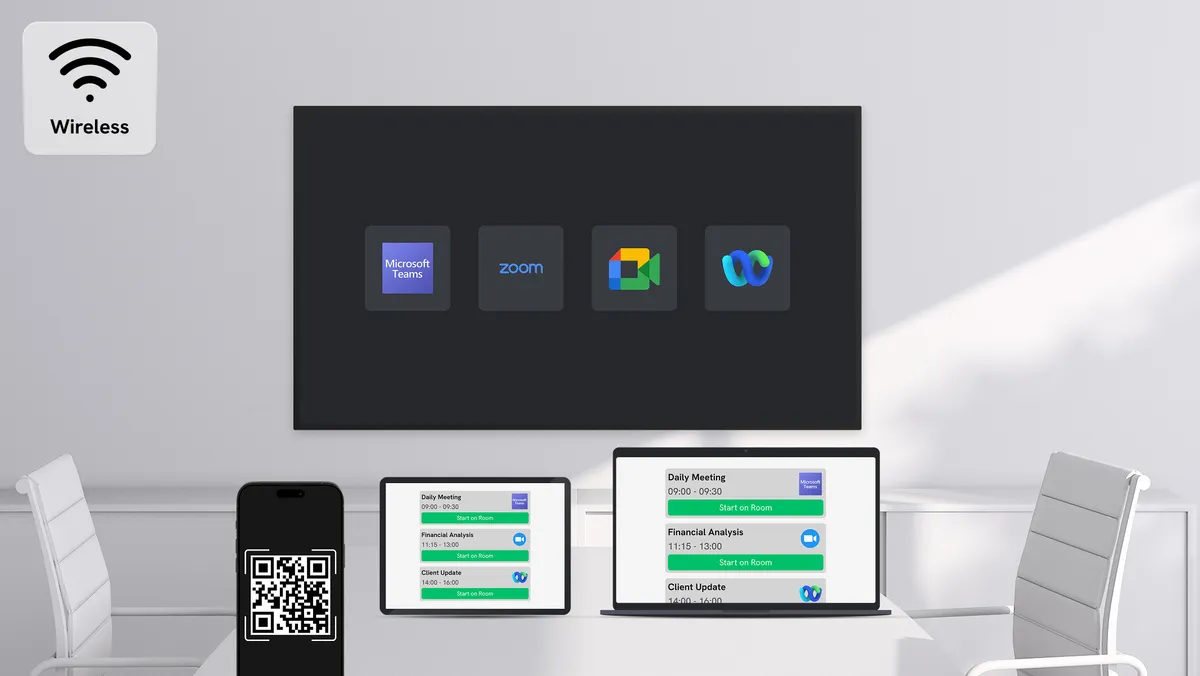
Host from the Room wirelessly
Use the Mago Pro to launch meetings via QR, meeting ID, or scheduled invites via a dedicated room resource.
Integrate with your Office365 or Google calendar for true one-touch join.
Use case 2
Host from Your Laptop via USB-C
Just plug in a single USB-C cable—and your laptop display, audio, and camera are connected in seconds to the room big screen.
Built for Users, Designed for IT
Why Teams Love It:
- Zero learning curve
- Works across all major conferencing platforms
- Seamless transitions from wired to wireless
Why IT Love It:
- Low Total Cost of Ownership
- Centralized Management
- Scalable by Design