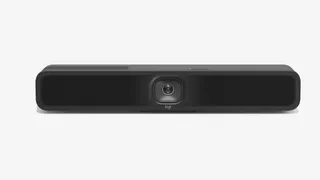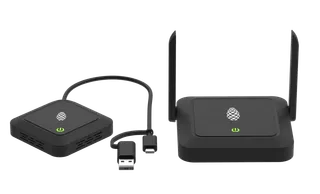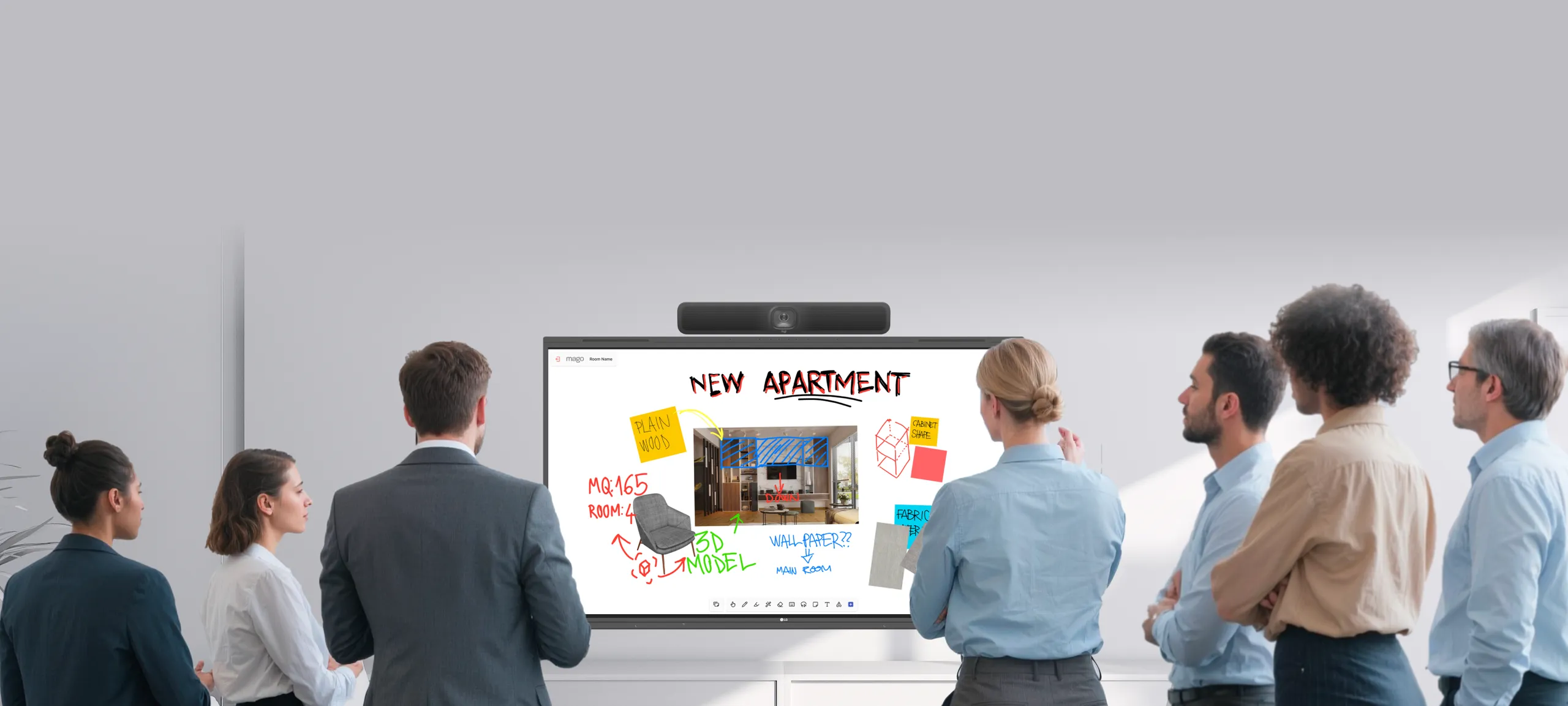

A team brainstorming on an LG CreateBoard with a Logitech MeetUp 2
Mago + LG

Where ideas thrive!

Whiteboarding reimagined for real-time collaboration and brainstorming

Mago Board in collaboration with LG and Logitech
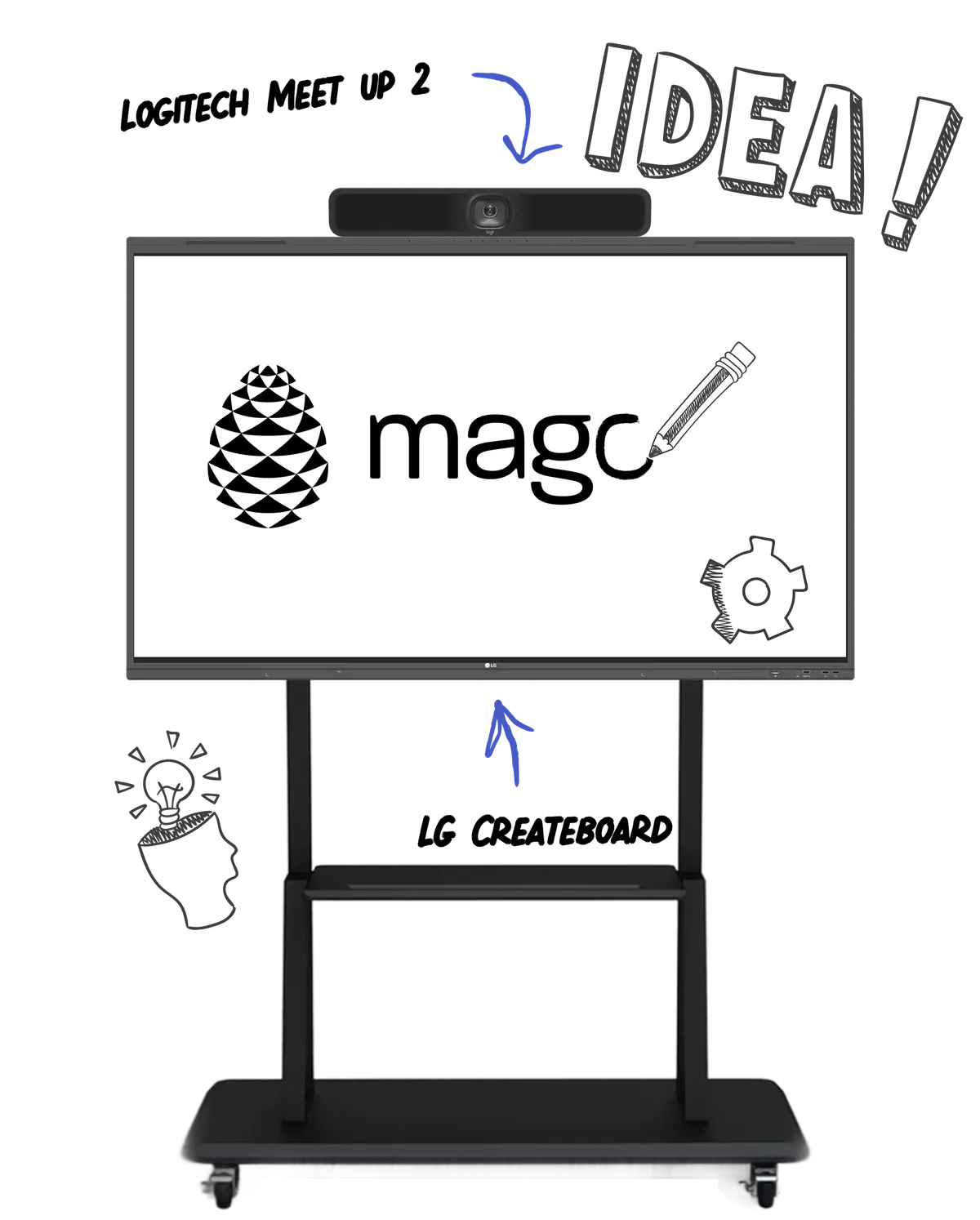
An all-in-one toolkit designed to enhance communication, boost engagement, and maximize productivity.
Mago Board for LG featuring a LG CreateBoard and a Logitech MeetUp 2

Match any meeting room

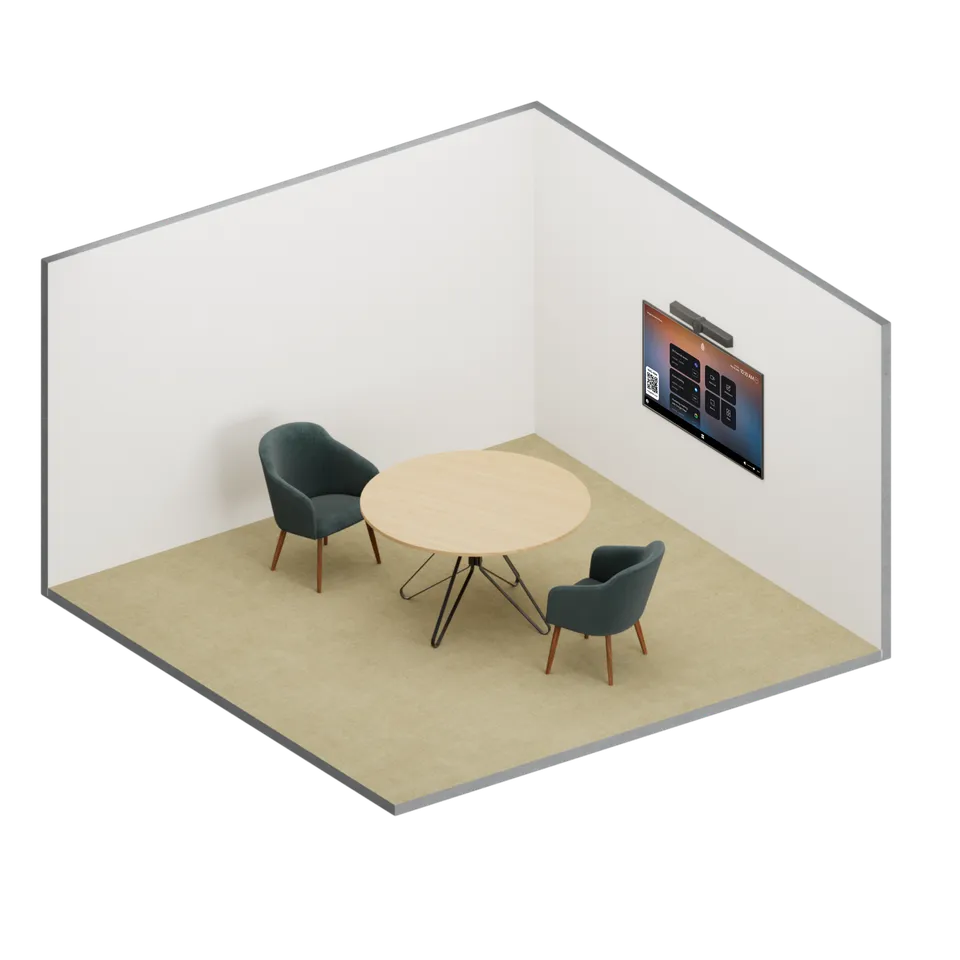
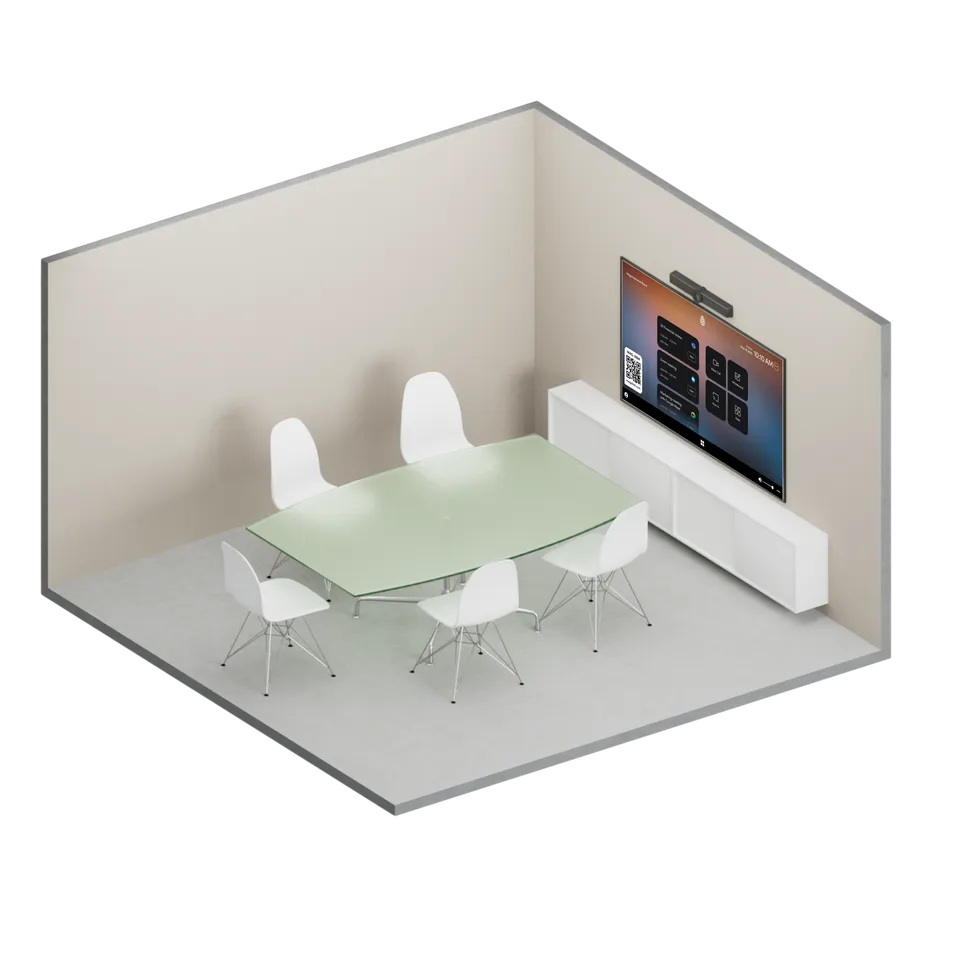
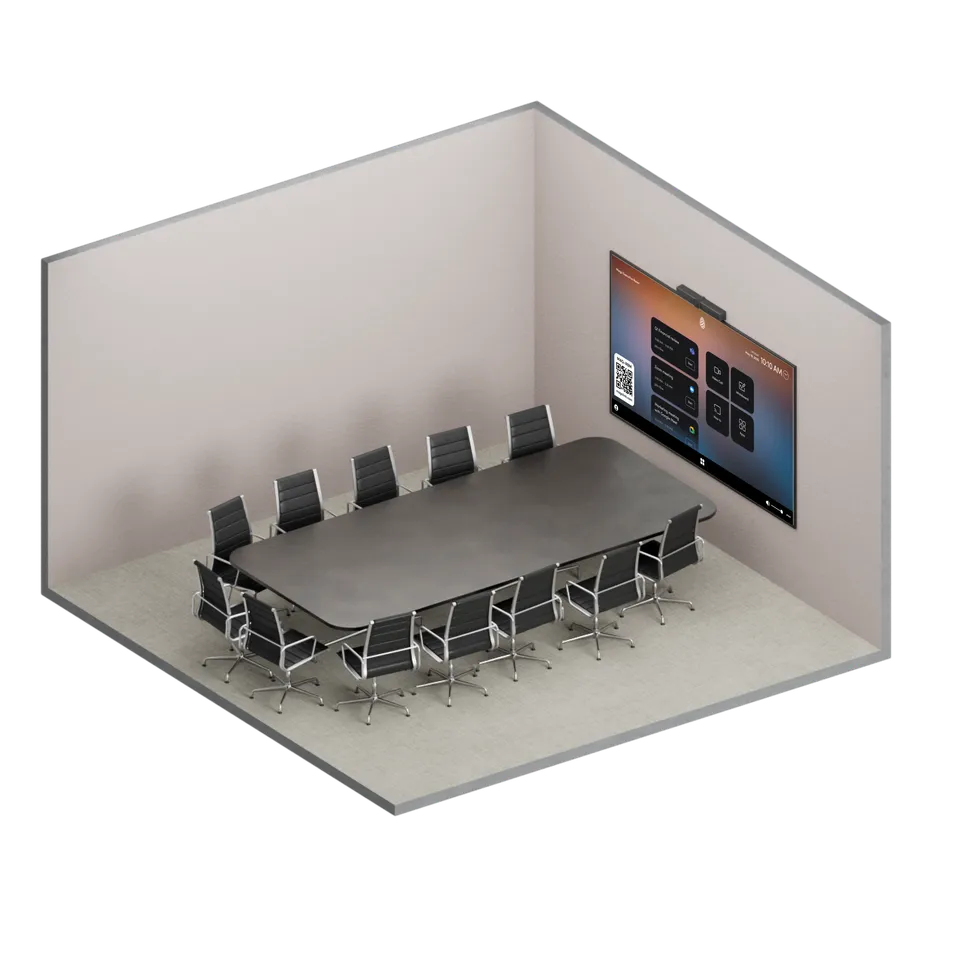
Mago Board for LG offers multiple configurations, including wall-mount and rolling-stand options, making it a perfect fit for meeting rooms of any size or layout. Pair it with Logitech MeetUp 2 to support seamless collaboration among more participants.
  • 65'

    Huddle Room

    Huddle Room

    Size: 2-4 people

  • 75'

    Medium Conference Room

    Medium Conference Room

    Size: 5-8 people

  • 86'

    Large Conference Room

    Large Conference Room

    Size: 9-12 people

Better together

Logitech MeetUp 2, the perfect pairing
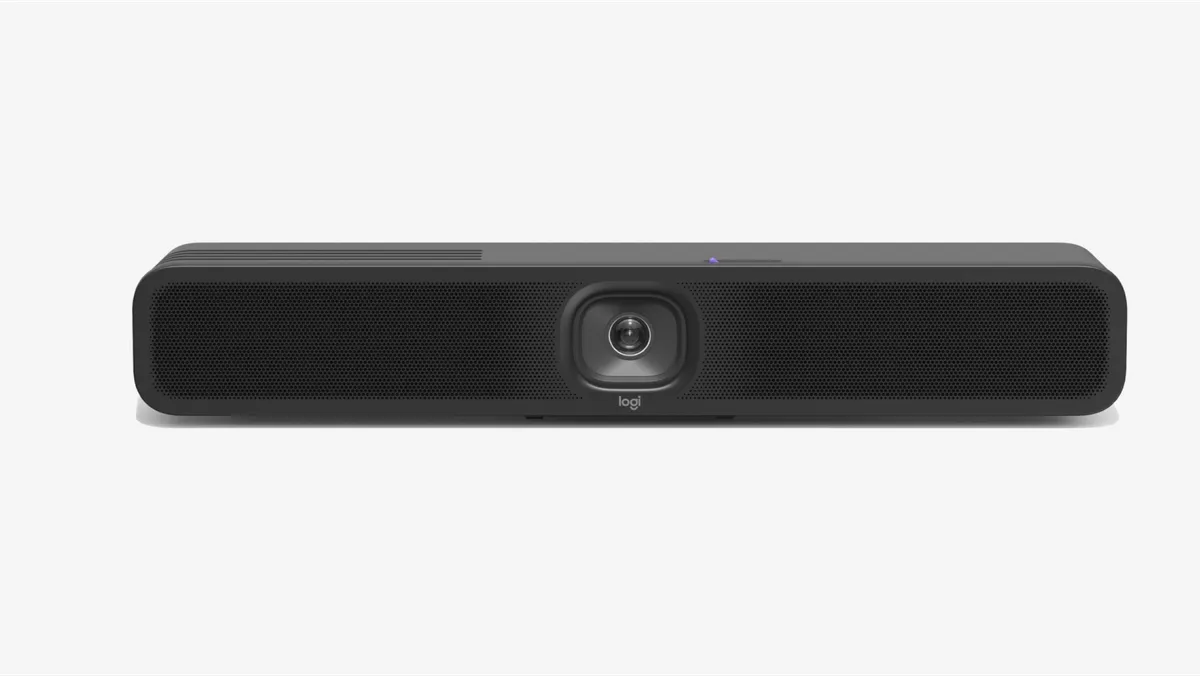
Mago and Logitech seamlessly integrate to deliver an elevated hybrid meeting experience, combining Logitech’s high-quality audio-visual technology with Mago’s intuitive design and powerful performance.
Logitech MeetUp 2
“I recommend it to everyone: if it used to take me 60 minutes, now it only takes 10.”
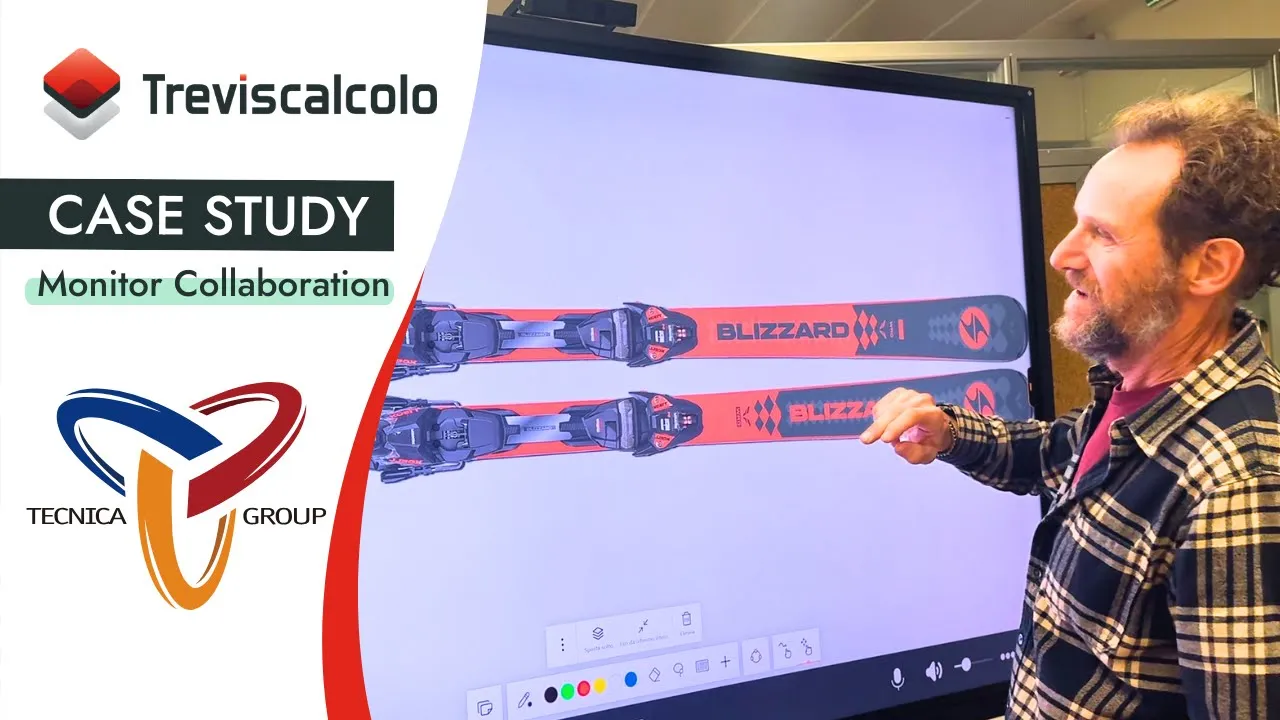
Paolo BattistoniSenior Designer Ski per Tecnica
Play video
Get to know

This is Mago!

See how Mago transforms teamwork with its interactive whiteboard, bringing ideas to life through real-time collaboration, easy content sharing, and a natural writing experience on Android and Windows boards!
Play video
User-friendly

Intuitive user interface

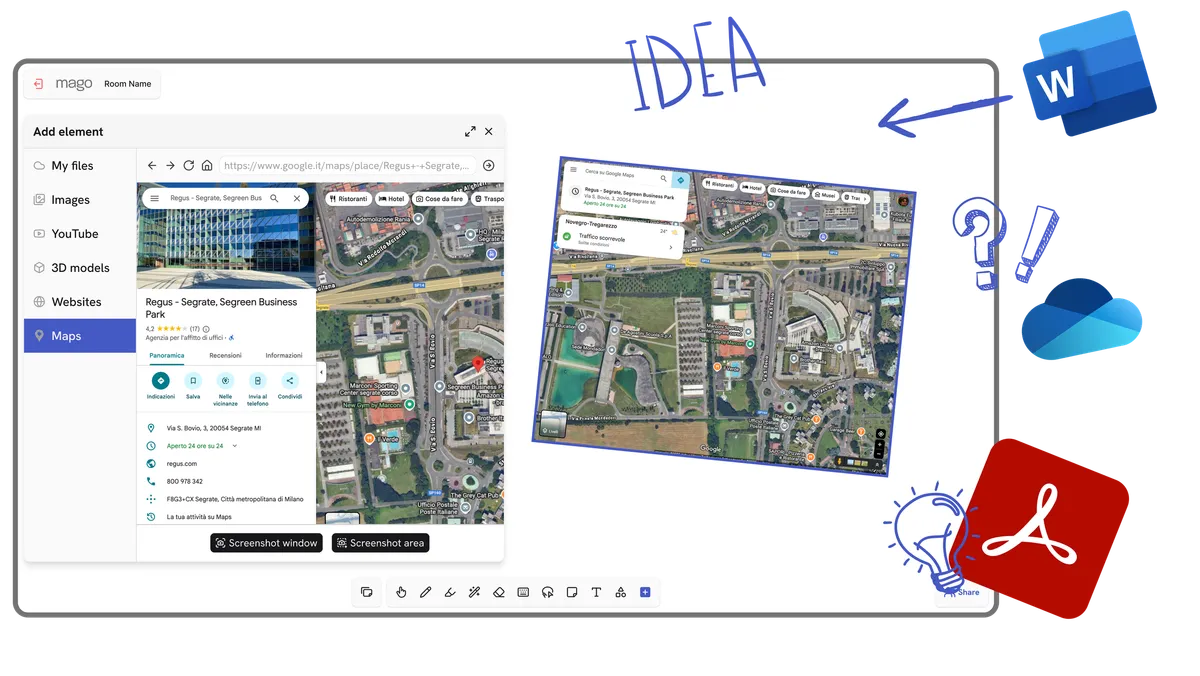
Easy to use UI/UX for accessing any contents. It’s easy to capture documents, 3D scan, sketch ideas, drop images or videos, add notes, and pull assets directly from the web. Moreover, Mago sessions can be autosaved. Everything gets instantly saved and stored in your private server instance, so you’ll never loose any valuable information, and all ideas can be easily accessed by everyone.
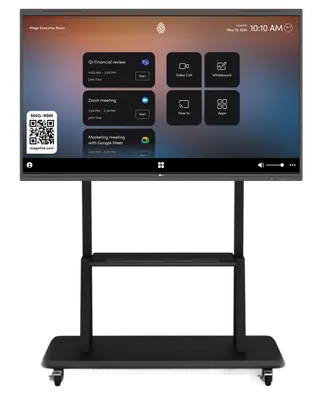
The Mago Board user interface
Remote collaboration

Online meetings for Mago Board

Whiteboarding and full-screen video conferencing in one space. Get your whole team, wherever they are located, together with Mago.

Mago Meet for Mago Board, which displays scheduled meetings and allows participants to join a meeting with just one tap. Users can then seamlessly switch between video conferencing and whiteboarding at any time.

Through connections with Google or Microsoft 365 calendars, Mago Board extend support for one touch join and instant meeting to +20VC platforms including support for MS Teams, Google Meet, Cisco Webex and Zoom. Mago Board with full-screen video conferencing makes worldwide collaboration smooth and seamless
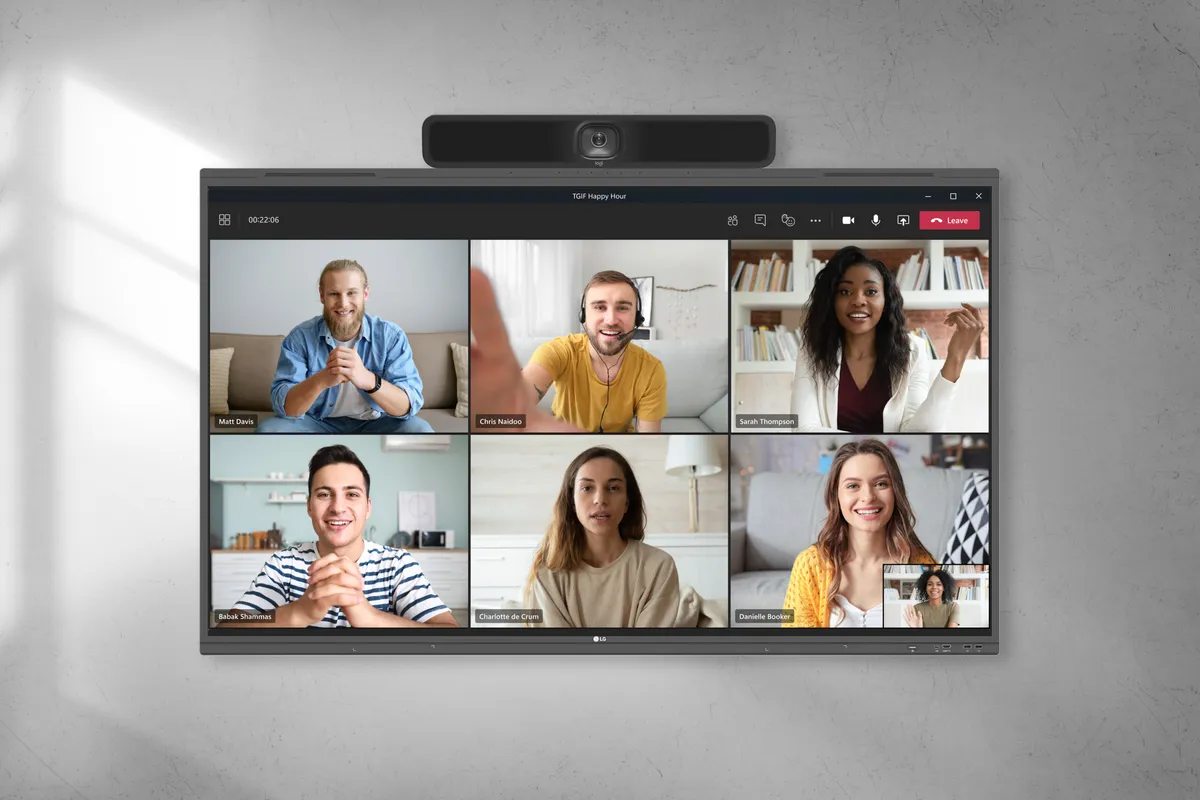
Microsoft TeamsZoomCisco WebexGoogle Meet+ 20 VC Platforms ...
A video call on Mago Board
Admin center

Easy admin for IT staff

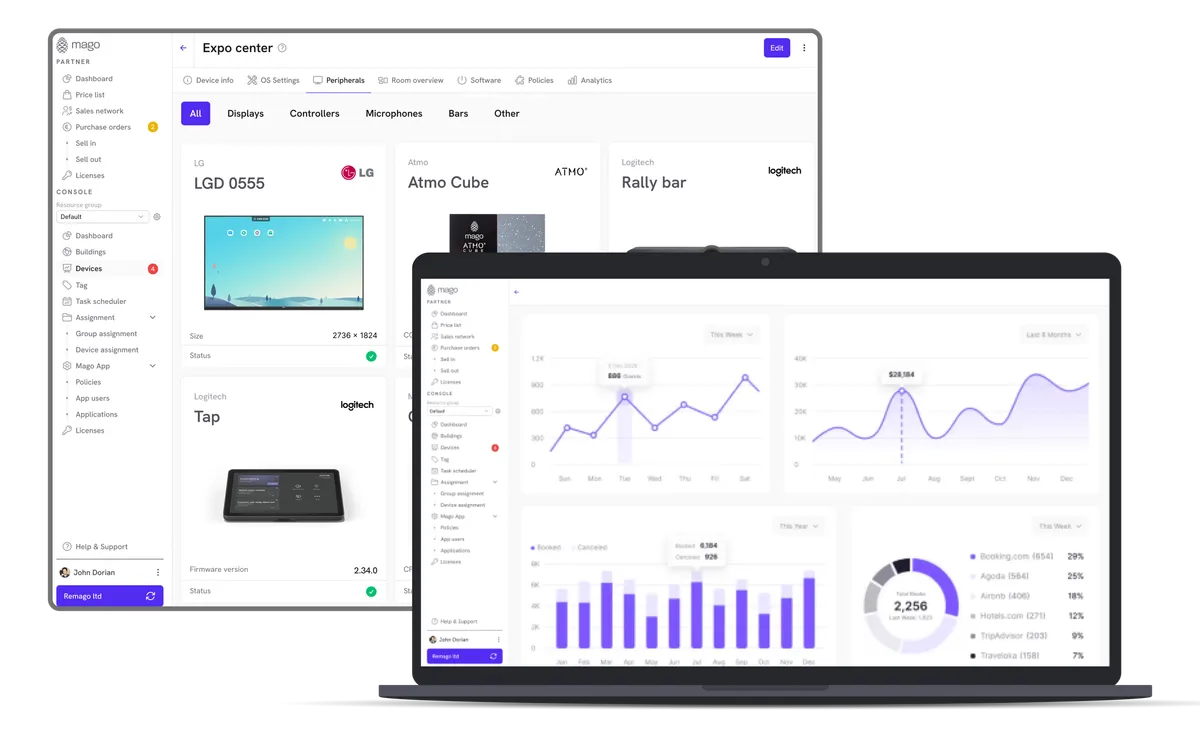
Through the Mago Admin center, IT staff can easily manage Mago Board and other meeting room resources remotely from a single location, which maximizes efficient usage. This makes Mago Board the perfect meeting room solution, helping all employees including top management to work more efficiently.
The Mago Admin center
Secure by design

Cutting-edge security

Self-hosting on private servers and custom security policies ensure confidentiality and data residency. Whiteboards can be saved and paused to keep important and relevant content permanently on your server. You’ll never have to write “Do Not Erase!” again.

Whiteboards can be stored in your cloud or on-premise server and all data is encrypted with 256-bit SSL encryption.

Mago security
Anytime, anywhere

Discover the Mago app for mobile

Available for Android, iOS, and Google Chrome. The Mago app allows users to collaborate anytime, anywhere, from mobile phones, tablets, web, or from another Mago Board.
AndroidAppleChrome
The Mago app on phone, tablet and browser

Choose your setup

Choose the BYOM setup for lower total cost of ownership, or opt for the OPS configuration with Mago Pro to unlock a complete multi-conference experience directly in the meeting room.
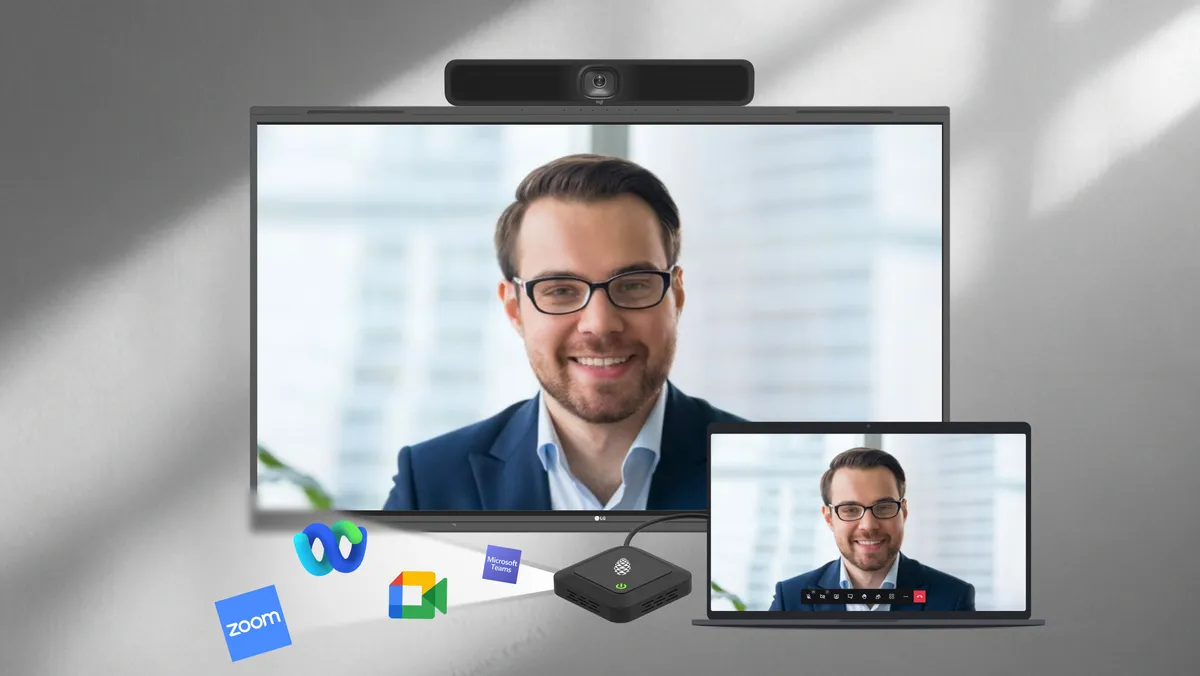
A laptop hosting a call through a BYOM dongle on an LG CreateBoard
Android
BYOM with dongle
Host a call from your laptop
Allows users to connect their laptop via a BYOM dongle to use the room's camera and microphone. It provides a lower TCO meeting solution.

This bundle includes:

  • LG CreateBoardLG CreateBoard
  • Logitech MeetUp 2Logitech MeetUp 2
  • Mago BYOM kitMago BYOM kitMago For Display - Android (1-year license)
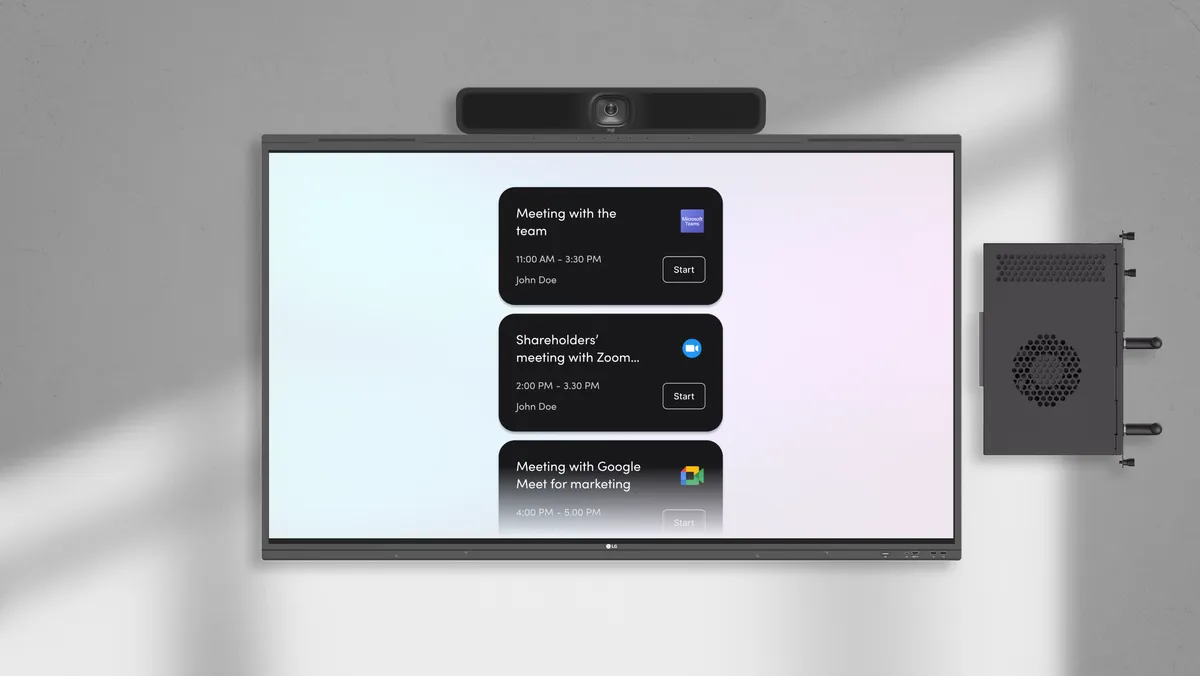
Mago Pro running on the OPS of an LG CreateBoard
Windows
Dedicated room kit
Host or Join any call from a dedicate room kit
Run Mago Pro directly from the room's display through the integrated Compute OPS for a full multi-conference experience.

This bundle includes:

  • LG CreateBoardLG CreateBoard
  • Logitech MeetUp 2Logitech MeetUp 2
  • Mago ProWindows (1-year license)

Our partners

LG
LG Business Solutions provides commercial displays, digital signage and professional AV solutions for enhanced workplace collaboration.
Logitech
Logitech designs and manufactures innovative peripherals and software for video conferencing, gaming, streaming and productivity solutions.
Mago for LG

Interested in Mago for LG?

Contact our sales team to get a quote or to schedule a demo.
By clicking Send request you consent to allow Re Mago Ltd or a Re Mago Ltd authorised partner to store and process the personal information submitted above to provide you with the requested content. Privacy Policy