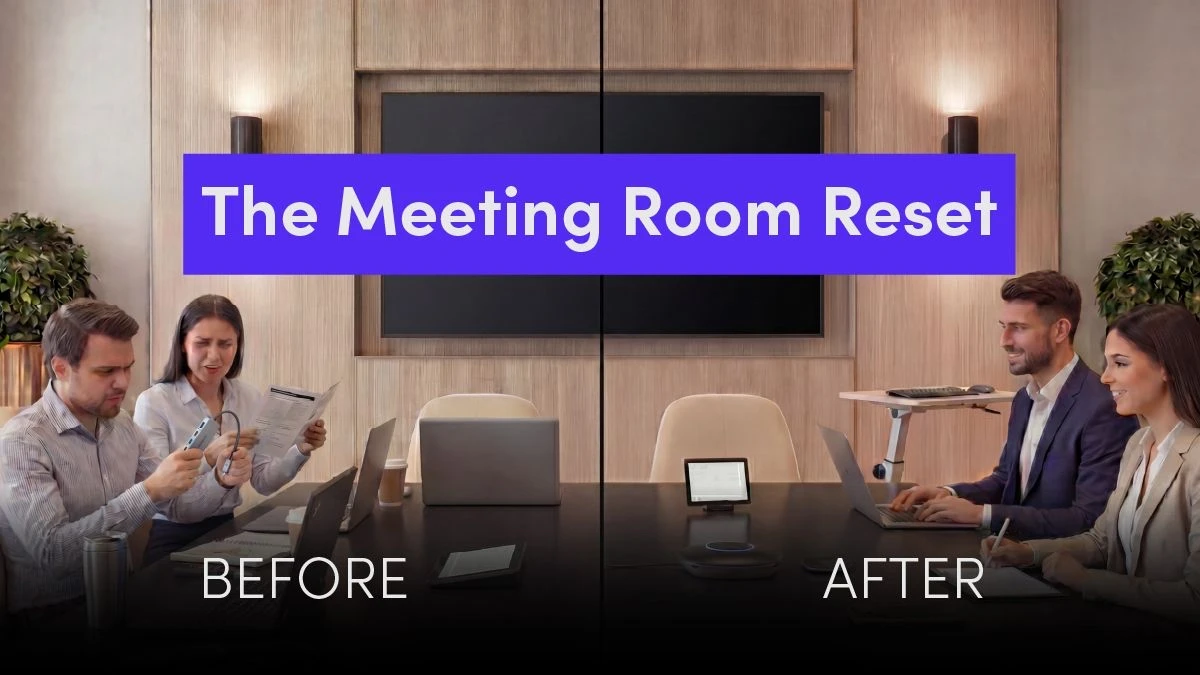
The Meeting Room Reset: Why Flexibility Matters More Than Ever

Enterprise IT leaders are navigating a moment of real uncertainty in the meeting room.
Over the past 27 years, I've watched platforms rise, dominate, and eventually decline. I've seen hardware come to market with great promise, only to become obsolete when software support fades. Who remembers BlueJeans and the Google Jamboard?
What's different today is the scale of the impact. Organizations have made significant investments in collaboration technology, and in some cases, those investments are now at risk.
Two recent examples bring this into sharp focus: the evolving status of the Microsoft Surface Hub and the changing role of devices like the Neat Frame. These are not fringe products. These are enterprise-grade solutions that were positioned as long-term investments.
Now, IT leaders are asking a very real question: What do we do when the hardware still works, but the platform no longer supports it?
The Hidden Risk of Platform Lock-In
When organizations standardize on a single meeting platform tied to specific hardware, they often gain short-term simplicity. But that simplicity can come at a long-term cost.
Platform lock-in creates dependency. When that platform changes direction, sunsets features, or shifts device strategy, customers are left with limited options.
I've had conversations across the Americas, Europe, the Middle East, and APAC, and the feedback is consistent:
- Security is non-negotiable
- The user experience must be consistent across every room
- Hardware flexibility is critical
- Meeting platform flexibility is expected
And perhaps most importantly: teams are tired of being restricted by decisions they made years ago under very different conditions.
A New Approach: Decoupling Hardware from Platform
This is where the industry needs to evolve.
Instead of tying hardware to a single platform, organizations should be thinking about how to separate the meeting experience from the underlying systems.
That's exactly the approach we've taken with Mago. Mago is a software platform that runs on your existing meeting room hardware, acting as an intelligent layer above your current conferencing solutions. It is not a replacement appliance or a managed service, but a flexible software solution that you install on supported Windows or Android devices.
Mago is designed to sit above the meeting platforms and hardware, not inside them. It gives organizations the ability to:
- Join Microsoft Teams, Zoom, Webex, and Google Meet meetings from the same room
- Use the hardware they already own, whether it runs Windows 11 or Android
- Deliver a consistent user interface across every meeting space
- Enable both wireless and wired content sharing
This is not about replacing everything. It's about extending what you already have.
Breathing New Life Into Existing Investments
For organizations that have deployed solutions like Microsoft Surface Hub or Neat Frame, the challenge is not that the hardware has failed. The challenge is that the ecosystem around it has shifted.
That creates a difficult situation:
- Hardware is still functional
- Budgets for full replacement may not be approved
- End users still expect a modern meeting experience
Mago addresses this gap directly.
Instead of forcing a rip-and-replace strategy, Mago allows IT teams to:
- Repurpose existing hardware
- Standardize the experience across mixed environments
- Extend the lifecycle of devices that would otherwise be retired
This is especially important for large enterprises managing dozens, hundreds, or even thousands of rooms.
Consistency Across Every Space
One of the biggest pain points I hear from IT leaders is inconsistency.
Different rooms behave differently. Different devices require different workflows. Users walk into a space and hesitate because they are not sure how to start a meeting or share content.
That friction adds up.
Mago creates a consistent experience across:
- Dedicated meeting rooms
- BYOD spaces
- Open collaboration areas
- Executive boardrooms
Whether the room is running Android or Windows 11, the experience remains the same. That consistency reduces training requirements, lowers support tickets, and improves adoption.
Security Is Not Optional
Every conversation I've had with enterprise customers includes security. Not as a feature. As a requirement.
Organizations need to know:
- Where their data is going
- How meetings are being accessed
- Whether the solution aligns with their security policies
Mago is built with enterprise-grade security in mind, with flexible deployment options that support both cloud and on-premise environments. From a security standpoint, Mago is designed to align with modern enterprise requirements, including:
- Secure Meeting Access: Meetings are protected through controlled access methods, including meeting IDs, passcodes, and authenticated join workflows where required by the platform
- Data Privacy by Design: Mago does not store or retain meeting content, shared screens, or user data, minimizing risk and aligning with strict data governance policies
- Encrypted Communications: All communication between devices, users, and services is encrypted to protect data in transit
- Enterprise Authentication Support: Integration with enterprise identity frameworks ensures that access can be aligned with organizational policies
- Flexible Deployment Models: Organizations can choose between cloud-based management or on-premise deployment for greater control over data and infrastructure
- Administrative Control & Visibility: IT teams have centralized control over devices and usage through the Mago Admin Center, allowing for monitoring, configuration, and policy enforcement at scale
- Network Flexibility: Designed to operate securely across corporate networks, segmented environments, and even scenarios where users are not on the same network
Security is not treated as a feature. It is a foundational requirement. Every customer conversation we have includes security, and Mago is designed to meet those expectations without compromising usability or flexibility.
Rethinking BYOD
BYOD was introduced as a way to provide flexibility. In reality, it often introduces new challenges.
- Users bring different devices
- Cables and adapters become points of failure
- The experience varies depending on the user
Mago offers a different path.
With browser-based wireless sharing and simple room controls, users can walk into a space and start collaborating without relying on cables or complicated setups. At the same time, wired options remain available for environments that require them.
This hybrid approach ensures flexibility without sacrificing reliability.
Planning for What Comes Next
If the past few years have shown us anything, it's that the meeting room landscape will continue to evolve.
New platforms will emerge. Existing platforms will change. Hardware vendors will innovate, pivot, or exit categories.
The organizations that succeed will be the ones that build flexibility into their strategy.
Mago enables that flexibility by:
- Removing dependency on a single platform
- Allowing hardware choice based on use case, not certification
- Providing a consistent experience that can adapt over time
A Practical Path Forward
For IT leaders dealing with unsupported or soon-to-be unsupported devices, the path forward does not need to be disruptive. Here is a practical step-by-step roadmap for transitioning to Mago:
- Assess your current landscape: Identify which rooms and devices are impacted by vendor changes or approaching the end of support.
- Review hardware compatibility: Verify that existing equipment can run Mago, focusing on supported Windows and Android devices.
- Pilot Mago in a limited set of rooms: Select a representative sample of spaces to install, configure, and test the Mago software alongside your current meeting platforms.
- Standardize the user experience: Customize and unify Mago's user interface and workflows based on feedback from end users and IT support.
- Scale deployment: Roll out Mago across additional rooms and locations, leveraging existing hardware wherever possible.
- Monitor, train, and refine: Use Mago's admin tools to monitor usage, provide training as needed, and adapt configurations to organizational needs.
By following these steps, organizations can migrate at their own pace, minimize disruption, and extend the value of their existing meeting room investments.
Start with a simple evaluation:
- Which rooms are impacted today?
- Which devices are still functional but at risk?
- Where is inconsistency creating user frustration?
From there, consider how a platform-agnostic layer can help stabilize your environment. This is not about chasing the next trend. It's about creating a foundation that can support whatever comes next.
Final Thoughts
I've spent nearly three decades in this industry, and one thing has remained constant: change is inevitable.
What doesn't have to change is your ability to adapt.
Organizations should not be forced into costly refresh cycles simply because a platform decision was made years ago. They should not be locked into a single ecosystem that limits their ability to evolve.
Mago represents a shift in how we think about meeting rooms. Not as fixed environments tied to a single vendor, but as flexible spaces that can adapt to the needs of the business.
If you're currently evaluating what to do next with your meeting room investments, you're not alone. And more importantly, you have options.
Many large organizations have already adopted Mago to modernize their meeting rooms and extend the value of their existing hardware. Across multiple customer success stories, global enterprises have deployed Mago at scale across dozens to hundreds of meeting spaces, transforming outdated or inconsistent environments into standardized, easy-to-use collaboration experiences.
Organizations in sectors such as financial services, manufacturing, and enterprise services have reported smoother transitions, fewer support tickets, and a more intuitive user experience for both internal teams and external participants. By moving to a platform-agnostic approach, they've been able to connect to multiple meeting platforms, simplify workflows, and significantly reduce operational friction without replacing their existing equipment.
In many cases, teams that previously struggled with multiple tools, inconsistent room setups, and unreliable meeting experiences can now walk into a room, start a meeting, and share content in seconds without needing additional software, adapters, or training.
FAQ
Can you still use Microsoft Surface Hub for modern meetings?
Yes. With the right platform-agnostic solution like Mago, Surface Hub can be repurposed to support modern meeting workflows and multiple platforms.
What is the best alternative to replacing Neat Frame devices?
Extending the lifecycle with a flexible meeting room platform like Mago allows continued use without full replacement.
How can enterprises avoid meeting room platform lock-in?
By adopting a platform-agnostic solution that supports multiple conferencing services and hardware types.
Is BYOD the best solution for flexible meeting rooms?
Not always. While flexible, BYOD can introduce inconsistency and complexity. A standardized room-based solution often delivers a better user experience.