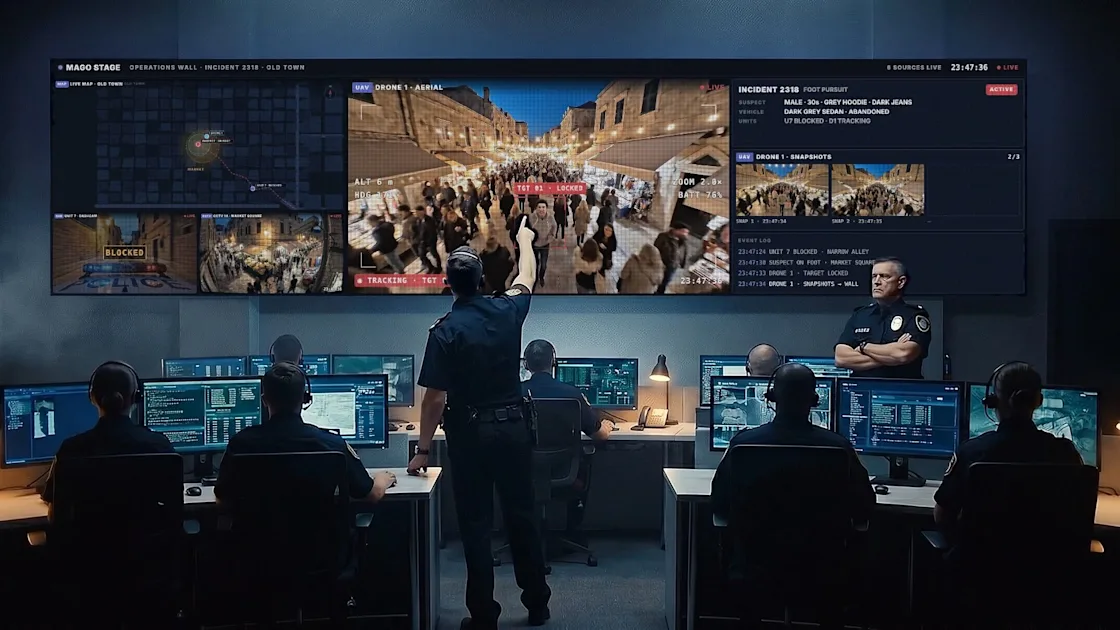
Control Room Video Wall Software: Maps, Cameras, Dashboards
Put live maps, CCTV, drone feeds, dashboards and workstations on one operations wall, driven from a single console. See how Mago Stage works for control rooms.
How to Build an Interactive Company History Wall for Your Lobby
An interactive company history wall lets visitors scroll your milestones, people and places on a touchscreen. Here is how to build one with Mago Memories.
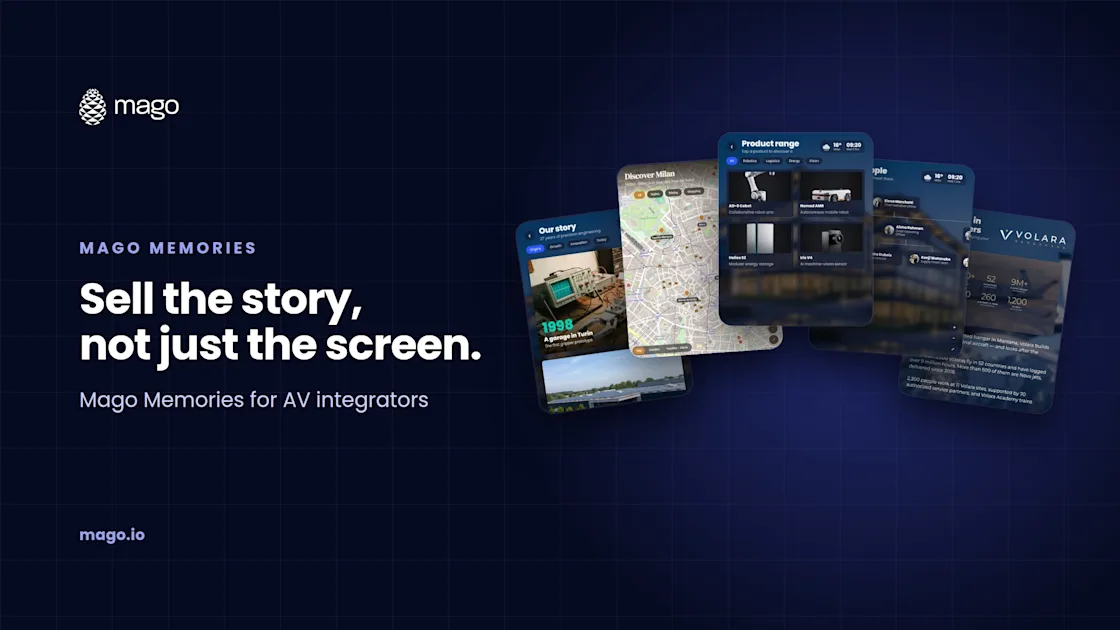
Interactive Signage Software for AV Integrators: A Guide to Mago Memories
How AV integrators use Mago Memories to turn installed touchscreens, LED walls and video walls into interactive signage, on any player, from $9 per display.
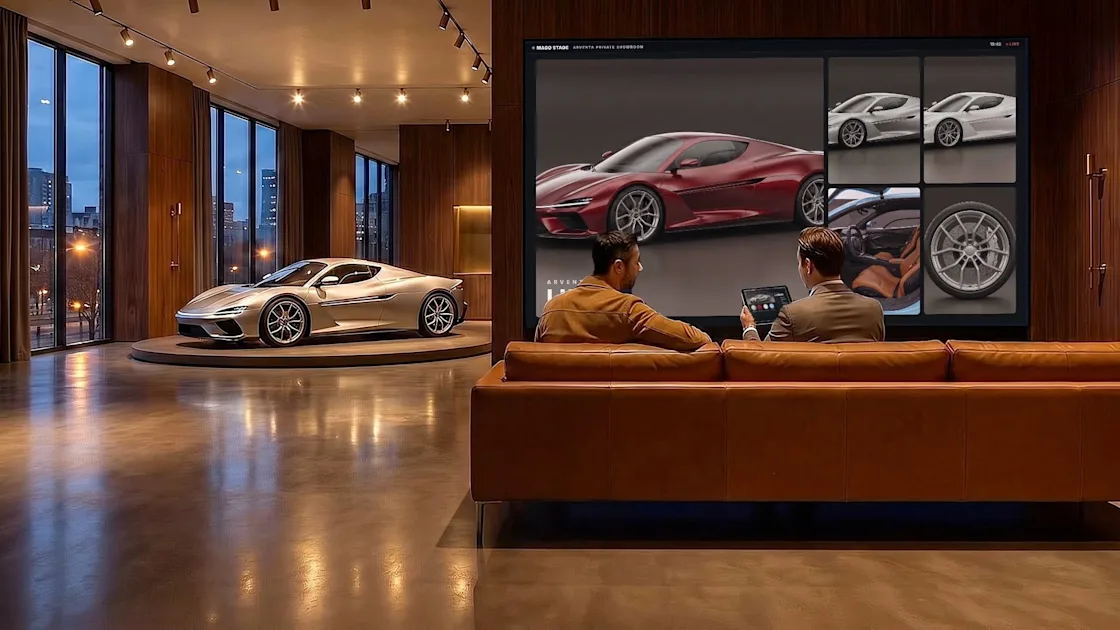
Interactive Showroom Software for Automotive and Retail
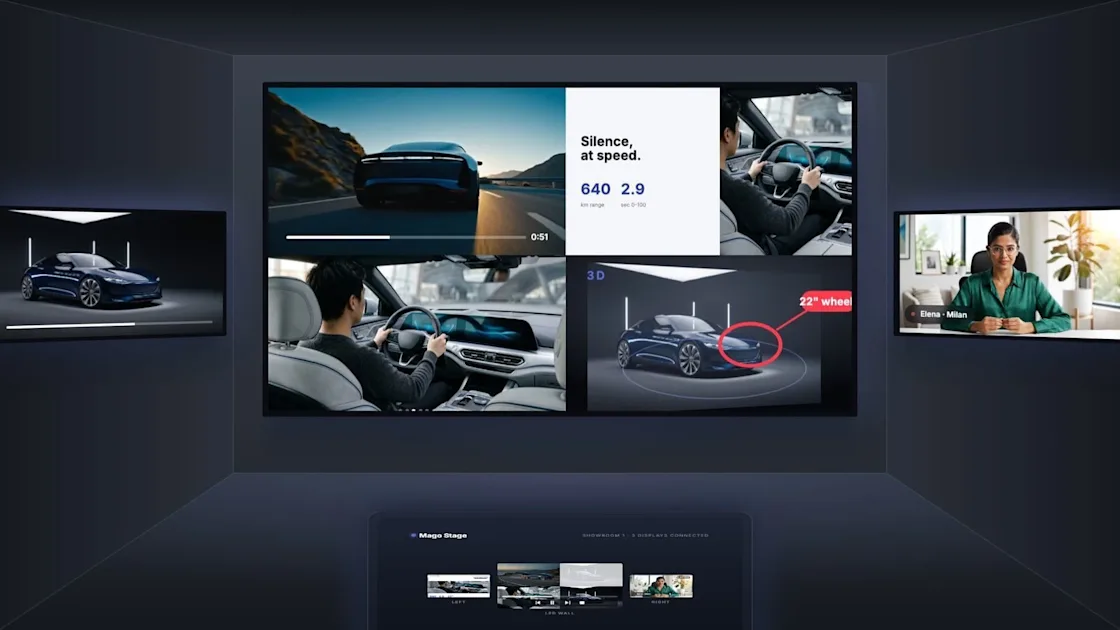
Turn touch displays into self-service showrooms with 3D models, configurators, mixed reality and lead capture. See how Mago Stage works for auto and retail.
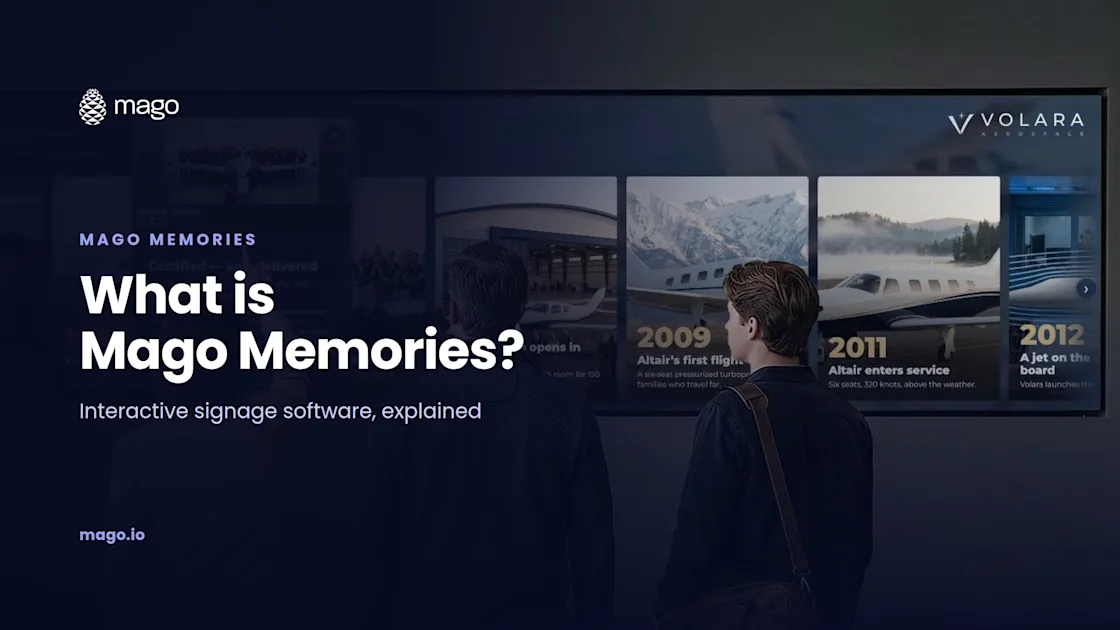
What Is Mago Memories? Interactive Signage Software Explained
Mago Memories is interactive signage software that turns touchscreens, LED walls and video walls into stories visitors tap, explore and take home by phone.
How to Control Multiple Displays From One Tablet
Run several screens from a single tablet. Learn how to connect, drag content onto any display, and choose mirrored or independent layouts with Mago Stage.
What Is Mago Stage? Multi-Display Presentation Software Explained
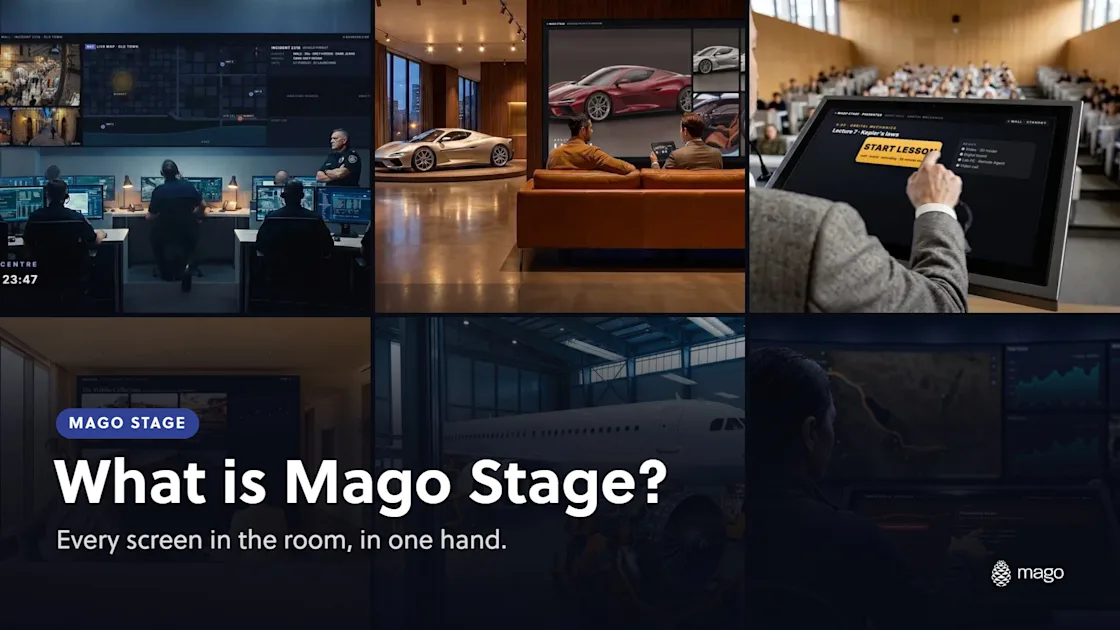
Mago Stage turns every display in a room into one stage. See how multi-display presentation software works, what it shows, and where it fits.
The Story Behind the Mago Pinecone
How a Symbol of Humility Became a Guiding Principle for the Future of Hybrid Work. When people first see the Mago logo, they often ask the same question: What does the pinecone represent?