

Unlock Smarter Spaces

From presentation to full collaboration, Mago enhances your Neat hardware for every kind of meeting experience.

Which setup best matches your meeting needs?

Explore one of the four quick paths below to see how Mago + Neat can make it effortless.

Your starting setup

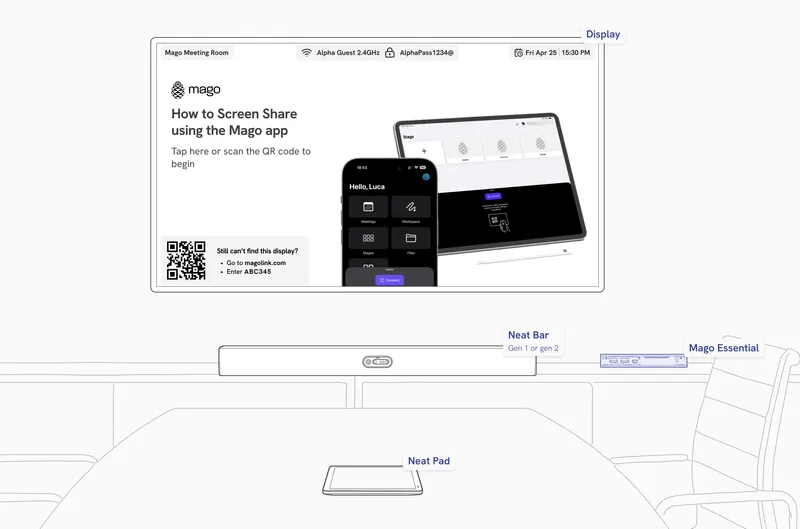
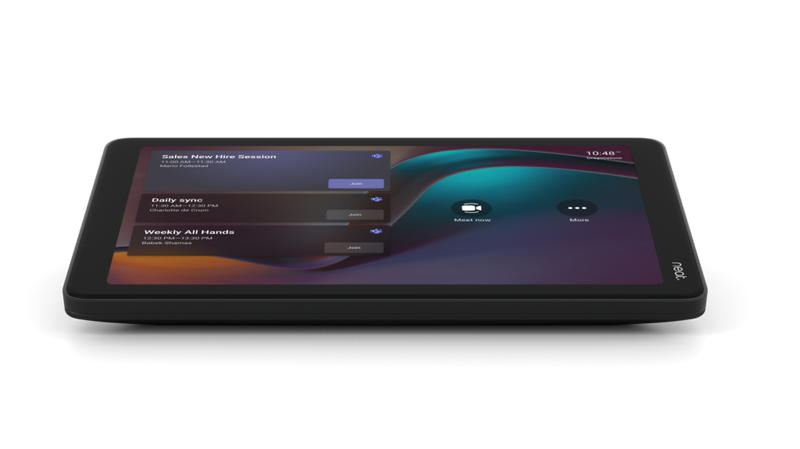
  • Neat Pad
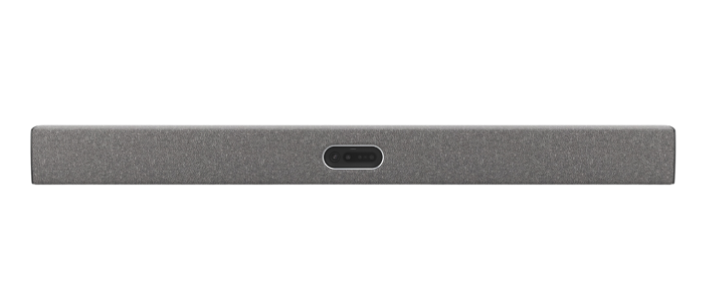
  • Neat Bar gen 1 or gen 2
  • Room Kit with Microsoft Teams Rooms or Zoom Room

What you need to enhance it

  • Mago For Display
    SKU:MR-DIS-SUB-1Y
  • Neat Pulse Plus or Pro license
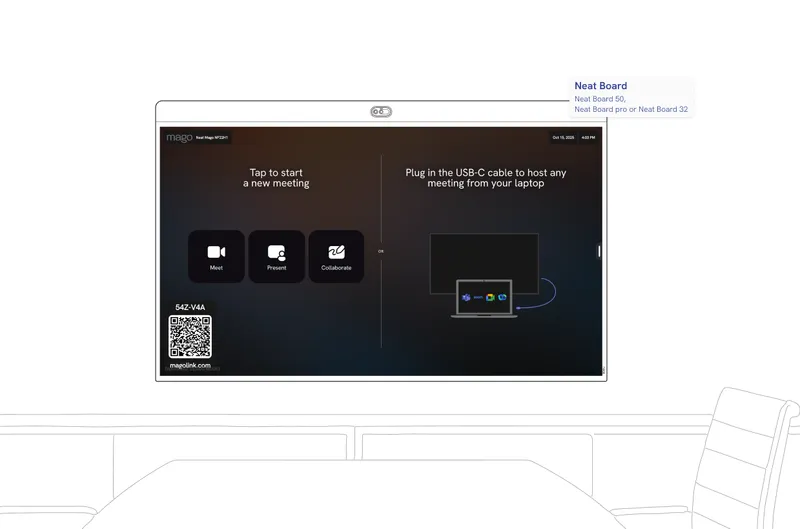
  • Neat Frame, Neat Board 50, Neat Board Pro or Neat Board 32

Expand your Neat Room.

Mago Companion Mode

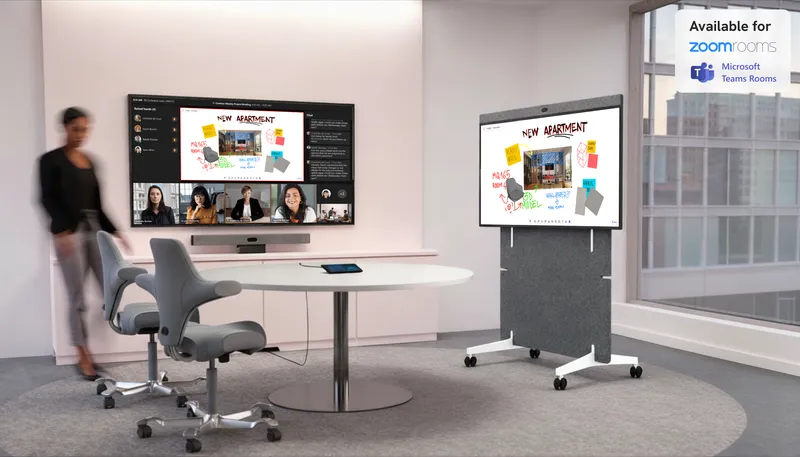
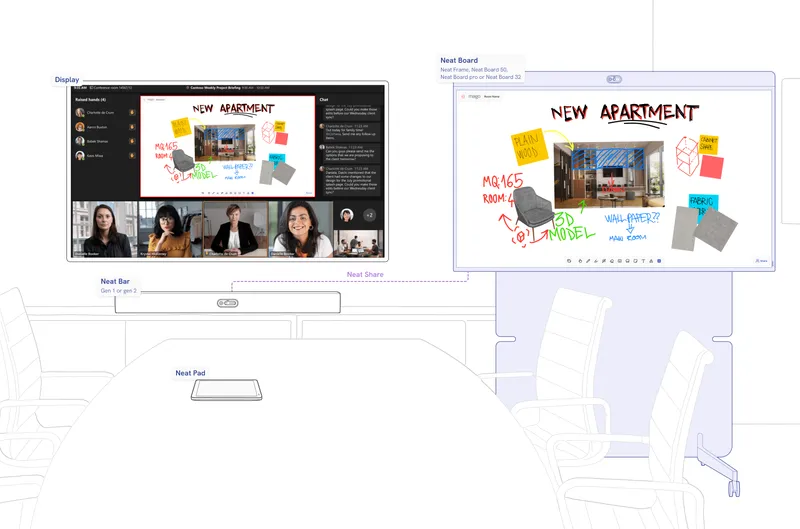
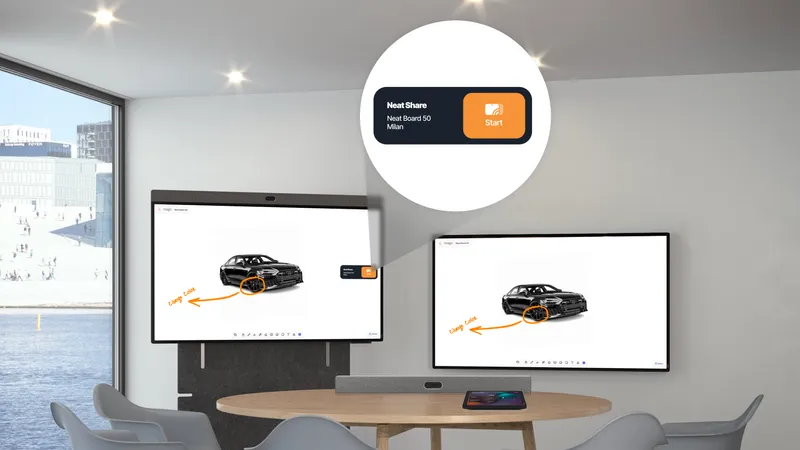
Use your Neat Board Pro, Neat Frame or Neat Board 50 as a Mago Companion Mode display to your existing Microsoft Teams Room or Zoom Room setup. With Neat Share, you can instantly ingest content or control the board directly from your Neat room, no extra cables, no complex pairing.

Available now on the Neat App Hub.
Extend your meeting possibilities

Connect your board and room system through Neat Share

Mago and Neat seamlessly integrate through Companion Mode using Neat Share, allowing a Neat Board to extend any existing room setup. By connecting via Neat Share, the board becomes a companion display for whiteboarding, content sharing, and collaboration, perfectly synchronized with the main room system for a unified and engaging meeting experience.

Collaboration without complexity

A seamless whiteboard experience with Neat Share

Integrating the whiteboard with Neat Share creates an intuitive, unified workspace that feels instantly familiar to any user. There’s no learning curve, no setup friction, and no need to understand multiple interfaces.
Everything works together naturally, so participants can focus on ideas, collaboration, and the meeting itself rather than on how to make the technology behave.

Your starting setup

  • Neat Pad
  • Neat Bar gen 1 or gen 2
  • Room Kit with Microsoft Teams Rooms or Zoom Room

What you need to enhance it

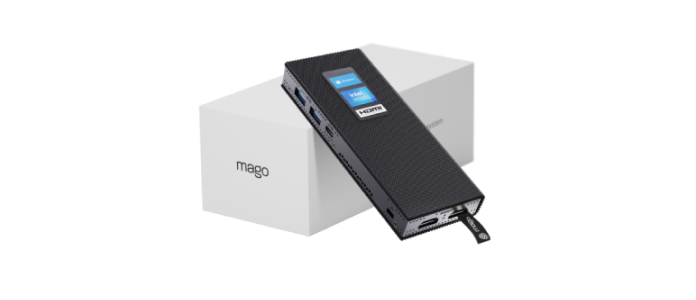
  • Mago Essential
    SKU:MH-CORE-IOT + MR-ESS-PERP or MR-ESS-SUB-1Y

Walk in. Share in seconds.

Wireless Present

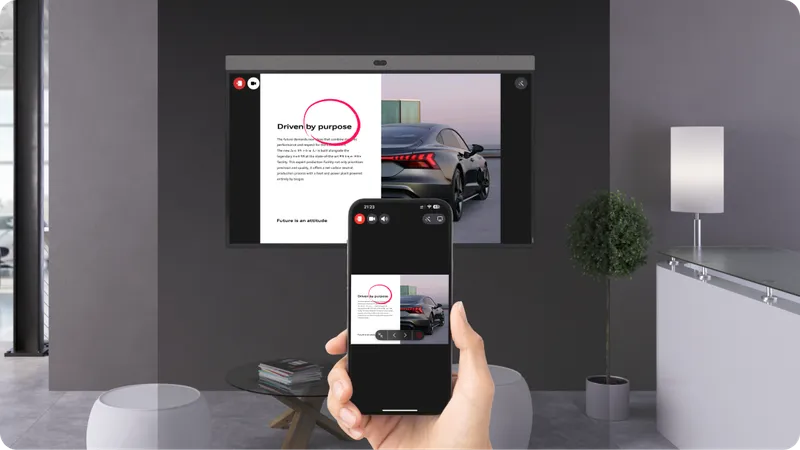
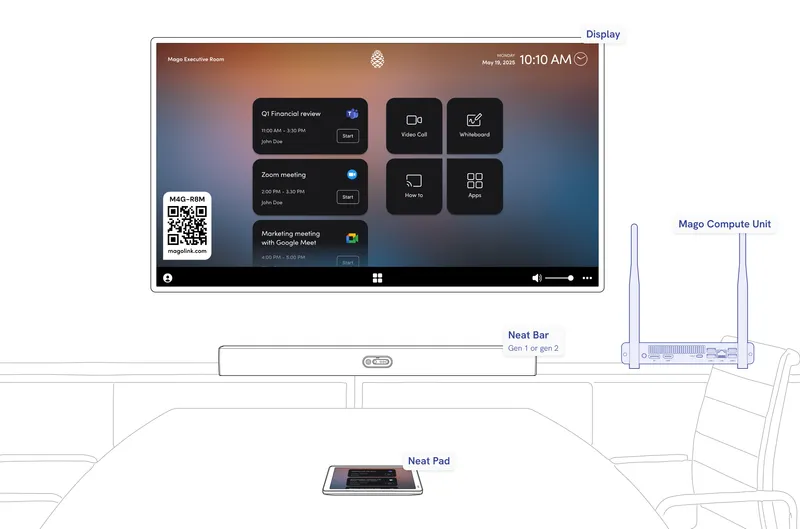
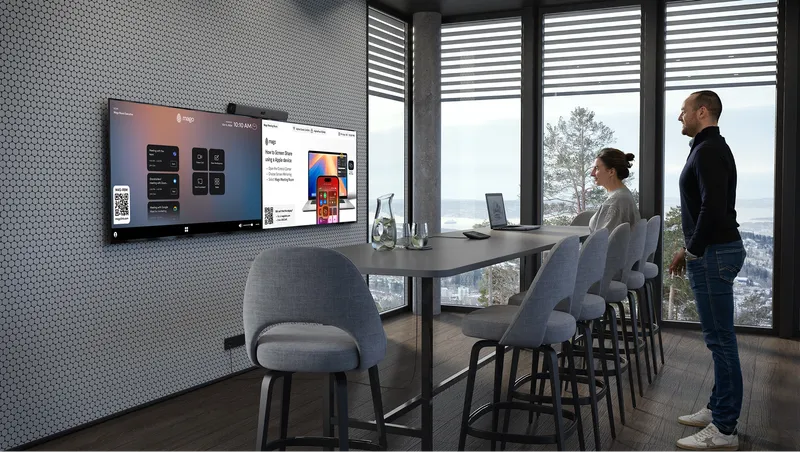
Whether you’re in a meeting or just need to show your screen on a Neat display, Mago Link makes it effortless. Simply walk into the room and share from any device, laptop, tablet, or smartphone, instantly and securely.

Fast and reliable wireless present

No cables, no stress.

There’s no need to install apps, connect cables, or use insecure USB keys. Just scan the QR code on the display and start presenting.

You can mirror your screen, share a file, or even join an ongoing meeting using your own device, without touching the room system or exposing your network.
MagoLink is fully network agnostic: the user's device doesn’t need to be on the same subnet and can even use a mobile connection like 4G or 5G, making it the ideal solution for guests who need to present instantly and securely.

Your starting setup

  • Neat Bar gen 1 or gen 2
  • coming soon
    Neat Pad (Optional)

What you need to enhance it

  • Mago Pro
    SKU:MR-PRO-PERP or MR-PRO-SUB-1Y
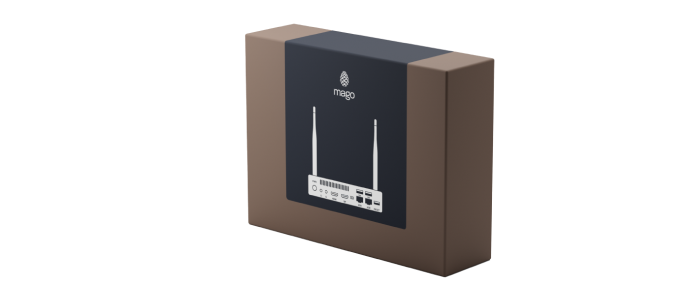
  • Mago Core Unit
    SKU:MH-CORE-PRO
  • or
  • Third party
    Click here for the list of all the compatible hardware.

Compatible controllers

  • iPad/ Android tablet
  • coming soon
    Neat Pad

One room, every platform

Multi-conference

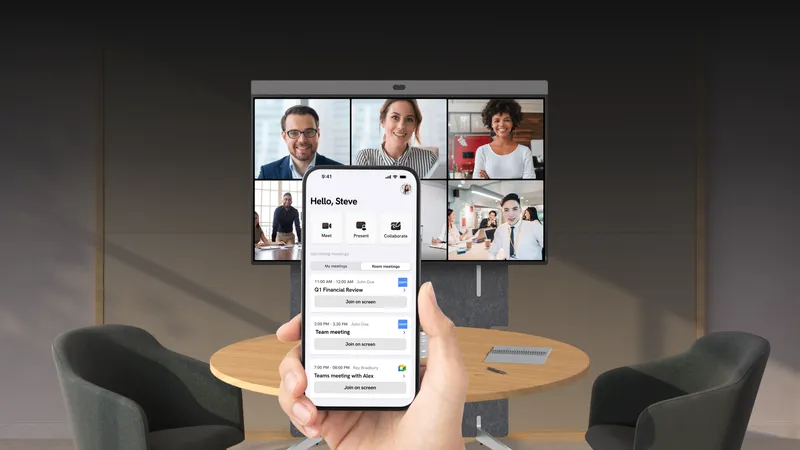
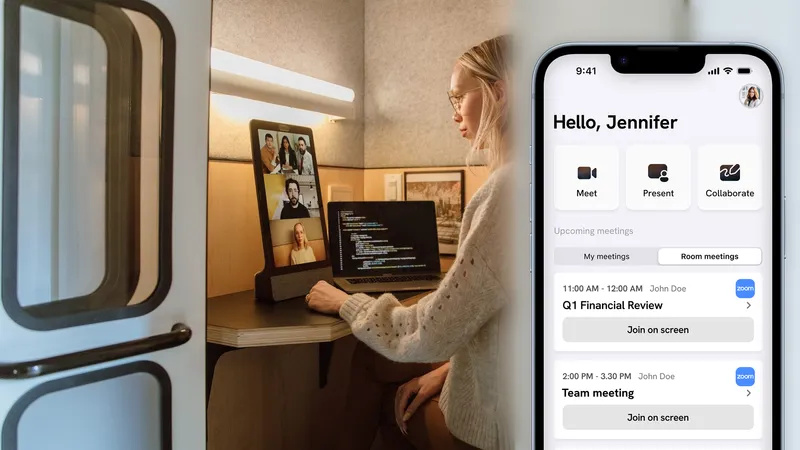
Mago brings true multi-conference flexibility to any room by seamlessly supporting USB cameras and devices, including Neat Bar Gen 1 and Gen 2 as well as Neat Pad. Users can access all major video platforms from a single interface and enjoy a consistent one-touch join experience to start, create, or control their meetings. This unified approach removes complexity and ensures every call runs smoothly, no matter which service the team needs.

One room, every platform

One-tap join

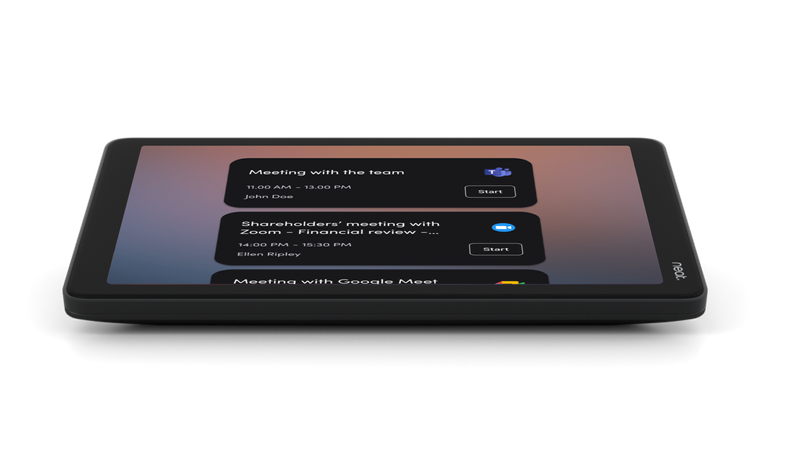
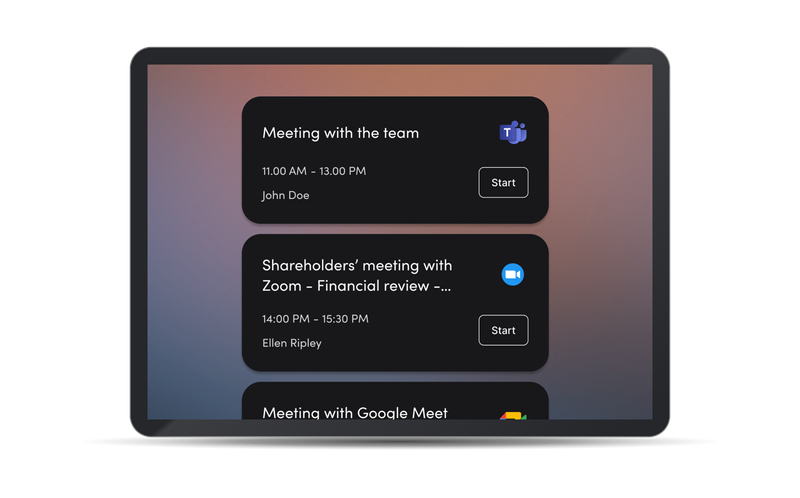
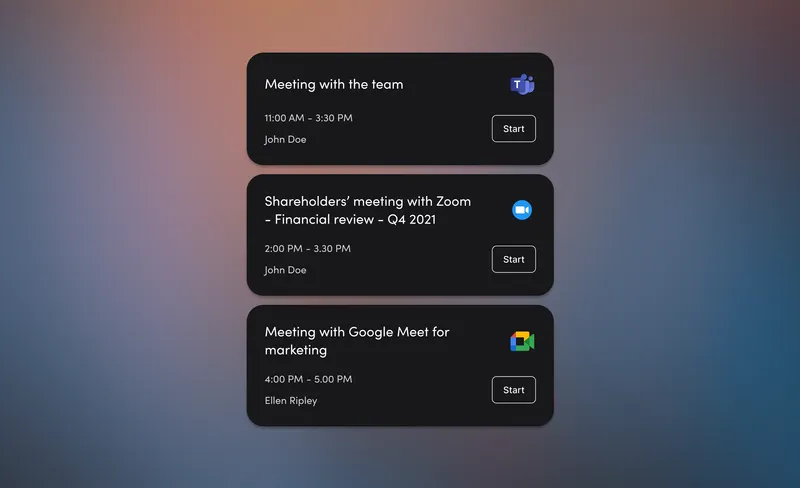
Mago for Neat unlocks complete platform freedom by letting the room work seamlessly with Microsoft Teams, Zoom, Google Meet, and Webex calendars at the same time. Meetings can be started instantly from a single, unified interface that feels familiar to every user.

No limitations, no system switching. Just a consistent, intuitive experience that keeps the team focused on collaborating, not on figuring out how to join their call.

Your starting setup

  • Neat Frame, Neat Board 50, Neat Board Pro, Neat Board 32 or Near Bar gen 2

What you need to enhance it

  • Mago for Display
    SKU:MR-DIS-SUB-1Y

Join your way.

BYOM - BYOD

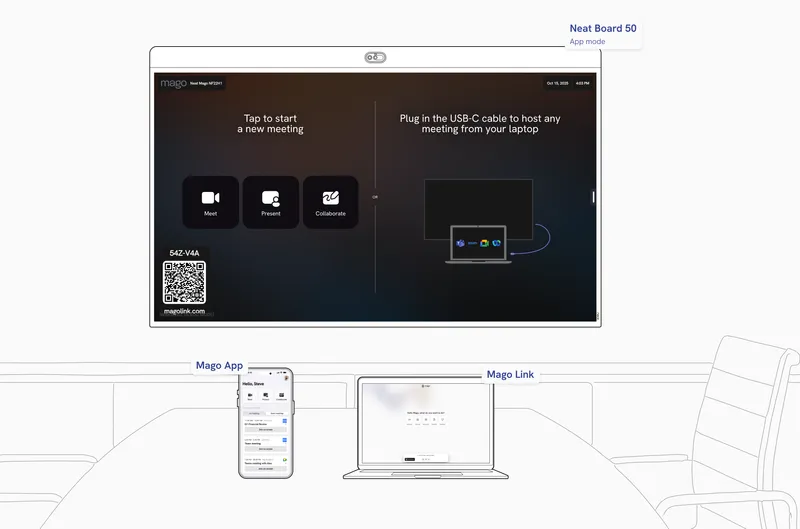
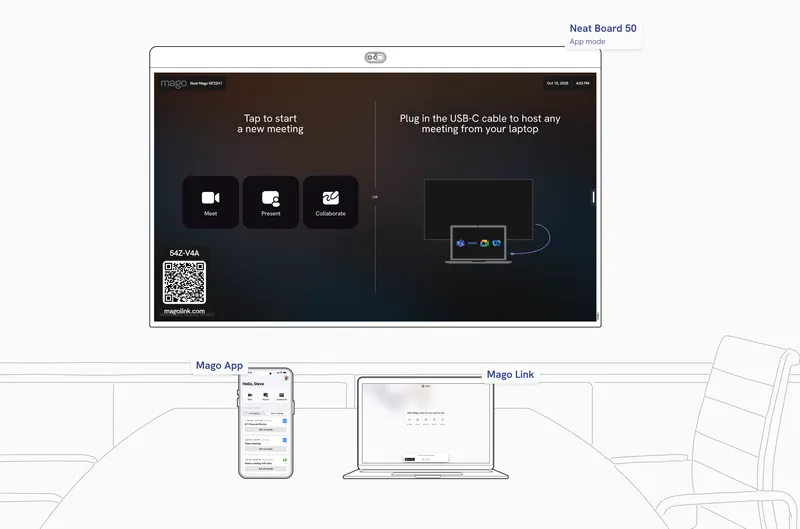
Mago for Neat empower users to bring their own device into any meeting space with ease. Through BYOM and BYOD, participants can connect via Mago App with Mago Link to instantly use the room’s professional audio and video equipment with their preferred conferencing platform, ensuring a simple, flexible, and consistent experience for every meeting.

Seamless collaboration made simple

Unlock the power of Mago and Neat in BYOM and BYOD mode

Mago and Neat bring ultimate flexibility to meeting spaces. In BYOM and BYOD mode, users can connect their own device via USB-C, dongle, through Mago Link to use the room’s camera, microphone, and speakers with any platform, Teams, Zoom, Google Meet, or Webex, for a consistent, seamless experience.
Zoom and Webex (coming soon) are supported wirelessly.

Want to know more?

Interested in Mago for Neat?

Contact our sales team to get a quote or to schedule a demo.

By clicking Send request you consent to allow Re Mago Ltd or a Re Mago Ltd authorised partner to store and process the personal information submitted above to provide you with the requested content.