
Unlock Smarter Spaces
Which setup best matches your meeting needs?
 Mago Companion Mode Expand your Neat Room. Empower every meeting.
 Wireless Present Walk in. Share in seconds.
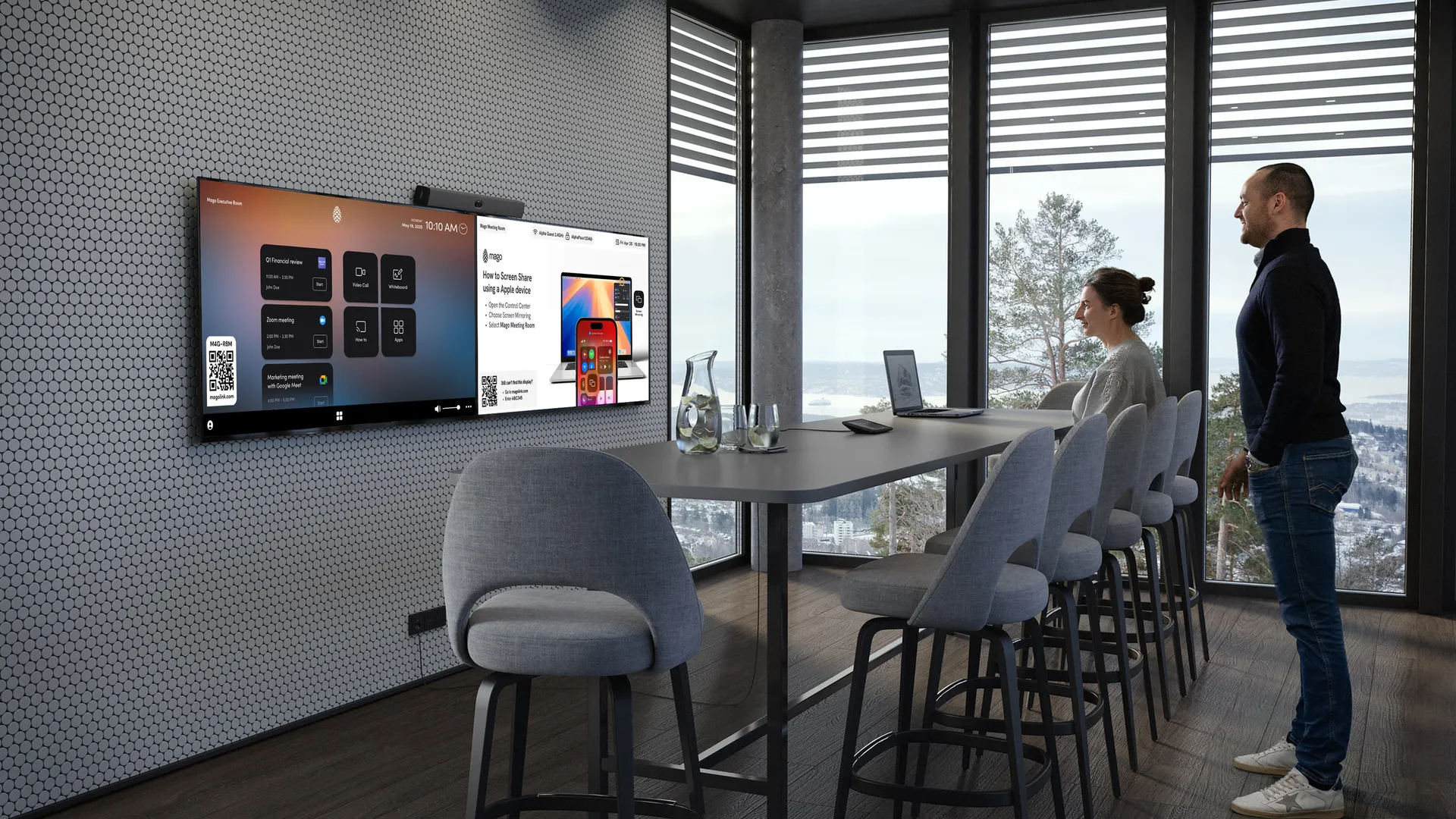 Multi-Conference One room. Every Platform
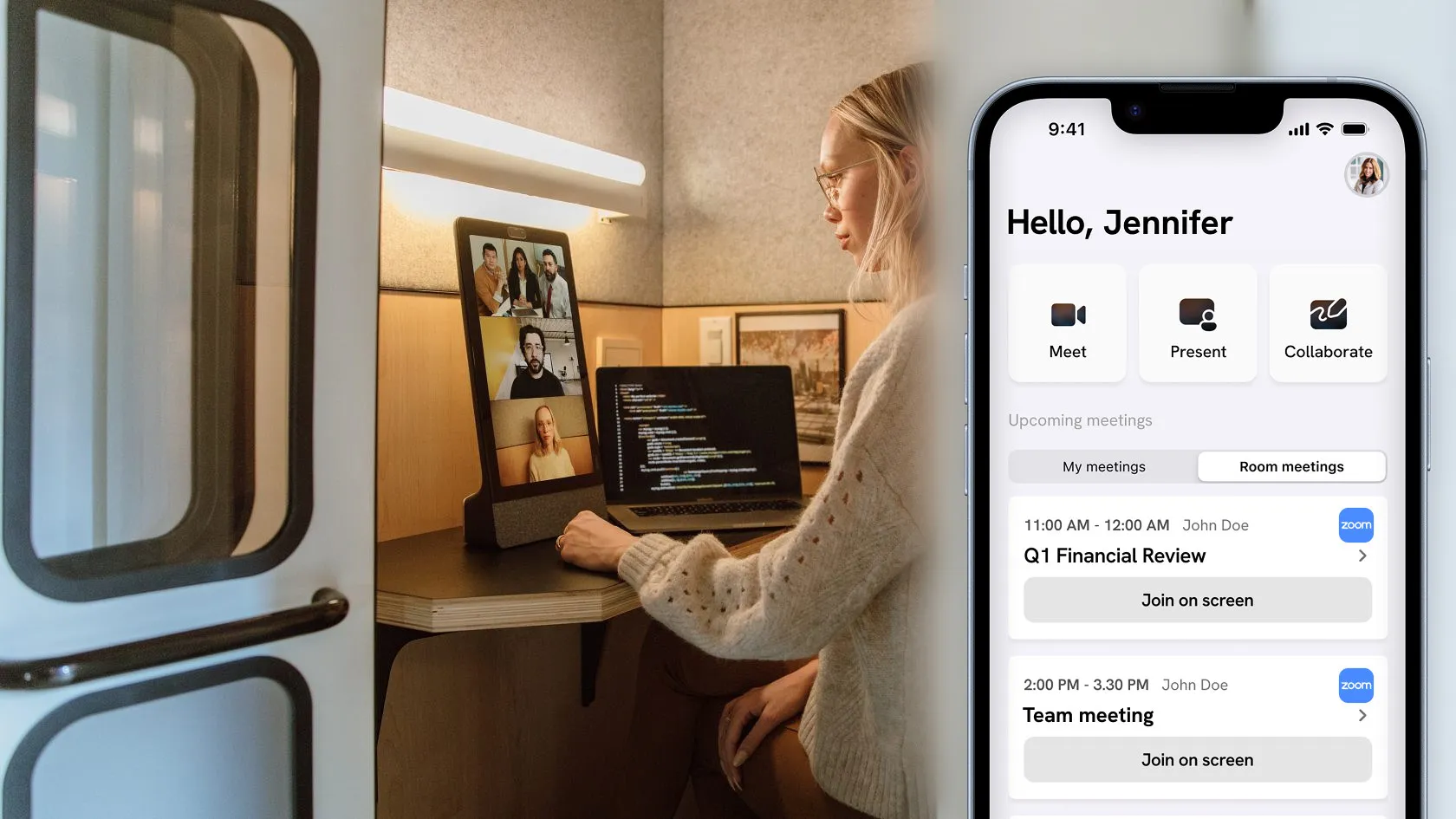 BYOM / BYOD Join your way.
Mago Companion Mode
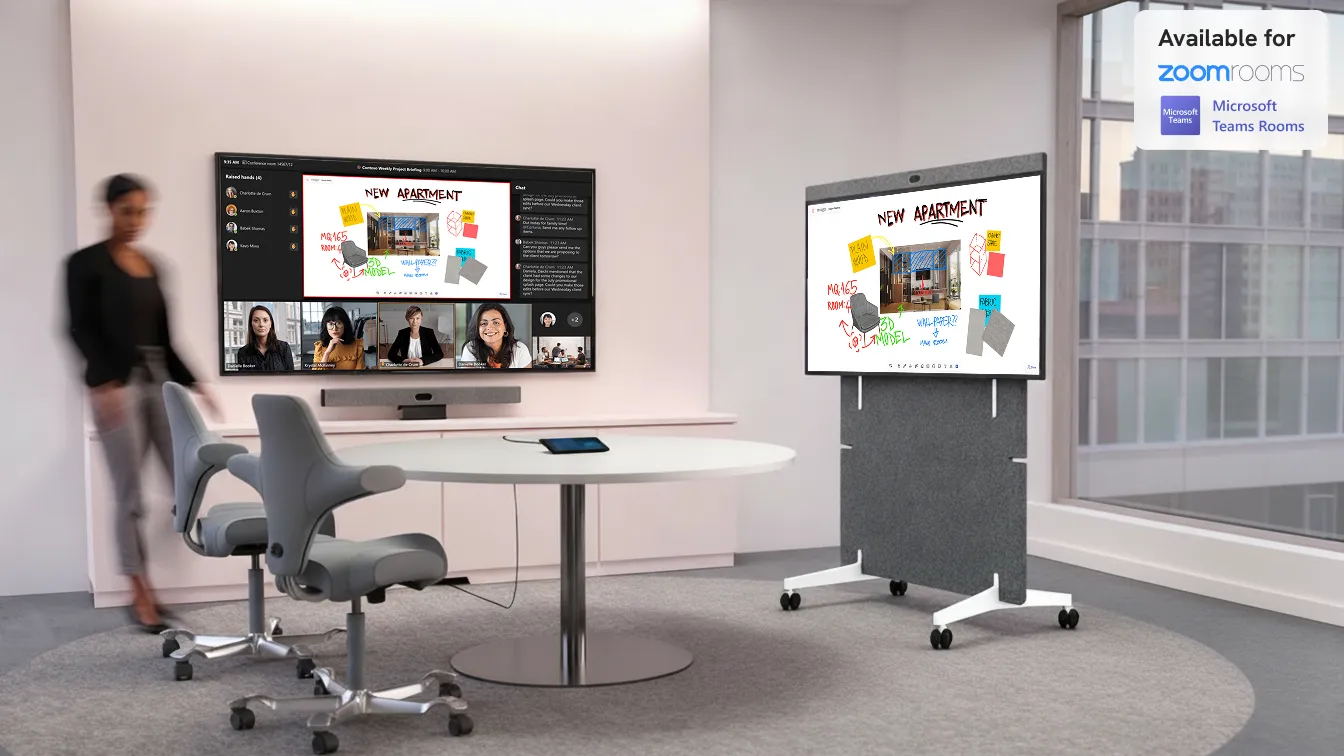
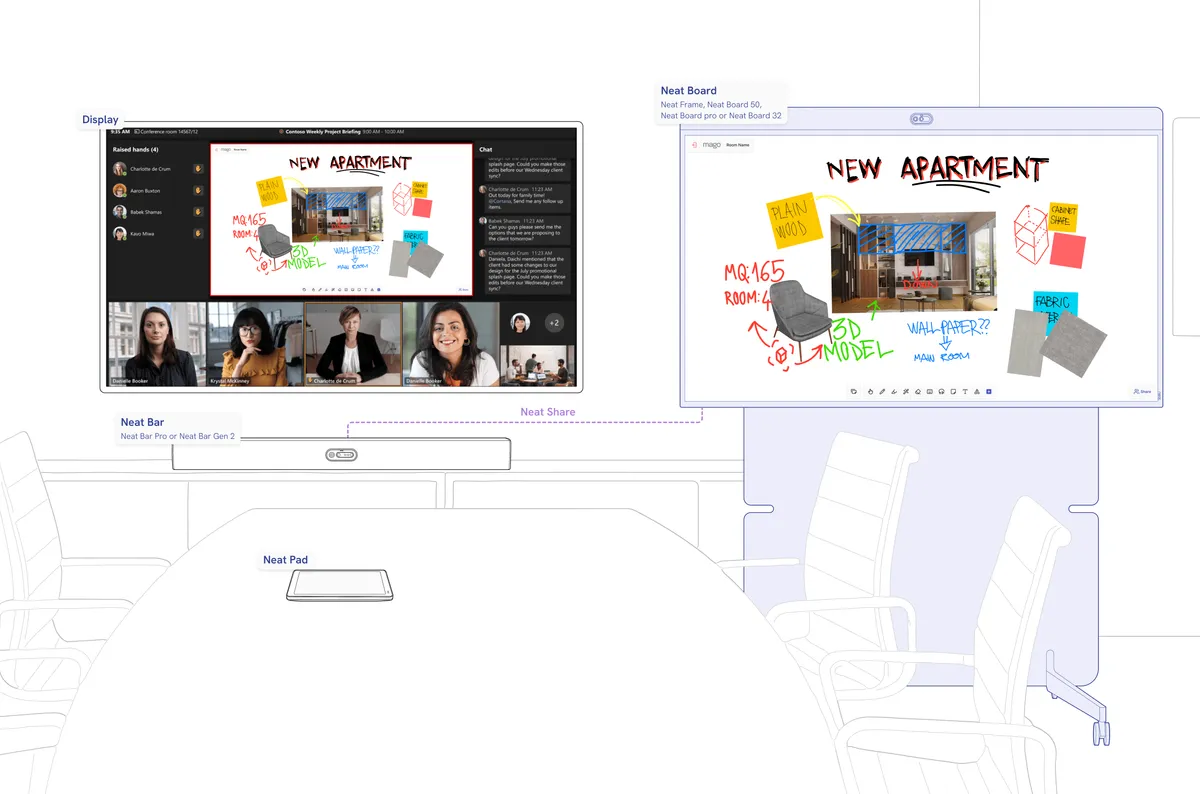
Use your Neat Board Pro, Neat Frame or Neat Board 50 as a Mago Companion Mode display to your existing Microsoft Teams Room or Zoom Room setup. With Neat Share, you can instantly ingest content or control the board directly from your Neat room, no extra cables, no complex pairing.
Your starting setup
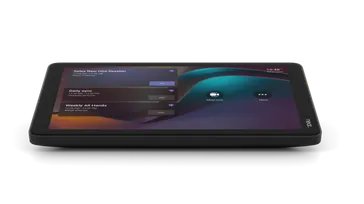 Neat Pad
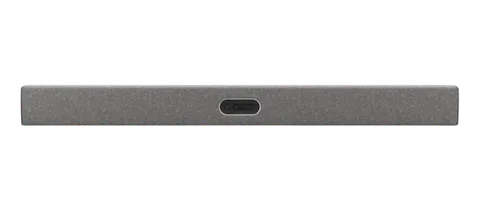 Neat Bar Pro or Neat Bar Gen 2
 Room Kit with Microsoft Teams Rooms or Zoom Room
What you need to enhance it
 Mago For DisplaySKU:MR-DIS-SUB-1Y
 Neat Pulse Plus or Pro license
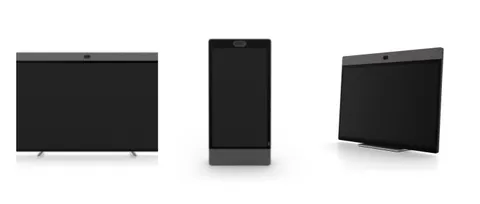 Neat Frame, Neat Board 50, Neat Board Pro or Neat Board 32
Connect your board and room system through Neat Share
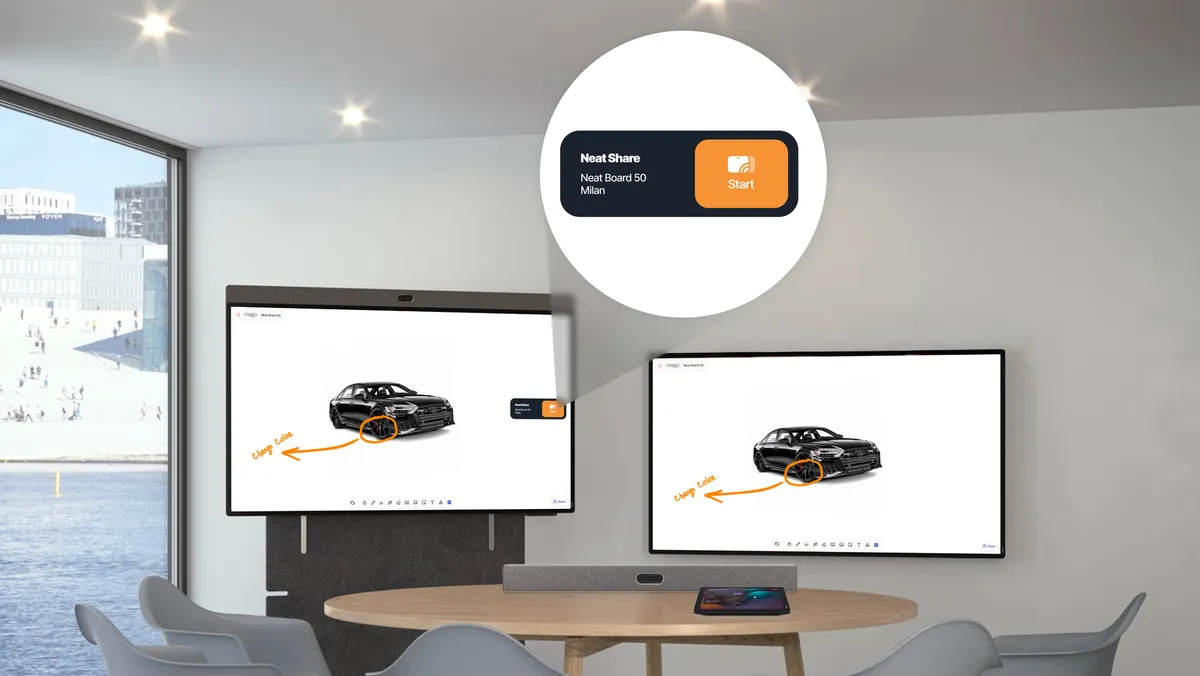
A seamless whiteboard experience with Neat Share
Integrating the whiteboard with Neat Share creates an intuitive, unified workspace that feels instantly familiar to any user. There’s no learning curve, no setup friction, and no need to understand multiple interfaces.
Everything works together naturally, so participants can focus on ideas, collaboration, and the meeting itself rather than on how to make the technology behave.
Wireless Present
Your starting setup
- Neat Pad
- Neat Bar Pro or Neat Bar Gen 2
- Room Kit with Microsoft Teams Rooms or Zoom Room
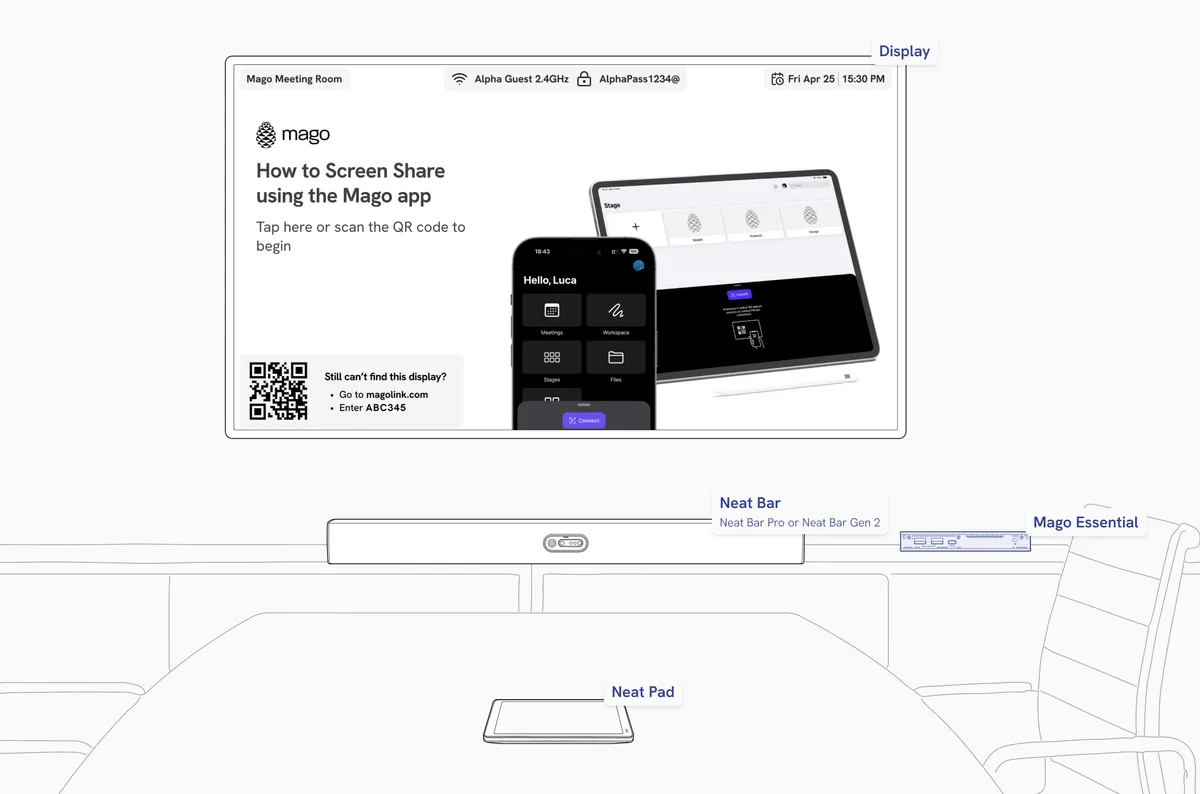
What you need to enhance it
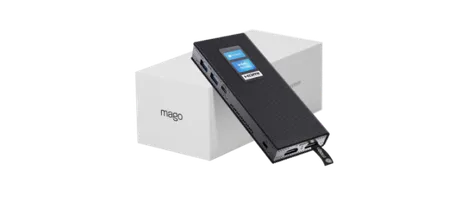 Mago EssentialSKU:MH-CORE-IOT + MR-ESS-PERP or MR-ESS-SUB-1Y
Your starting setup
- Neat Frame, Neat Board 50, Neat Board Pro or Neat Board 32
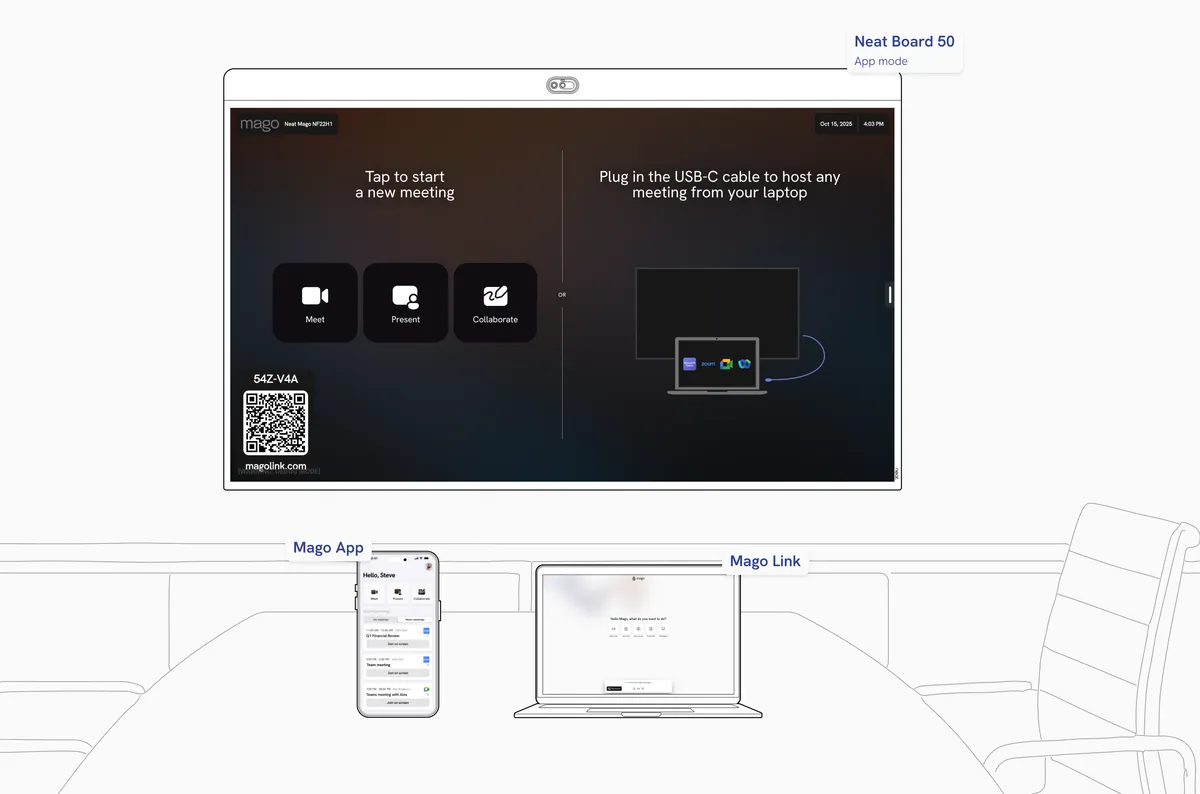
What you need to enhance it
- Mago For DisplaySKU:MR-DIS-SUB-1Y
No cables, no stress.
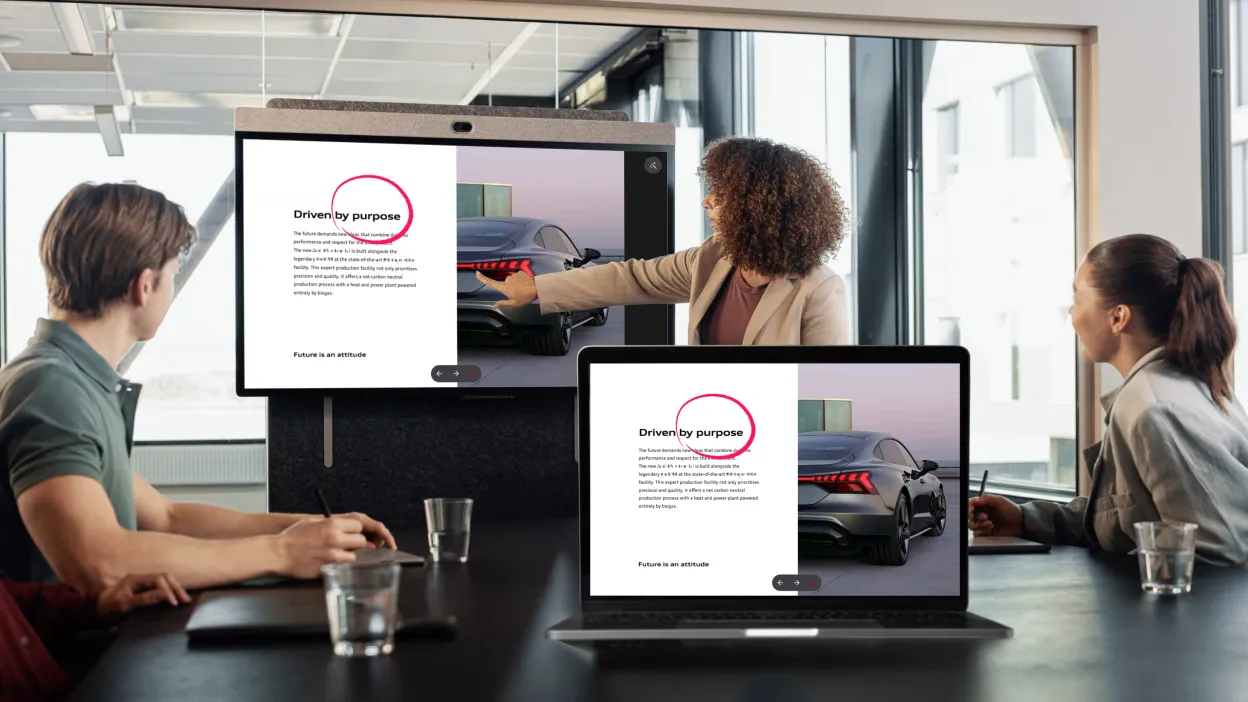
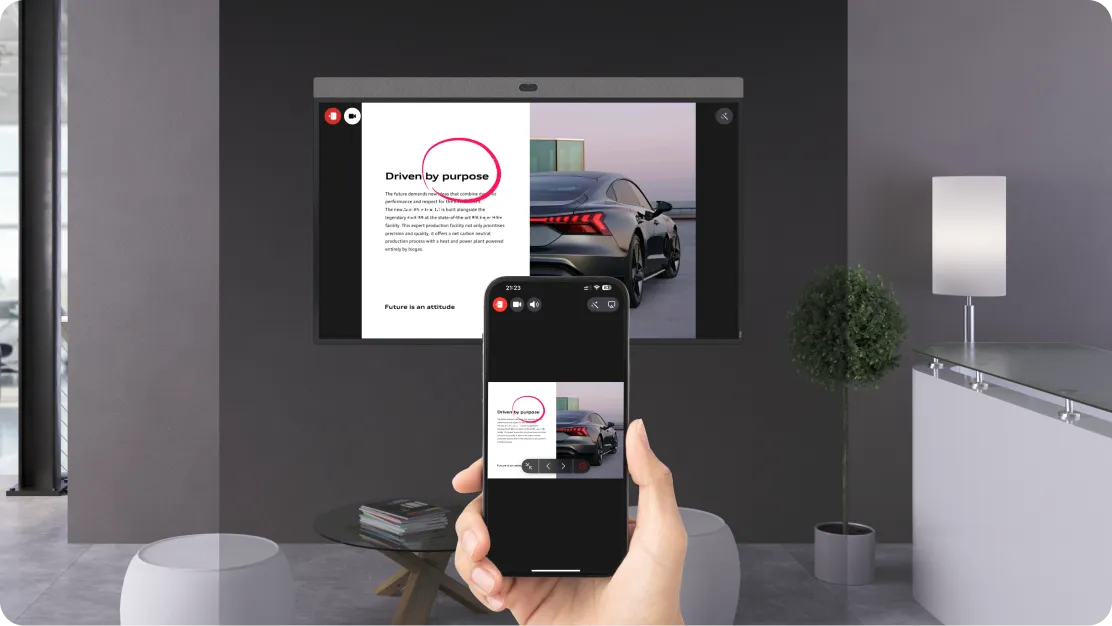
There’s no need to install apps, connect cables, or use insecure USB keys. Just scan the QR code on the display and start presenting.
You can mirror your screen, share a file, or even join an ongoing meeting using your own device, without touching the room system or exposing your network.
MagoLink is fully network agnostic: the user's device doesn’t need to be on the same subnet and can even use a mobile connection like 4G or 5G, making it the ideal solution for guests who need to present instantly and securely.
Multi-conference
Your starting setup
- Neat Bar Pro or Neat Bar Gen 2
- coming soon
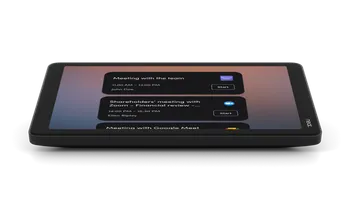 Neat Pad (Optional)
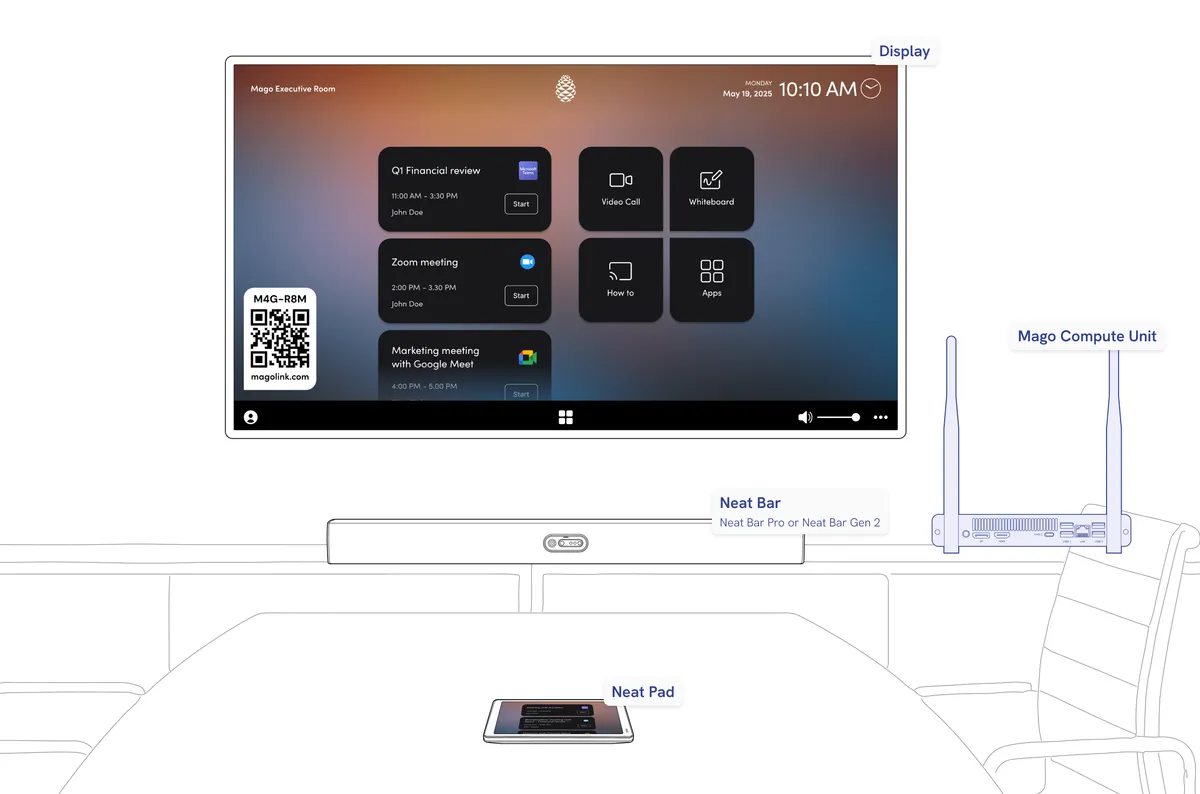
What you need to enhance it
- Mago ProSKU:MR-PRO-PERP or MR-PRO-SUB-1Y
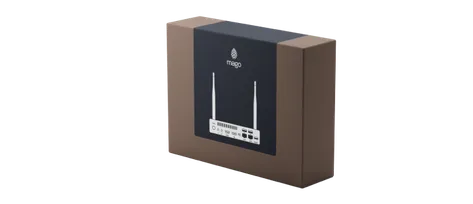 Mago Core UnitSKU:MH-CORE-PRO
- or
 Third partyClick here for the list of all the compatible hardware.
Compatible controllers
Your starting setup
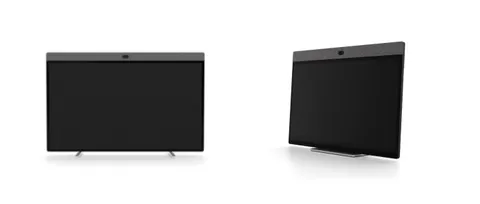 Neat Board 50, Neat Board Pro or Neat Board 32
What you need to enhance it
- Mago For DisplaySKU:MR-DIS-SUB-1Y
One-tap join
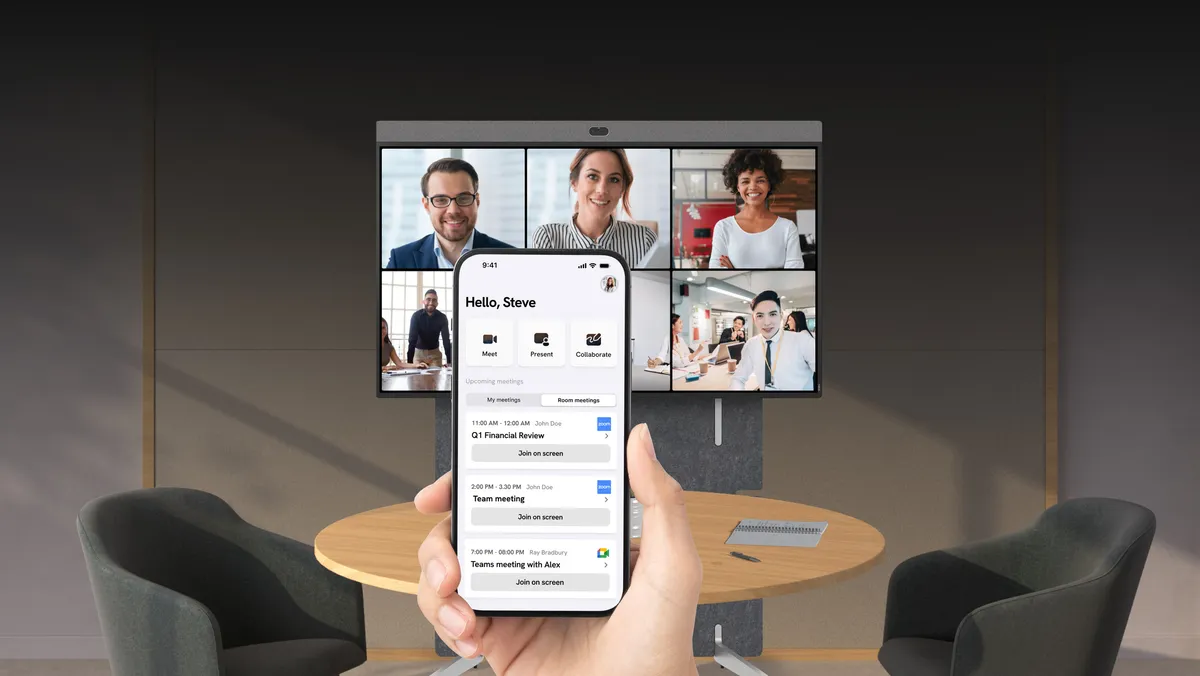
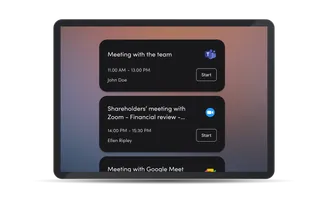
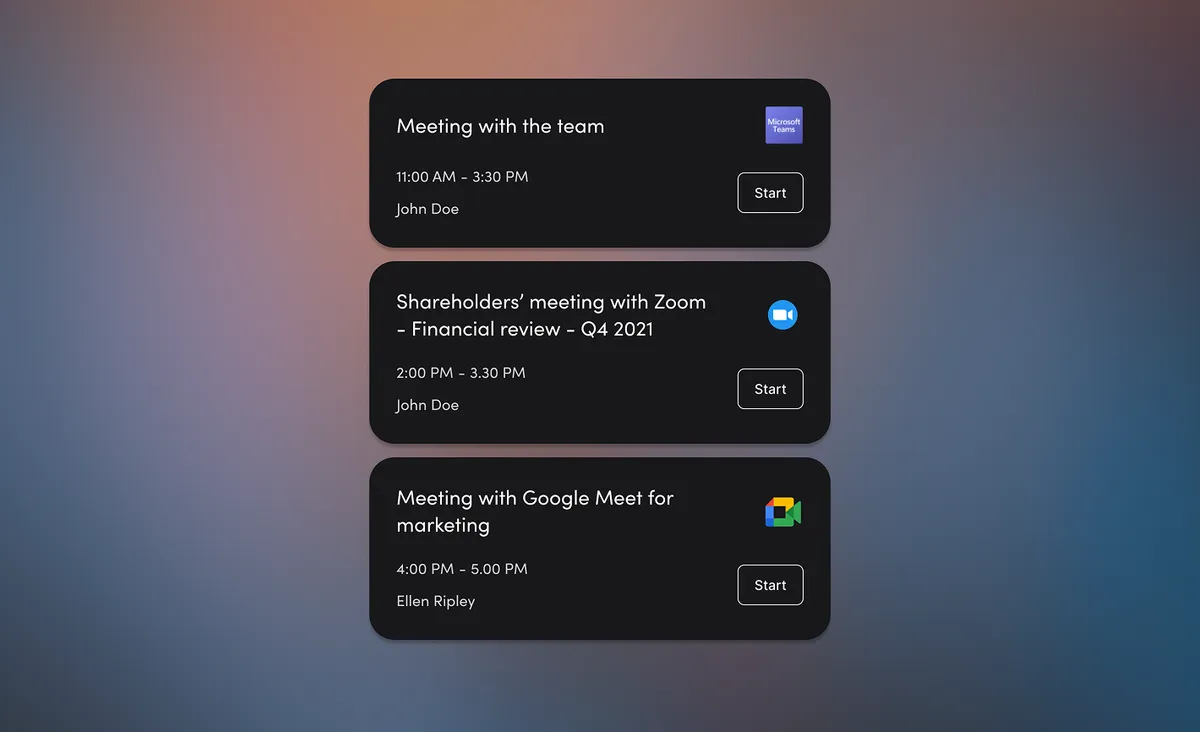
Mago for Neat unlocks complete platform freedom by letting the room work seamlessly with Microsoft Teams, Zoom, Google Meet, and Webex calendars at the same time. Meetings can be started instantly from a single, unified interface that feels familiar to every user.
No limitations, no system switching. Just a consistent, intuitive experience that keeps the team focused on collaborating, not on figuring out how to join their call.
BYOM - BYOD
Your starting setup
- Neat Frame, Neat Board 50, Neat Board Pro, Neat Board 32 or Near Bar gen 2
What you need to enhance it
- Mago for DisplaySKU:MR-DIS-SUB-1Y
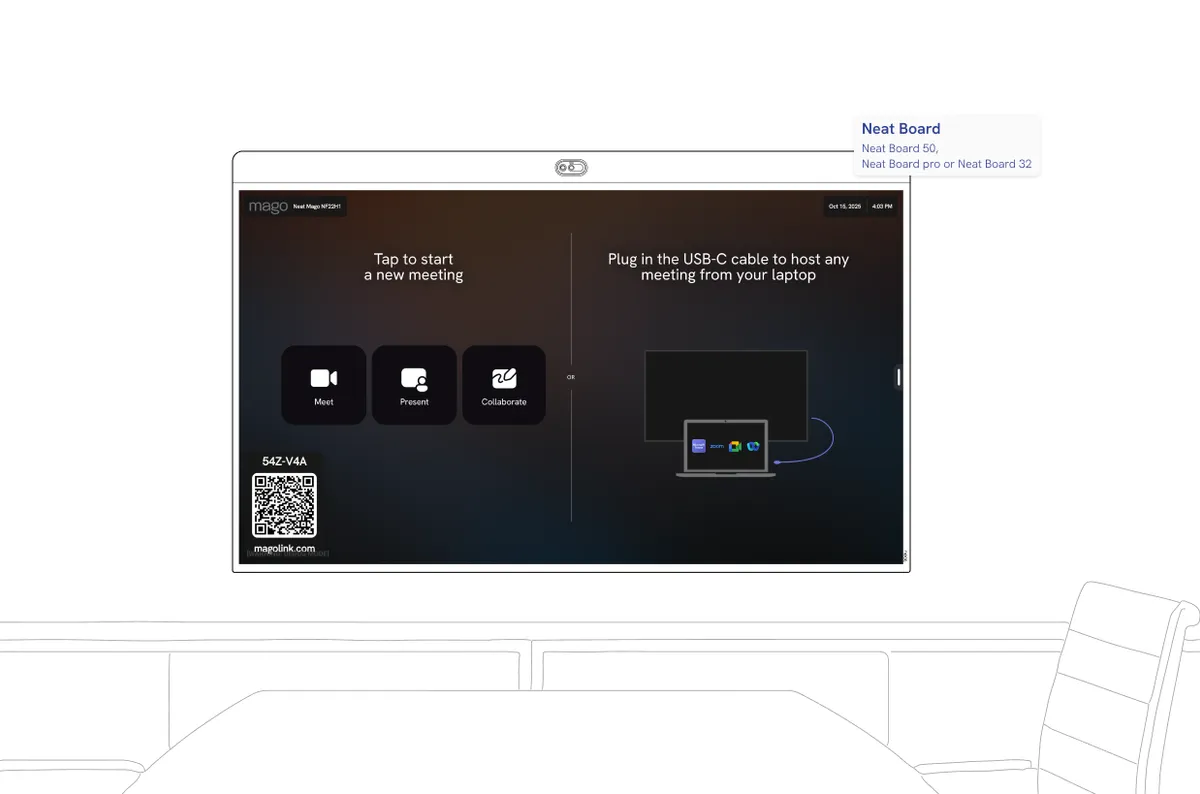
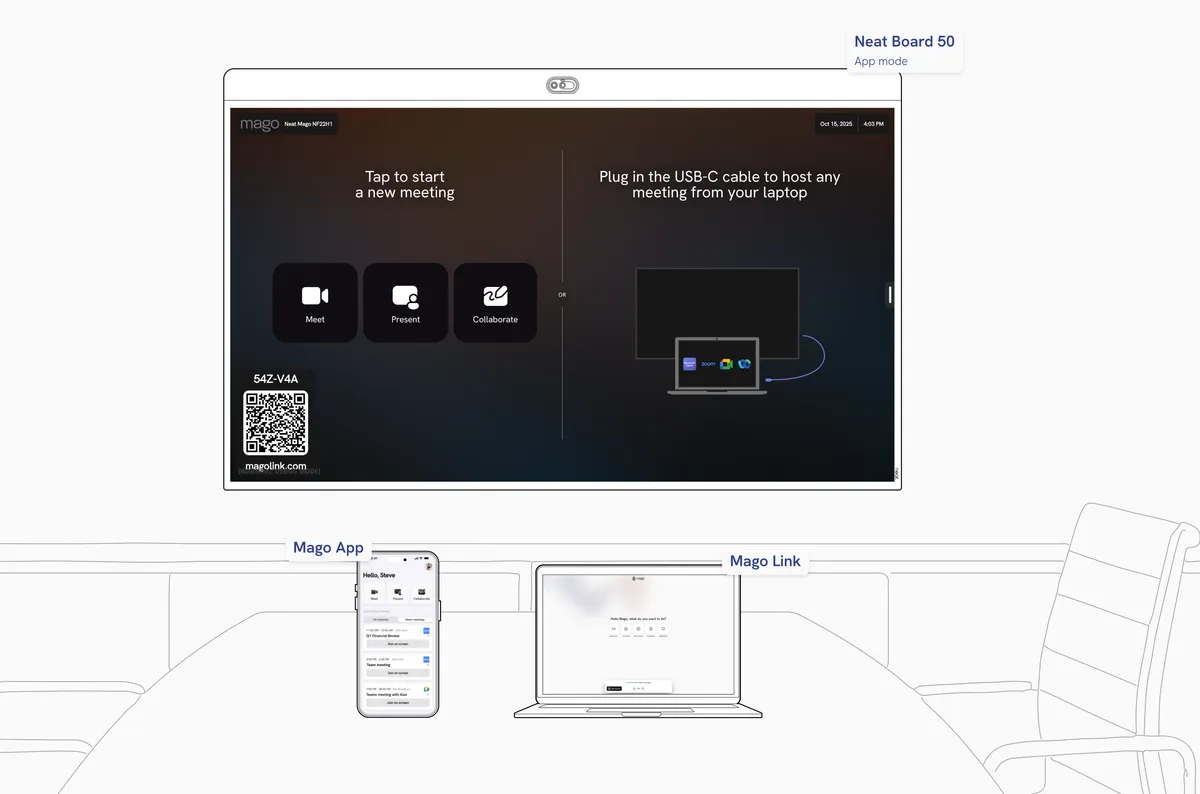
Unlock the power of Mago and Neat in BYOM and BYOD mode
Mago and Neat bring ultimate flexibility to meeting spaces. In BYOM and BYOD mode, users can connect their own device via USB-C, dongle, through Mago Link to use the room’s camera, microphone, and speakers with any platform, Teams, Zoom, Google Meet, or Webex, for a consistent, seamless experience.
Zoom and Webex (coming soon) are supported wirelessly.