Mago Assistant Free
Your meetings, understood.
None of it leaves your machine.
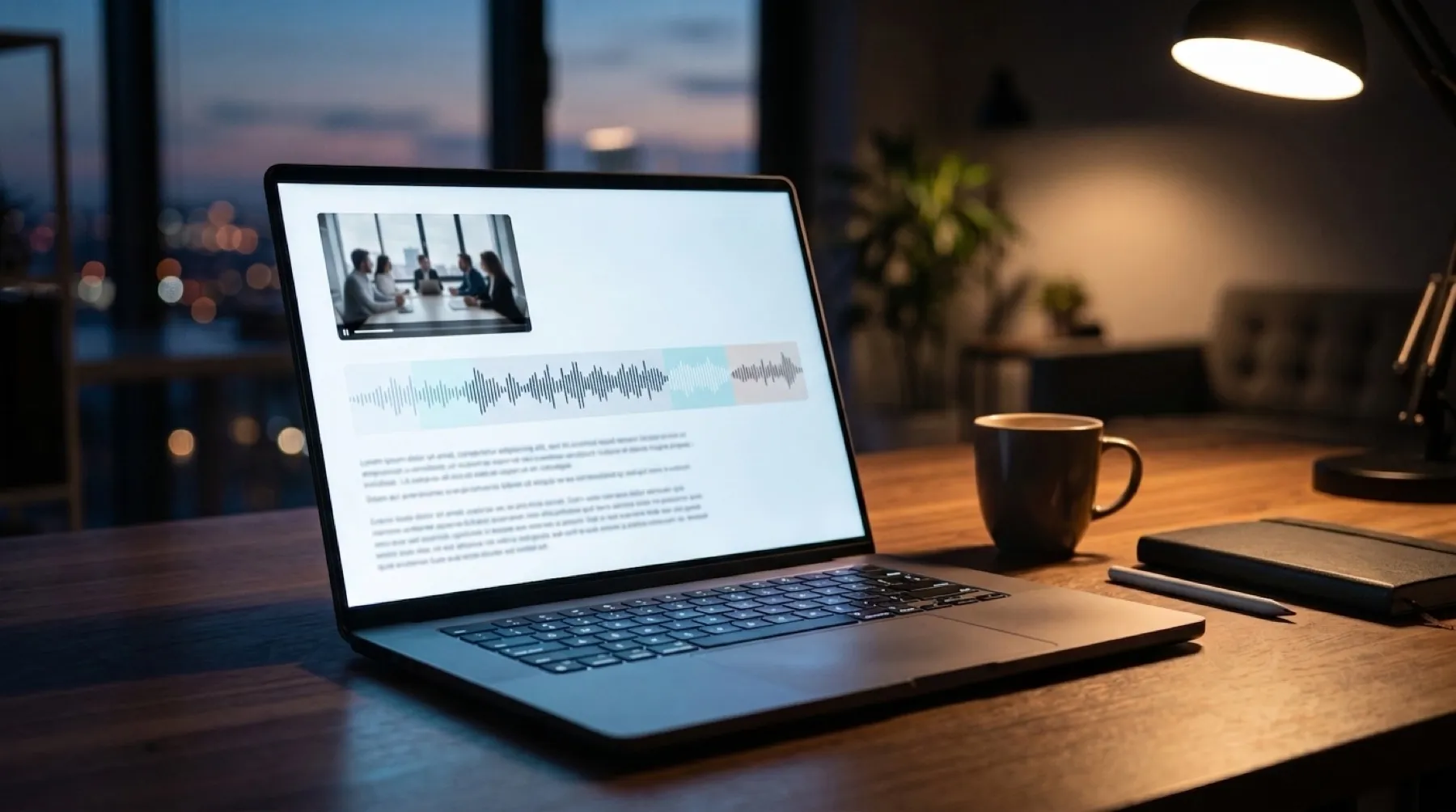
Hand it a recording and it gives you back the minutes: a summary, the decisions, and who has to do what. All of it processed on the computer that already holds the file.
“Where does the recording actually go?”
It is the question someone asks the first time a meeting tool offers to summarize the call, and the answer is usually a shrug. The audio is uploaded, a model somewhere reads it, a summary comes back, and a copy stays on machines nobody in the room controls.
Mago Assistant answers it differently: nowhere. It runs on the computer you already own, and the recording never leaves it.
Mago Assistant Free
Everything the meeting left behind, processed where it was recorded.
The recording, the recap, the documents and the assets that came out of the session, handled on your own machine and kept there.
- Recordings become recaps.A session is turned into a summary and searchable notes without being uploaded anywhere.
- Decisions and follow-ups, separated.The summary is one pass, the decisions and the action plan another, so the two do not blur together.
- Digital assets in one place.What the meeting produced stays organized next to the recording it came from.
- No account in the path.No sign-in, no upload, no third-party model reading your audio.
Why it matters
There is nothing outside your machine to secure, because nothing goes there.
Most privacy features are promises about how someone else will treat your data. This is a different kind of guarantee: the data never reaches them.
- Processing stays on your hardware.The machine that holds the recording is the machine that reads it.
- Nothing is uploaded.No audio, no transcript and no summary leaves the computer you ran it on.
- Nothing to delete afterwards.No copy was ever made anywhere you cannot reach.
How it works
Three steps, and none of them is a sign-up.
01
You give it a recording
A meeting you recorded, a video file, or a link to one. Nothing has to be prepared first.
02
It listens locally
Speech becomes text on your own machine, with the speakers kept apart.
03
It writes it up
A summary, the decisions and an action plan with names, exported as a PDF or sent by email.
What you get
What lands on the machine is only the beginning.
Meeting recap
The session summarized into decisions and follow-ups, generated locally.
Transcript
Speech turned into searchable text on the same machine that recorded it.
Who said what
Speakers kept apart, so the action plan can carry a name rather than a guess.
Translation
The write-up in another language, without the audio leaving the machine.
PDF and email
The minutes as a document, ready to file or to send when the meeting ends.
Digital assets
Everything the meeting produced, kept together and findable later.
Download Free
No license, no key, no activation.
Mago Assistant is free for anyone. Download it, open a recording, and the write-up is yours. There is nothing to activate and no account to create.
Looking for the live meeting instead, relayed to every screen in the room? That is Mago Cast, a separate product with its own license.
Works with what you already have
It reads a recording. It does not need your meeting platform.
Nothing to certify, nothing to license, and nothing that breaks when your tools update.
Windows 11macOSAny recording you already haveNo accountNo internet required
FrequentlyAskedQuestions
Keep your meetings yours. Today.
Download it, point it at the last meeting you recorded, and read the minutes you never had time to write.