Mago Memories
Every screen tells a story. The only limit is your imagination.
Passive signage plays to nobody. Mago Memories turns touchscreens, LED walls and video walls into stories visitors explore: they tap, open, turn a product in 3D and take what they need away on their phone.
What it is
Not only a timeline. A canvas for whatever you need to tell.
The history of the company was the start. Today a story is made of the scenes you need: people, products, maps and pages, in any combination. Build it once from a template in the web editor, see it on every screen format at once, publish it and send it to your screens.
- Made in the browserA web editor with nothing to install, and a live preview of every target screen side by side.
- Explored by touchVisitors open cards with photos, films, 3D models and documents, on their own.
- Taken home by QRCatalogs, links and 3D models continue on the visitor's phone, with augmented reality for the products.
The editor
Build it, see it on every screen, publish it.
The console runs in the browser, with nothing to install. The scenes of the story on the left, the live preview in the middle with every target screen underneath, and the settings on the right. When the story is ready, publish a version and put it on your screens.
- Every format at oncePreview the chosen screen and see all the others in a strip, from portrait totems to video walls, with the seams between the panels.
- Media libraryPhotos, films, 3D models and documents in one place, ready for every story.
- Scenes, layouts and templatesAdd a timeline, an org chart, a product showcase, a map or a content page; choose the home layout among nine (tiles, photo tiles, featured, list, circles, buttons at the bottom or at the side, a carousel, or a map filling the screen); save any story as a template.
- Versions and rollbackEvery publish is kept: see the history and put an earlier version back live in one step.
- Put on screensPair a screen with a code, or send a secure display link with limits by seats, IP allowlist and expiry.
- Editor, publisher and adminEditors build and change stories and upload media, without touching what is live. Publishers also publish, roll back, run playlists and share links, and choose what every screen plays. Admins also manage users, roles, display formats, kiosk settings and backups.
Story timeline
The history of the company, one tap at a time.
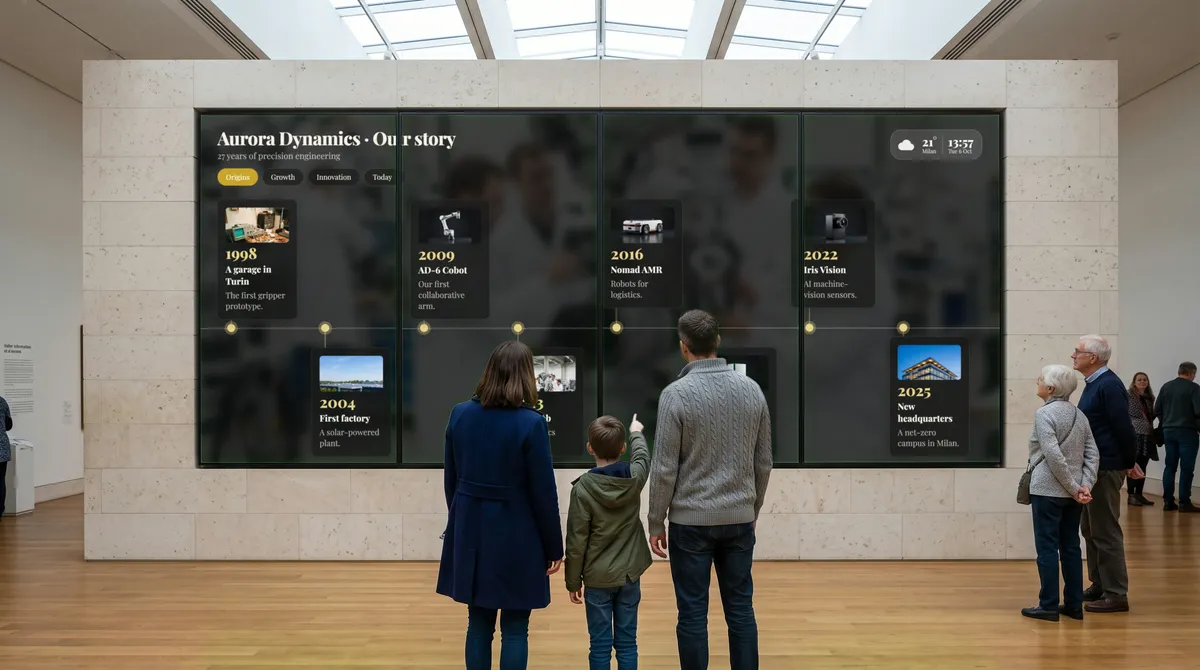
Years, milestones and eras on a line visitors scroll with a finger. Every step opens its card, with the photos, the films and the documents of that moment.
- Eras and filtersGroup the milestones into chapters and let visitors jump straight to the one they care about.
- Cards with 3D and filmA milestone opens its card: photos, a film, a document, or a 3D model to turn by hand and place in augmented reality from a QR code.
- Four layoutsAlternating cards, cards above the line, large photos as a filmstrip, or round photos on the line.
- Made for every shapeAcross a wide wall it runs horizontally; on a portrait totem it runs from top to bottom.
Interactive map
Every place worth a visit, on one map.
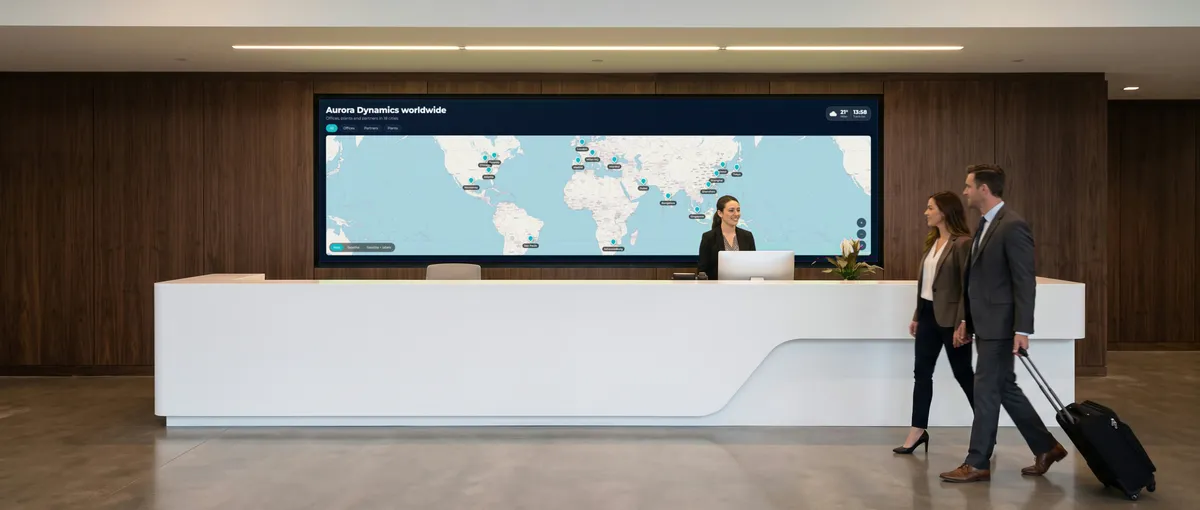
Offices, plants and partners around the world, or the sights, the restaurants and the shops around the hotel. Visitors pan and zoom, filter by category and tap a pin to open its card.
- Street, satellite or hybridThe map style that suits the story, from a city block to the whole world, with a smooth crossfade from one to the other.
- Pins by categoryFilters along the top, and every pin opening its card with photos, films and links.
- Framed for the wallOn ultra-wide LED walls the map frames every pin by itself.
Products and objects
Every tap opens more.
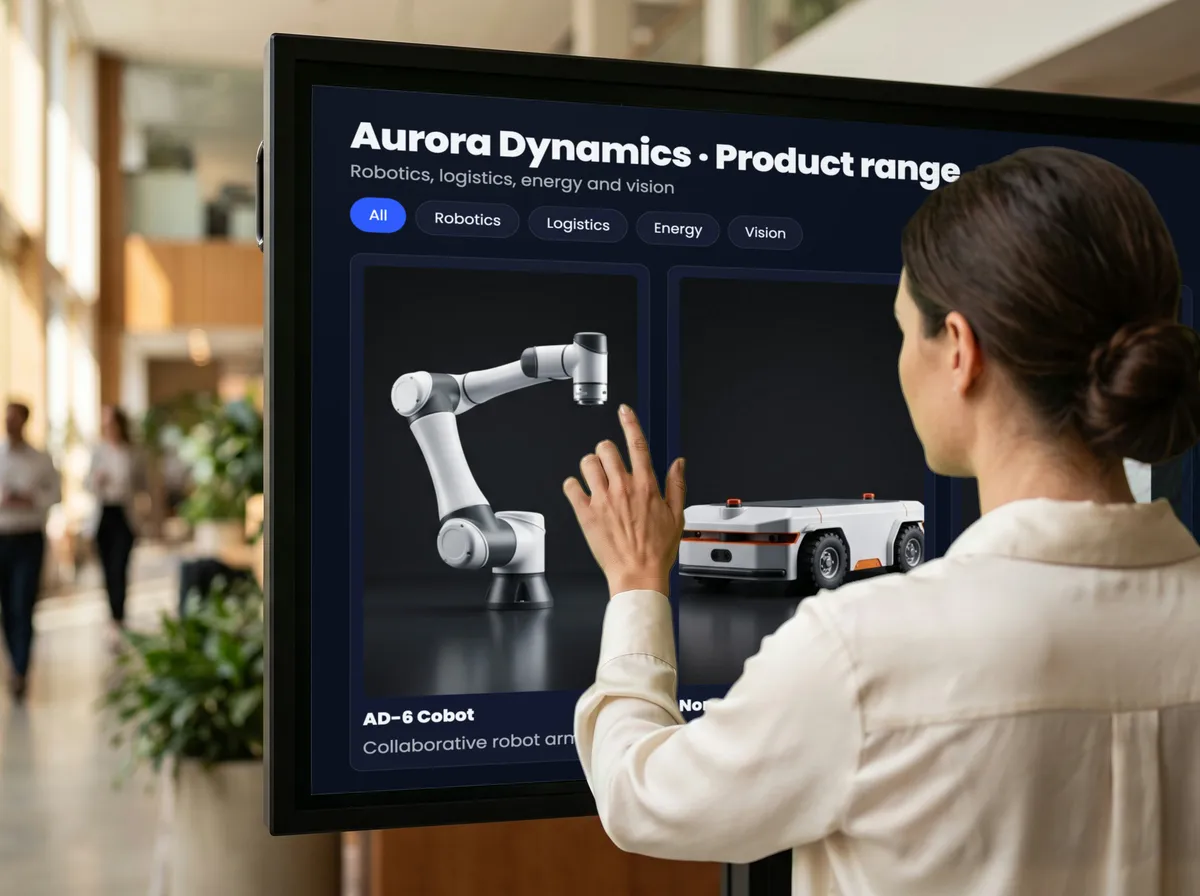
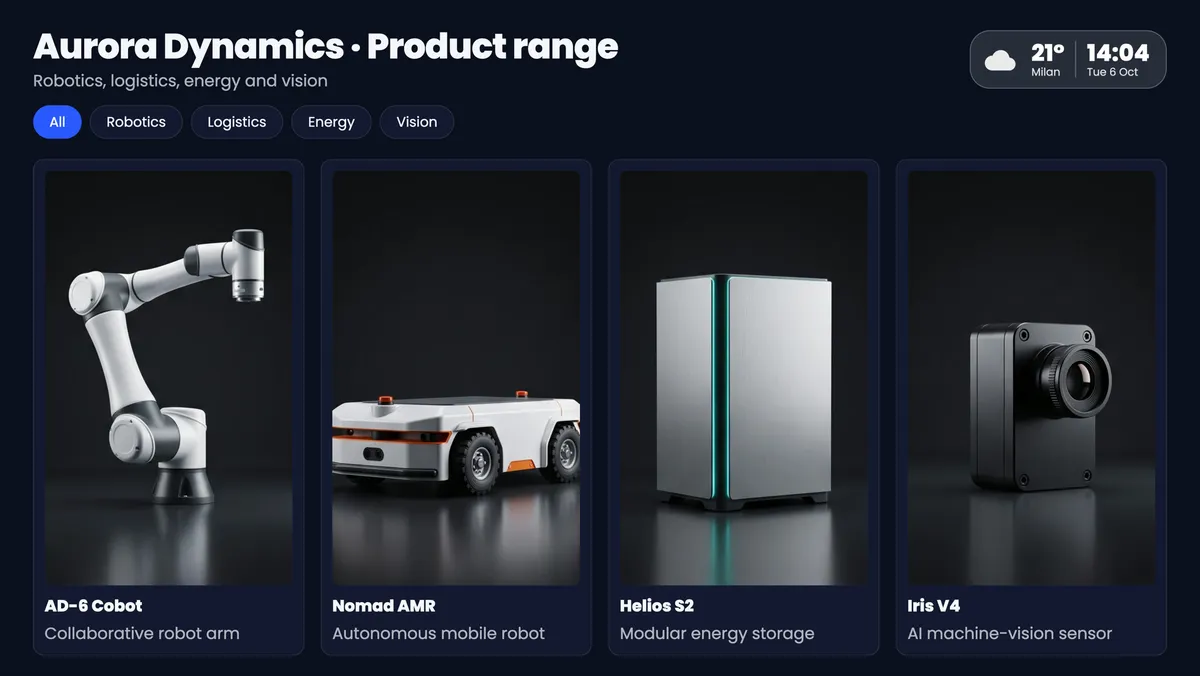
Products in a grid of two to six columns, or placed by hand, with category filters. Each product, like every event, person and pin, opens a card that holds whatever tells it best.
- PhotosA cover and a gallery to browse full screen.
- Videos and YouTubeUploaded films and YouTube videos, playing inside the card.
- 3D models (GLB)Rotate and zoom the product on the screen; a QR code opens it in augmented reality on Android and iPhone.
- Documents and linksPDF catalogs and web pages in a built-in viewer, with a QR code to take them away on the phone.
And more scenes
People, pages and many hands at once.
People and org chart
Photo, role and biography of each person: a tree to pan and zoom on wide screens, one person at a time on portrait.
Content pages
Text with a picture or a film, or a live web page or web app the visitor can browse.
Multi-touch
Several visitors at once, each opening their own floating cards: made for video walls.
Works with
Use the tools you already have.
Bring in what your team already makes. YouTube films, Google Slides decks, PDF documents and Google Calendar agendas play on the screen, and any web page or web app that allows embedding opens live inside a card.
- Slides and documentsA Google Slides share link turns every slide into a picture that plays offline, and can update by itself; PDF pages become slides.
- Films and agendasYouTube films on cards and in the attract screen, and the next days of a Google Calendar or any .ics link, refreshed every few minutes.
- Live web pagesAny page or web app that allows embedding, used by touch on the screen; when a site forbids it, visitors get a QR code instead.
- Files to take homePDF, Word, Excel and PowerPoint files on a card go to the visitor's phone with a QR code.
 YouTube
 Google Slides
 PDF
PDF Google Calendar
 Claude
- Any web app
Create with AI
Create a story with AI.
Connect your own AI account, Claude or Microsoft Copilot, and describe the story you want. The assistant researches your company on the web and builds a draft with your colors and logo, a timeline of milestones, a map of your offices and markets, your products, your leadership team, YouTube films and the attract screen. Add a Gemini key to also create images and short videos for the attract screen.
- Your own AI accountsClaude and Gemini keys are stored encrypted, Copilot connects with a key you create in Mago, and Anthropic, Google or Microsoft bill you directly.
- From your official websitePhotos, logos and documents come from your site; YouTube films are embedded, never copied.
- Always a draftEvery draft lists its sources, and nothing goes live until you review and publish it.
Reporting and analytics
See what your displays really did.
Mago Memories tracks whether every screen was on, what played and for how long, how many people scanned your QR codes and who asked to be contacted, all on one page you can export.
- Uptime and proof of playEach display's uptime over 24 hours, 7 and 30 days, and every item it played, with how long, exportable as CSV.
- QR codes that bring leadsVisitors scan a catalog or brochure on screen; you can ask for name, email and consent first, and sales get an email.
- What visitors touchOptional, anonymous counts of visits and of the scenes and cards opened, by day and by hour. No cameras, no personal data.
- Contacts ready for your CRMEvery contact in one list, with what they asked for and on which display, exportable as CSV and deletable on request.
Settings
It runs by itself, all day.
Set it up once: what plays and when, what the screen does when nobody is touching it, and how it looks.
Templates and scheduled playlists
Rules by dates, weekdays and hours: the Christmas version in December, the evening version after six. Each screen follows the schedule on its own clock.
Attract screen
A sequence of photos or films with a headline and a "tap to interact" prompt, and back to it after a few idle minutes.
Time of day
Dawn, day, afternoon and night, each with its own brightness and tint, switching on their own.
Your brand
Colors, font, logo, corners, a frosted-glass look and a photo or video background.
Kiosk mode
Full screen, locked shortcuts, always awake, with a technician menu behind a PIN.
Works offline
Once the content has loaded, screens keep it, with films, map tiles and fonts, and keep playing offline.
Any language
Write each story in the language of your visitors.
AI story assistant
Describe your company in one sentence. The assistant researches your website and builds a complete interactive story draft in 5 to 15 minutes, ready for your review.
Reporting and analytics
Uptime, proof of play, QR scans and contacts, and optional anonymous visitor counts, on one page you can export as CSV.
Screens of every format
Portrait, landscape, LED walls and video walls.
Any resolution and any aspect ratio. Every layout is sized on the screen itself and switches between portrait, square, landscape and ultra-wide by itself.
- Full HD and 4KLandscape 16:9 displays and touchscreens.
- Ultra-wide and LED walls21:9 and 32:9, down to LED walls with their own pixel size.
- Portrait totems and kiosks9:16 screens, with scenes that can be hidden by orientation.
- Tiled video walls2x2, 3x1, 5x1 or your own layout, with bezel compensation.
- The player you already haveNo app to install: a browser on Windows, macOS, Linux, ChromeOS, Android or iPad drives the screen, touch panels and interactive boards included.
Where it fits
Lobbies, museums, showrooms and info points.
The same platform, a different story in every space.
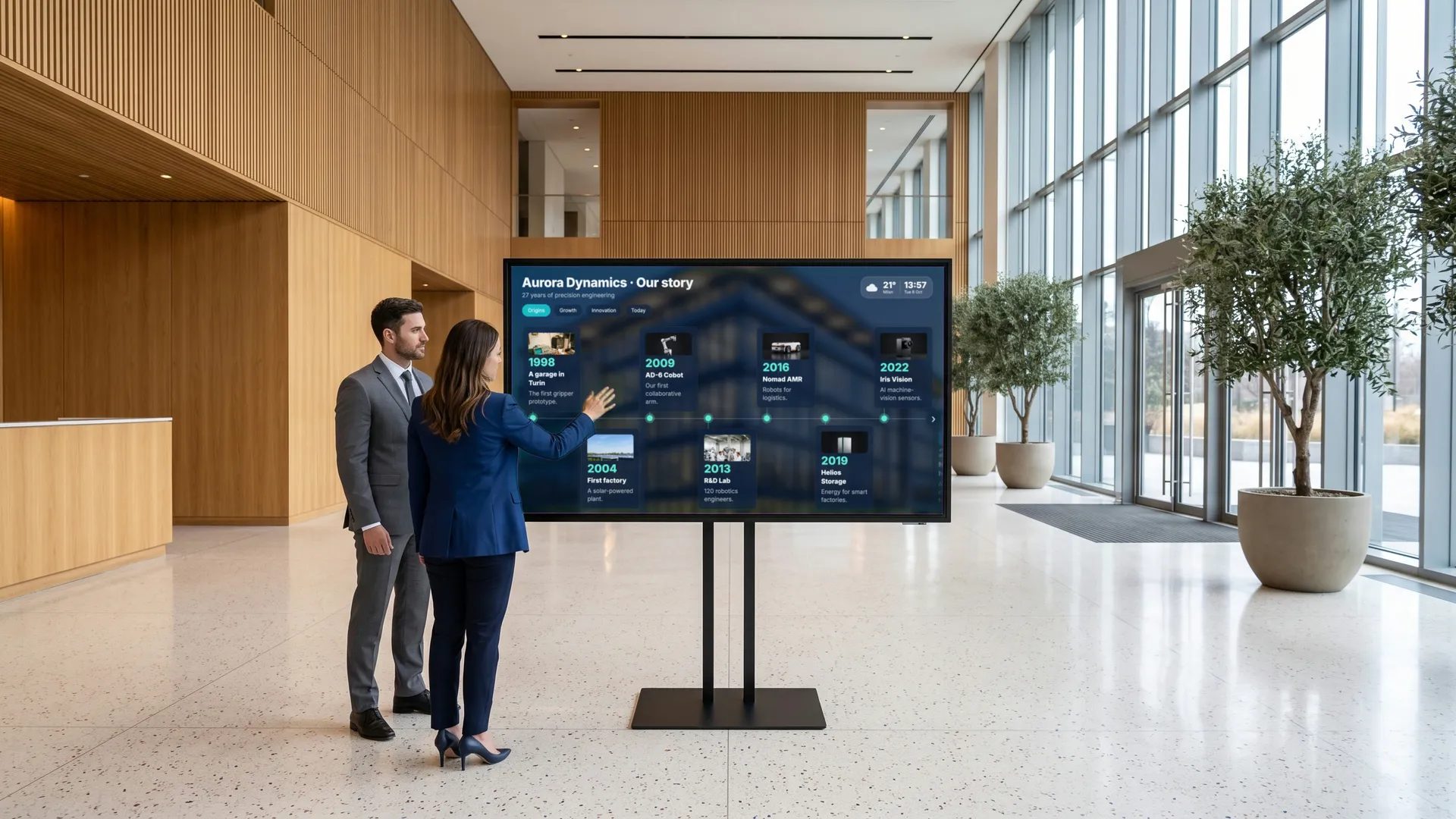 Lobbies and receptions The history, the people and the places of the company, told to whoever walks in.
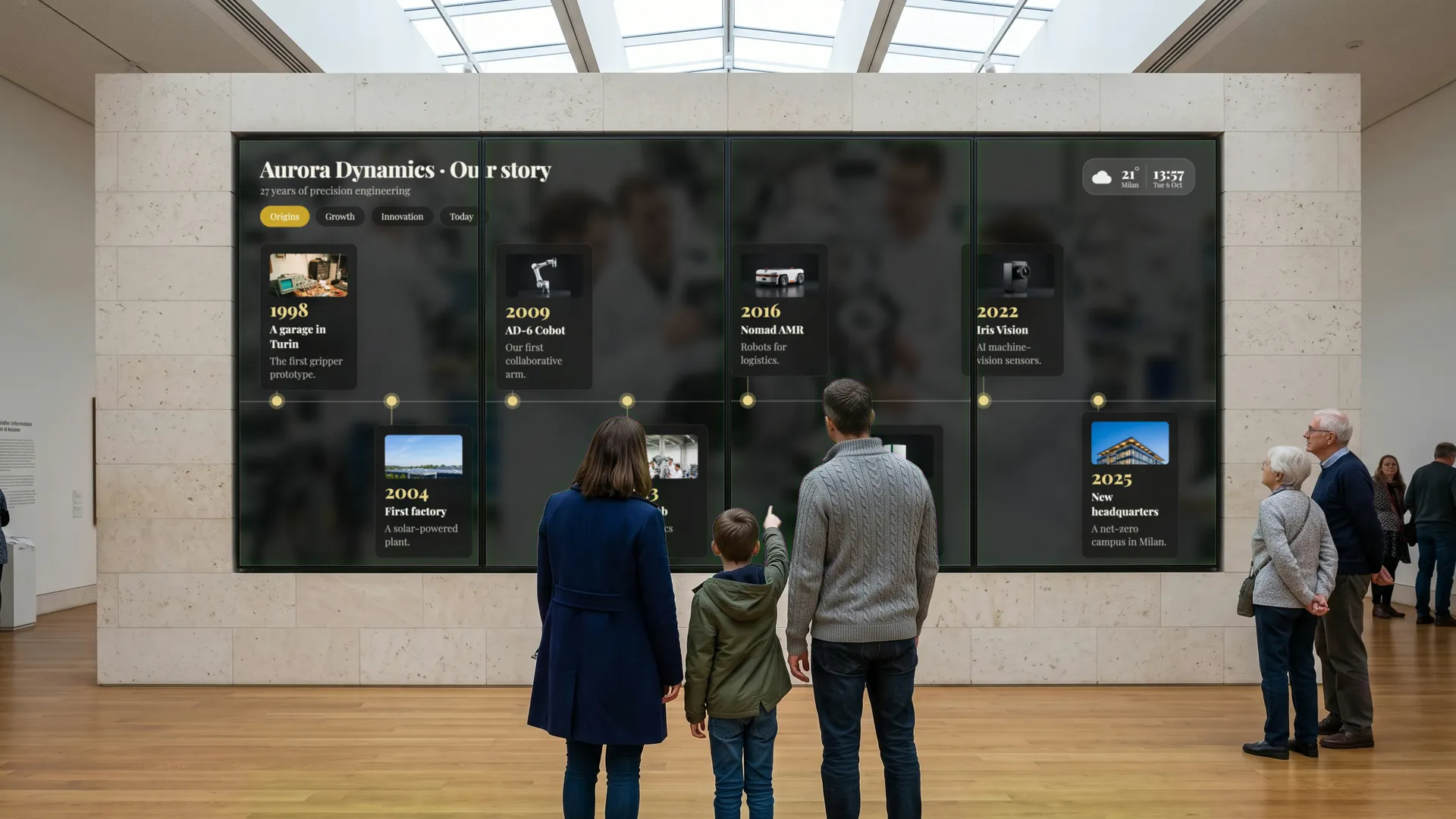 Museums and visitor centers Collections and timelines on walls of any shape, explored at the visitor's pace.
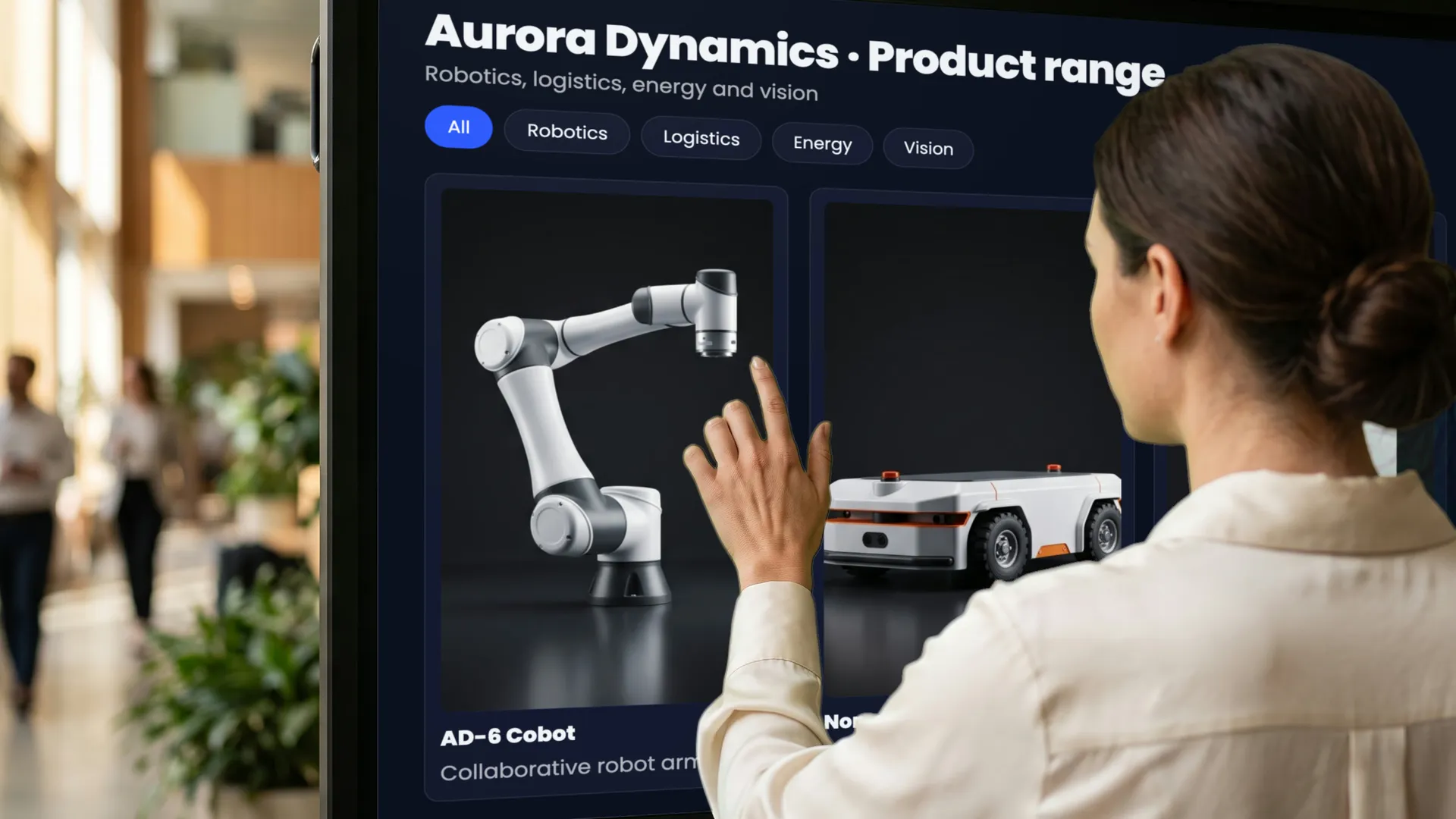 Showrooms and retail Products in 3D with their versions, documents and AR, at the kiosk next to them.
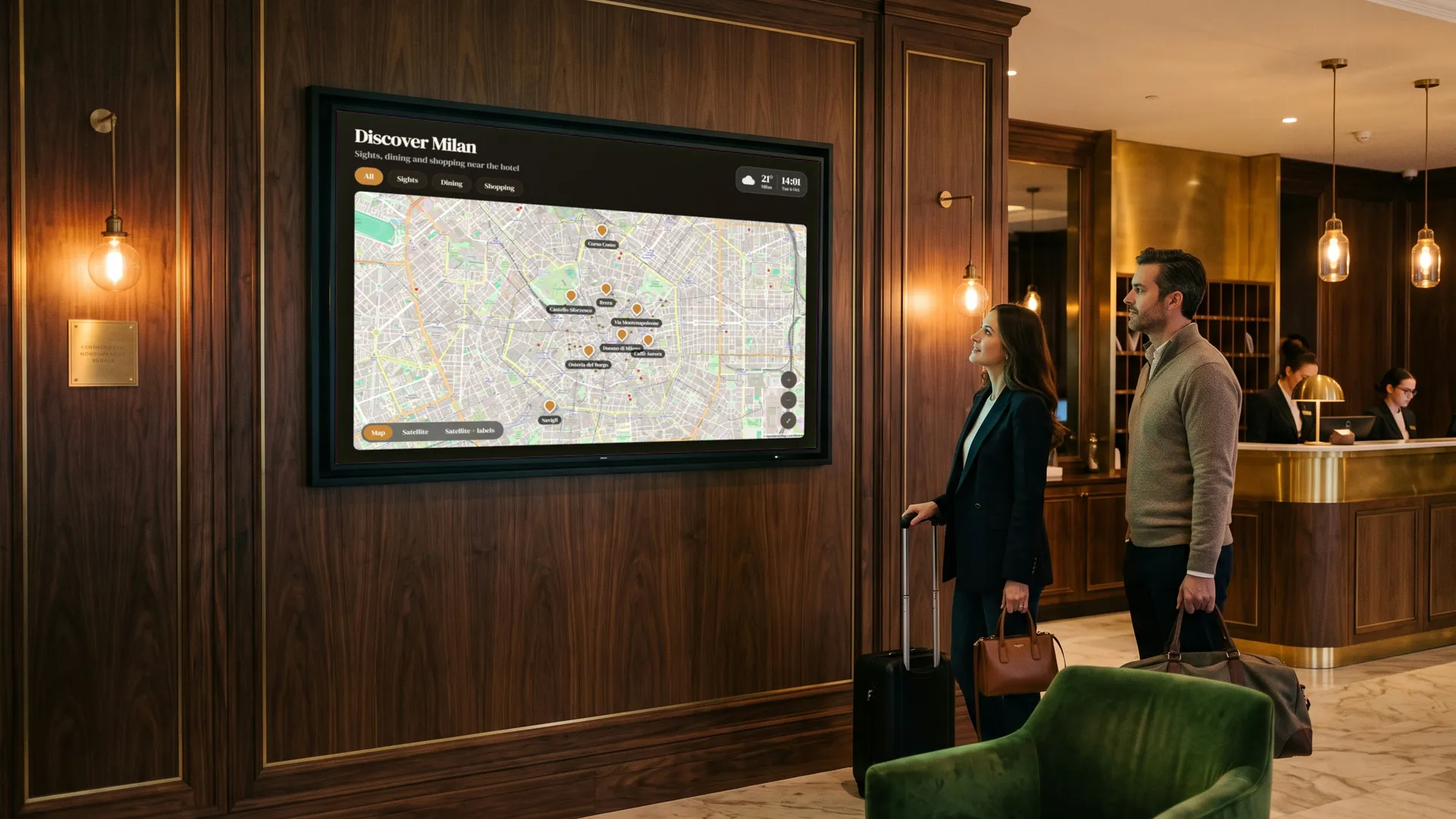 Hotels and info points Maps, places, services and the weather, always up to date, on a screen anyone can use.
Pricing
In our cloud, per display, or on your own server, with no limits.
Mago Memories
Hosted by Mago on Microsoft Azure: nothing to install or run on your side.
$9
/ display / month15-day free trial
- What’s included
- Up to 50 displays
- 2 GB of storage
- Every scene, rich card and setting
- Web editor, scheduled playlists and versioned publishing
- Roles, media library and backup
- Reports: the last 30 days on screen
Mago Memories
The whole platform on your own server, on premises or in your private cloud.
Custom
Yearly licence per server + $9 / display / monthVolume discounts available
- Everything in Cloud, and
- On your own server, with your own address
- No limits on displays and storage
- Advanced analytics: 12 months, CSV exports
- People counters and presence sensors
- Power BI integration (add-on)
Mago Memories
For schools and universities, on the school’s own server.
$1,399
/ server / yearNo cost per display
- Everything in Cloud, and
- On the school’s own server
- No limits on displays and storage
- One price for the whole campus
Prices in USD, excl. VAT. Players: any modern browser on a PC, mini PC, Android, ChromeOS, iPad or Linux box, with touch or without. The 15-day free trial with a ready-made demo story is available on Cloud.
FrequentlyAskedQuestions
The only limit is your imagination.
Tell us about your space and your story, or start with a 15-day free trial and a ready-made demo story.