Auto
Whoever looks at the camera goes front and center.
No presets to configure. The most natural gesture in the world, looking at the person listening to you, becomes the director's cue.
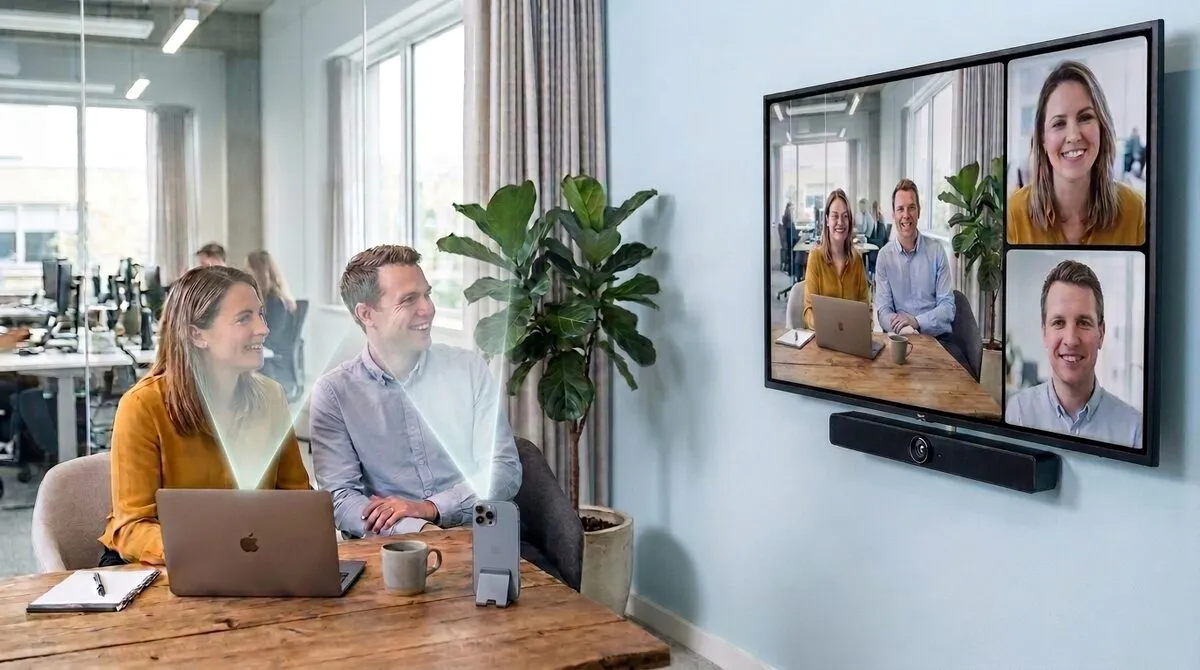
The phones and laptops around the table are seamless extension cameras for your laptop or Mac running Mago Director, not guests in your Teams, Zoom, Webex or Meet call.
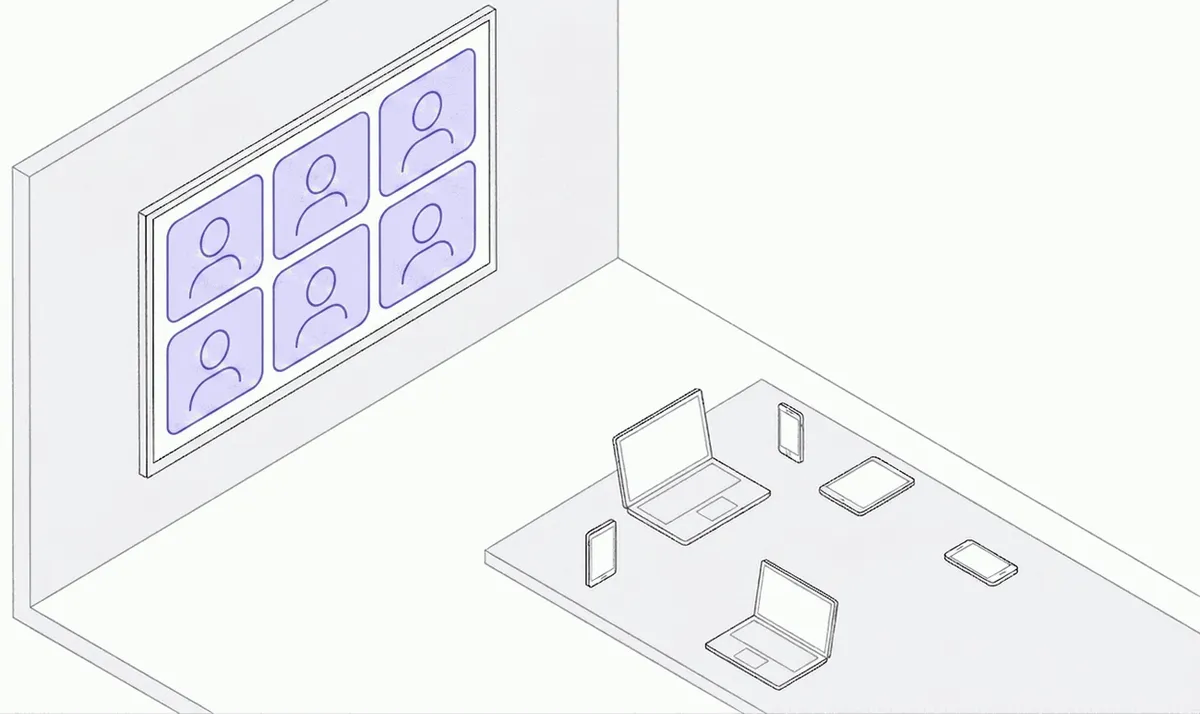

The room's video bar shows the space (left half); on the right, people in tiles, with the close-up rotating to whoever speaks. Nobody is left out. That's meeting equity: people in the room count as much as people at home.
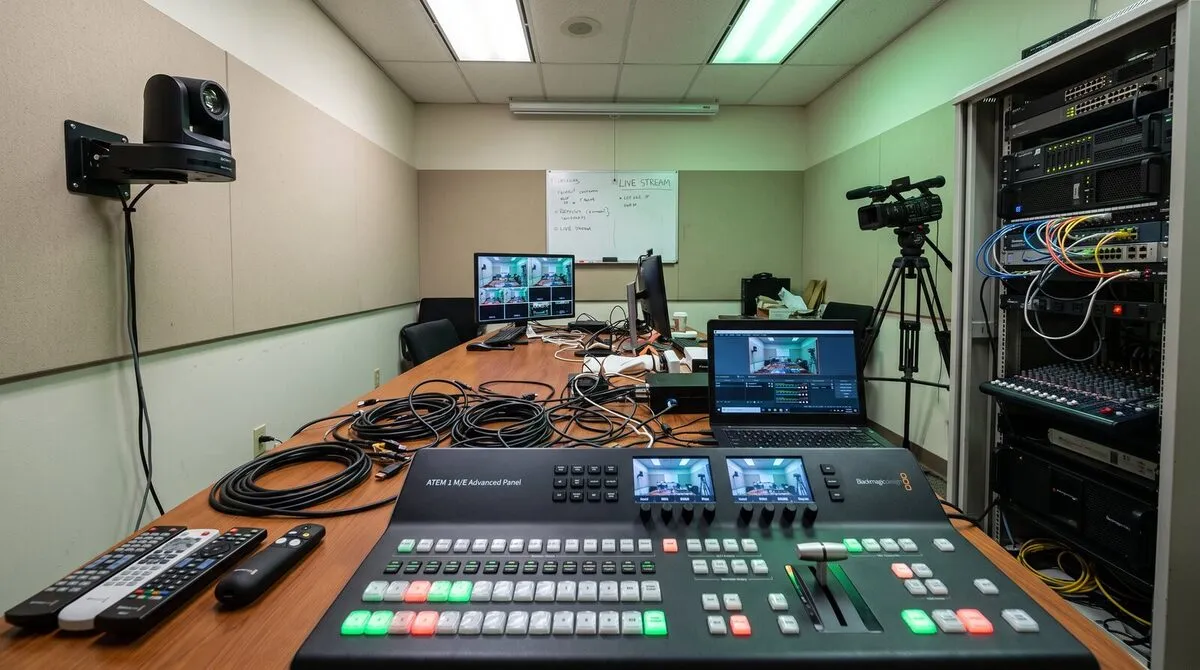
A wall of PTZ cameras, a video bar and a control pad full of presets. That's the old way to make a room multi-camera: complex, expensive, and it needs an operator. Mago Director gives you the same result at zero hardware cost, with the devices you already have: the shot follows whoever speaks, automatically. You just talk, and the direction takes care of itself.
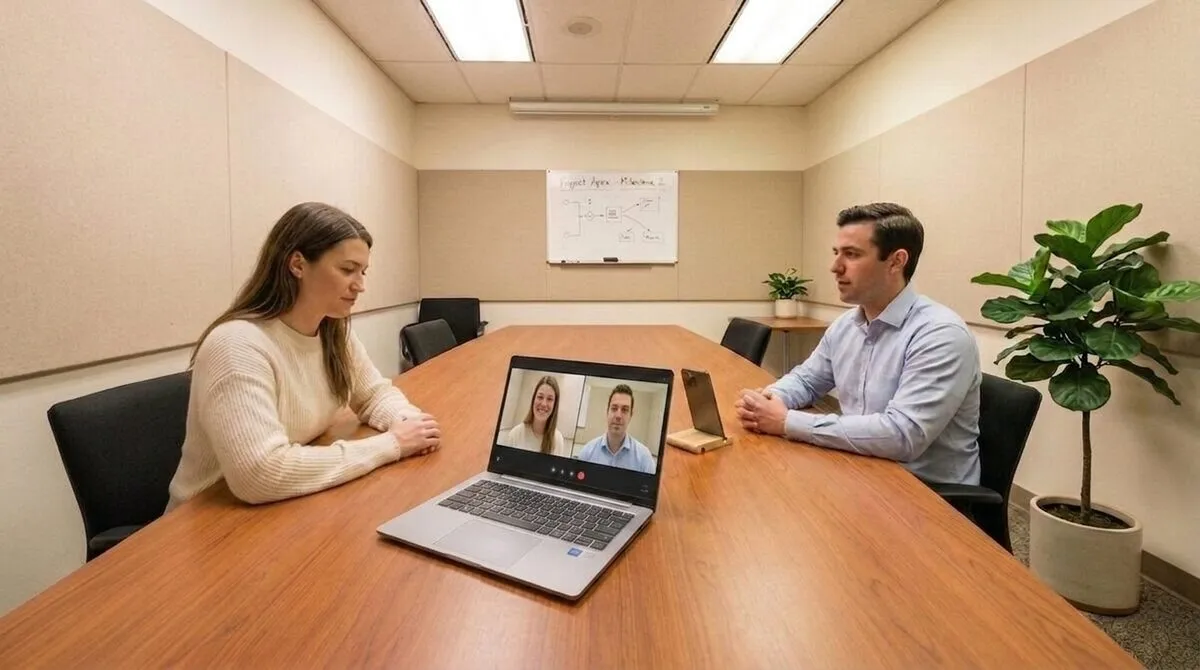
No presets to configure. The most natural gesture in the world, looking at the person listening to you, becomes the director's cue.
When two people get into it, instead of bouncing between them it puts them side by side.
A composed view: the room on the left, participants in tiles on the right. Remote people stop peeking through a keyhole.
Your phone is already a camera in the room. Hold push to show and whatever it is pointing at (your face, a prototype on the table, a sketch) goes full screen for the whole meeting. Release it and the room goes back to how it was. No app to switch to, no screen to share, no «can you make me presenter?».
One installer for Windows and macOS. It adds Mago Director to your machine as a camera. Nothing else on it changes.
Open Teams, Zoom, Webex or Meet and choose Mago Director in the camera dropdown. That is the whole configuration.
Add phones, tablets and other laptops over wi-fi or by cable. Each one is one more angle on the room.
Download the publisher apps, or use the browser publisher to add another camera to your Mago Director virtual driver.
Seconds later you are live, with the room and the people in it.
25 users or more, buying through a reseller, or a private server on-prem?
The direction is automatic. You are the director.