Event Photo Walls: Guests Add Photos From Their Phones With a QR Code

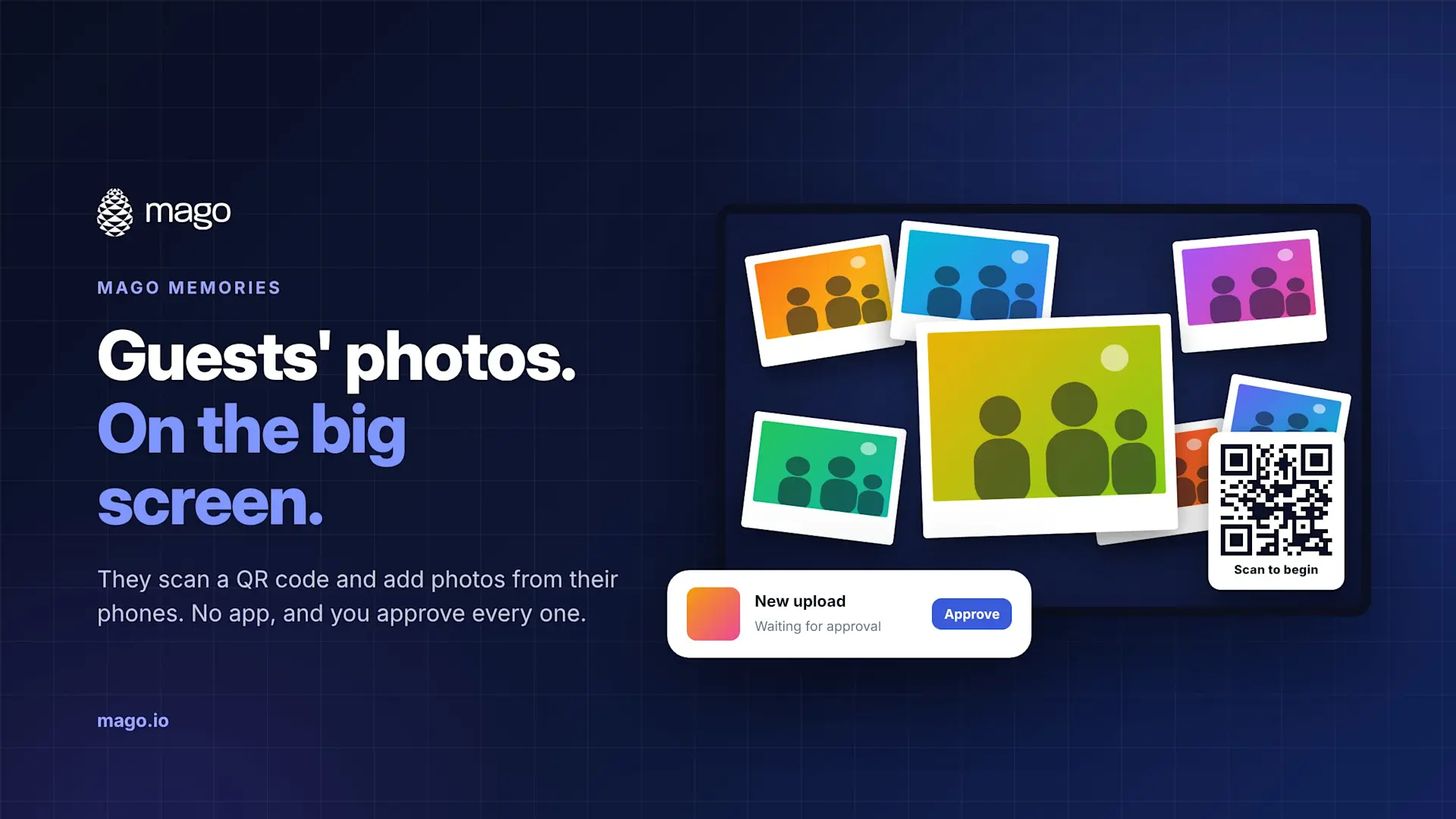
An event photo wall with Mago Memories puts guests' photos on the big screen as the event happens. The screen shows a QR code, guests scan it with their phone camera, and they take or upload photos and videos with no app and no account. Moderation is on by default, so every upload is approved before it appears.
The best content at any company party, product launch or conference is the photos guests are already taking. A media collage, which Mago calls Moments, collects them in one place and shows them where everyone can see them.
How does a guest add a photo?
- The screen shows a QR code with Scan to begin, or a small QR card in the corner once photos are flowing.
- The guest scans it and chooses Take a photo or video now or Upload photos or videos from your library.
- The new photo appears large in the middle of the screen for a few seconds, then settles into the collage.
If the display has a camera, a camera card lets guests take a photo at the screen itself, with a countdown and a flash.
How do I keep it appropriate?
- Moderation is on by default. Each upload sends an email with a link to approve or decline it, and the editor has Approve, Decline and Approve all.
- QR codes expire. Each code works for 4 hours and the screen always shows a fresh one. Renew QR code ends every code handed out so far, for example at the end of the event.
- Limits per phone. Each phone can send up to 30 uploads every 10 minutes.
- Privacy built in. Location data is removed from photos.
What does the wall look like?
Photos can be thrown on the screen like prints on a table, laid out in a carousel, a grid or a mosaic, with frames such as a white border or a Polaroid with a handwritten caption. Videos play on the canvas. With multi-touch, several people can move, turn and enlarge prints at the same time.
Does it work on a touch table?
Yes. Set the orientation to All around (touch table) and prints face every direction, so nobody sees them upside down. A tap enlarges a print facing whoever tapped it. The table top can be dark blue, black, a colour, or a photo such as the venue's floor plan.
Can guests choose the music?
Yes, with party mode. A music card plays a Spotify playlist, and guests can pick songs from the same QR page, either playing at once or adding to a jukebox queue. An organiser can sign in on their phone to run the music. Check that your music licence covers your venue: Spotify consumer accounts, Premium included, are for personal, non-commercial use.
Where does an event photo wall fit?
- Company holiday parties and team offsites
- Product launches and customer events
- Conference booths and lounges
- Hotel and venue event spaces
- Weddings and private celebrations
Frequently asked questions
Do guests need an app or an account?
No. They scan the QR code with their phone camera and use the page that opens.
How big can uploads be?
Photos up to 25 MB and videos up to 200 MB. Videos keep the first 60 seconds. The newest 150 guest items are kept per collage, and uploads count toward your storage.
What happens after the event?
Press Renew QR code and every code handed out stops working. Publishing the collage with uploads, camera and party mode all switched off ends the old codes for good.
What screen do I need?
Any screen or touch table with a modern browser. The camera card needs a camera the browser can use.
Planning a party or event? Start a free trial and test the photo wall with your team, or book a demo.