From Zero to a Live Interactive Display in Five Steps

You can get an interactive display running with Mago Memories in five steps: start a free trial, create a story, edit it, publish it, and open its display link on the screen in full screen. There is no software to install on the display, only a modern browser. After that, every change you publish reaches the screen in about 15 seconds.
Most signage projects stall before the first screen goes live: a player to buy, an app to sideload, a vendor to schedule. Mago Memories runs in the browser on both ends, so a trial can be on a real screen the same afternoon.
What do I need before I start?
- For editing: a computer with a current Chrome, Edge, Safari or Firefox.
- For the screen: any display driven by a modern browser, such as a Windows or Mac mini PC, a Chromebox, an Android display or tablet, an iPad, a Raspberry Pi, or a recent BrightSign, Samsung or LG signage display. Touch is optional.
- An email address for the 15-day free trial at memories.mago.io. The trial includes a ready-made demo story and up to 5 displays.
The five steps
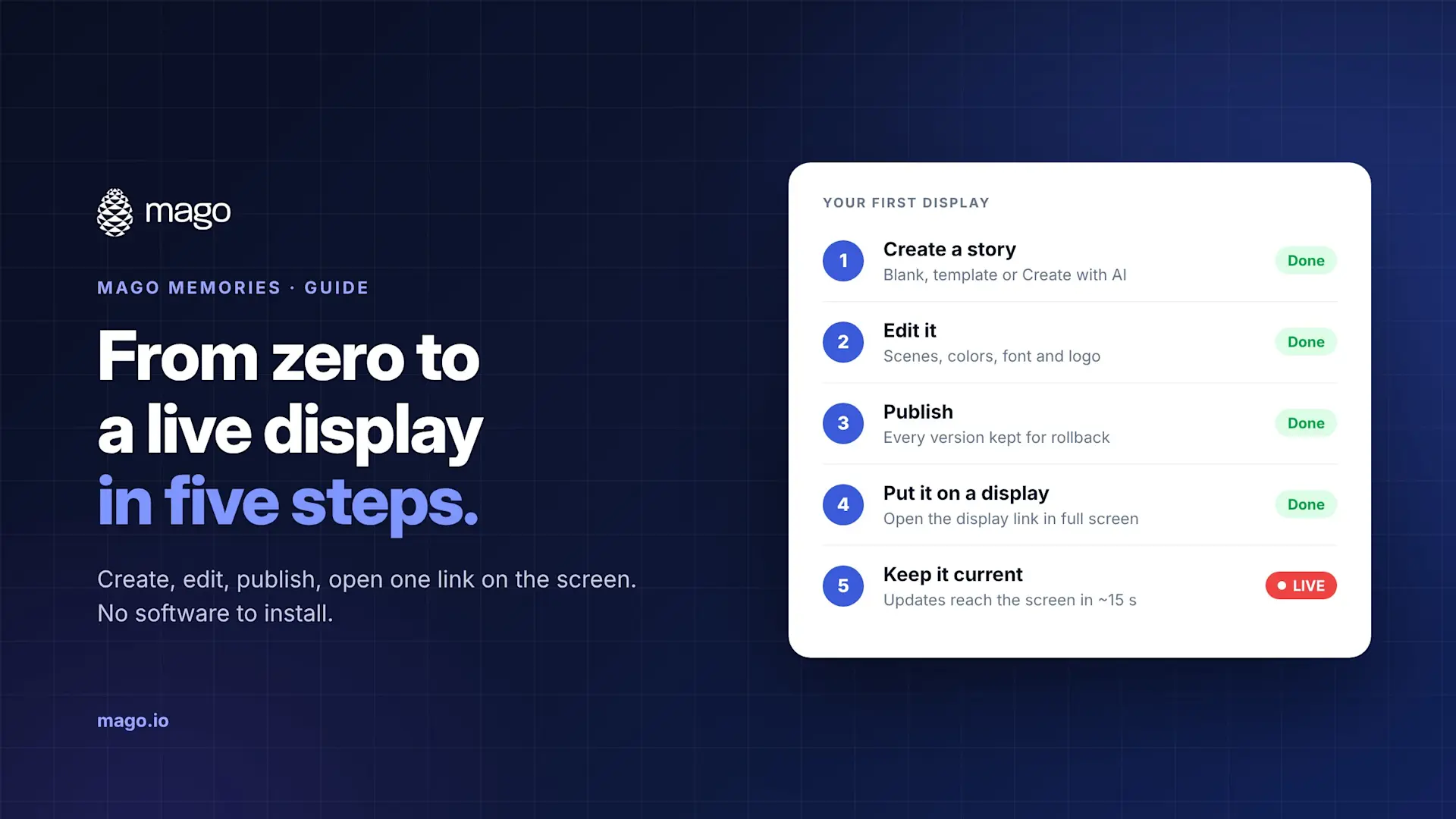
- Create a story. Go to Stories and choose New interactive story for touchscreens or New signage sequence for screens nobody touches. Start blank, from a template or the demo story, or with Create with AI if your organisation has connected its Claude key.
- Edit it. Add scenes such as a timeline, a map, a product showcase, an org chart or content pages, then set your colours, font and logo. The live preview shows every target screen format side by side.
- Publish. Displays only play published versions, and every publish is kept, so you can roll back in one step.
- Put it on a display. In the editor, choose Put on screens, then Create display link, and open that link on the display in full screen. Prefer not to type a long link on a TV? Open the player address on the display and pair it with a 6-character code instead.
- Keep it current. Edit, publish again, and the display updates within about 15 seconds.
How do I lock the screen for public use?
Turn on Kiosk mode so the display returns to full screen on the next touch and browser menus are blocked. A technician PIN lets your team get back in. For a complete lock, start the browser in its own kiosk mode, for example Microsoft Edge assigned access on Windows or Guided Access on an iPad.
What does the trial include?
- 15 days from the moment you confirm your email
- Up to 5 displays and 200 MB of media
- Interactive stories, passive signage and playlists
A small "TRIAL MODE" badge appears on displays from day 4. When the trial ends, displays pause and your stories are kept, so subscribing picks up where you left off.
What does it cost after the trial?
The Cloud plan is $9 per display per month, hosted by Mago on Microsoft Azure, with up to 50 displays and 2 GB of media. Larger and self-hosted deployments are quoted.
Frequently asked questions
Do I need to install an app on the display?
No. The display opens a secure web address in full screen. Media is stored on the display so it keeps playing if the network drops.
Can I try it on the screen I already have?
Usually, yes. Any display whose browser is at least Chromium 111, Safari 16.4 or Firefox 114 works. Older panels can use an inexpensive external player on the HDMI input.
How does Create with AI work?
It uses your organisation's own Claude key, so usage is billed to your Anthropic account. An interactive story draft takes 5 to 15 minutes and you can leave the page while it works. A signage sequence takes under a minute.
Can more than one person edit?
Yes. Add users as editors, publishers or administrators, so drafts can be reviewed before they go live.
Ready to see it on your own screen? Start a free trial, or book a 30-minute demo and we will set up the first story with you.