What Is Mago Stage? Multi-Display Presentation Software Explained

Mago Stage is multi-display presentation software that turns every screen in a room into one stage. From a tablet, a touch table or the touch screens themselves, you drag video, PDFs, 3D models, web apps, cameras and live workstations onto LED walls and displays, and remote guests join through a built-in videocall.
After 26 years in business communications, I know the pattern in multi-screen rooms: the displays are impressive, but the person presenting is still tied to one laptop and one cable. Mago Stage is built to fix that.
Why do rooms with several screens need their own presentation software? Most presentation tools assume one screen and one presenter. Add a video wall, a side display and a touch screen, and you suddenly need to decide what goes where, keep it in step and change it live. That is a different job from sharing a slide deck, and Mago Stage does it from a single console.
How does Mago Stage work?
- Install the Receiver on the player or PC behind each display, or run it right on the screen. Receivers run on Windows 11, macOS, Android OS and Samsung VXT.
- Connect the console. Open Mago Stage on a tablet, Windows PC or Mac, then scan the QR code or enter the short code shown on the display.
- Drag a source onto a display. It is live. The console shows live previews, so what you see on the console is what is on the wall.
What can you show on a Mago Stage display?
Images, video, YouTube and Vimeo, PDFs, 3D models in GLB format, web apps and dashboards, a whiteboard, a document scanner, screen sharing from a laptop or phone, RTSP and RTMP cameras, NDI sources and live workstations through the Remote Agent. That is twelve kinds of source, side by side on the same wall.
How is it different from screen mirroring or screen sharing?
- Layouts you control. Content snaps into a grid of 16:9 tiles, or you merge cells into custom areas such as a tall portrait column for a live map.
- Mirror or independent. Send the same content to every display, or give each screen its own layout. Playback can be synchronized or independent.
- Magic annotation. Circle a detail by hand and it snaps into a clean shape.
- Showroom mode. Visitors explore on a touch display on their own.
- Mixed reality. Put a 3D model in the room at full size.
- Built-in videocall. Remote guests appear on the wall next to your content.
Where is Mago Stage used?
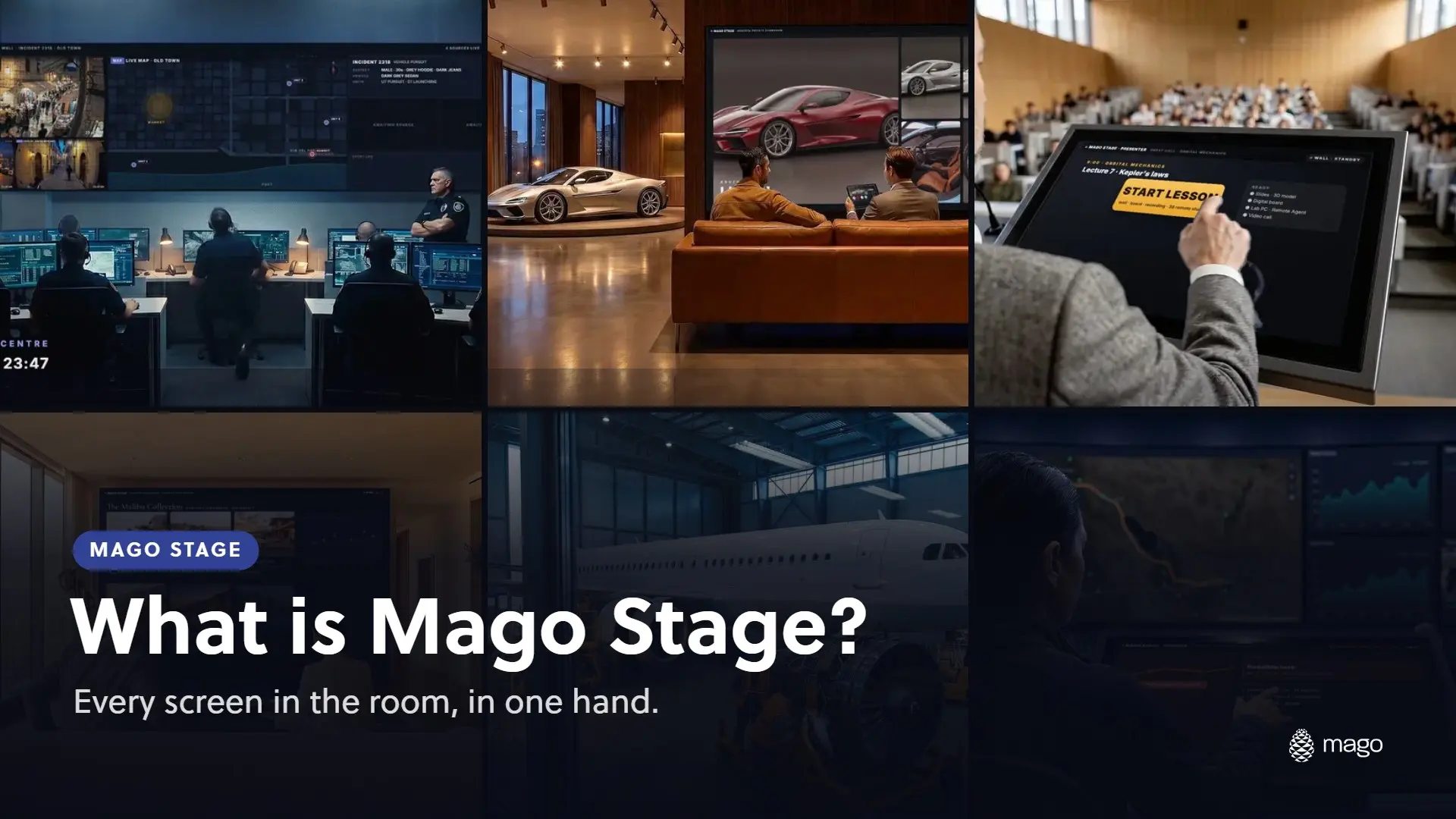
Control rooms, automotive and retail showrooms, executive briefing centres, lecture halls, real estate lounges, engineering training, remote maintenance and oil and gas operations. I cover the main ones in this series: interactive showrooms, control rooms and seven rooms where Mago Stage fits.
Where does Mago Stage run?
Every player has a built-in server, so a single room works on its own. You can scale to servers on your own premises or in your private cloud, or let Mago run it as Mago Stage Cloud. There are four editions: Basic, Pro, Ultra and Cloud. Blog 7 explains how to choose.
How do you try Mago Stage?
The fastest way is to book a demo and see it on your own displays. A free trial runs on the Cloud edition and is arranged at that first appointment. Book a Mago Stage Demo.
Frequently asked questions
What do I control Mago Stage from? A tablet, a dedicated touch table, or the touch screens themselves in showroom mode. The console also runs on a Windows PC or Mac.
Which displays can run the Mago Stage Receiver? Displays driven by a Windows 11 PC, a Mac, an Android OS player or smart display, or a Samsung VXT display. On Samsung, Mago Stage is a VXT app, so no external player is needed.
Can every screen show something different? Yes. You can mirror one show on every display, or give each screen its own layout and its own playback.
Can remote participants join the presentation? Yes. They join through the built-in videocall and appear on the displays next to your content. Ready to see it? Book a demo or explore the Mago Stage product page.
Danny Hayasaka is Managing Director, Americas and SVP, Global Marketing at Mago. Connect on LinkedIn.