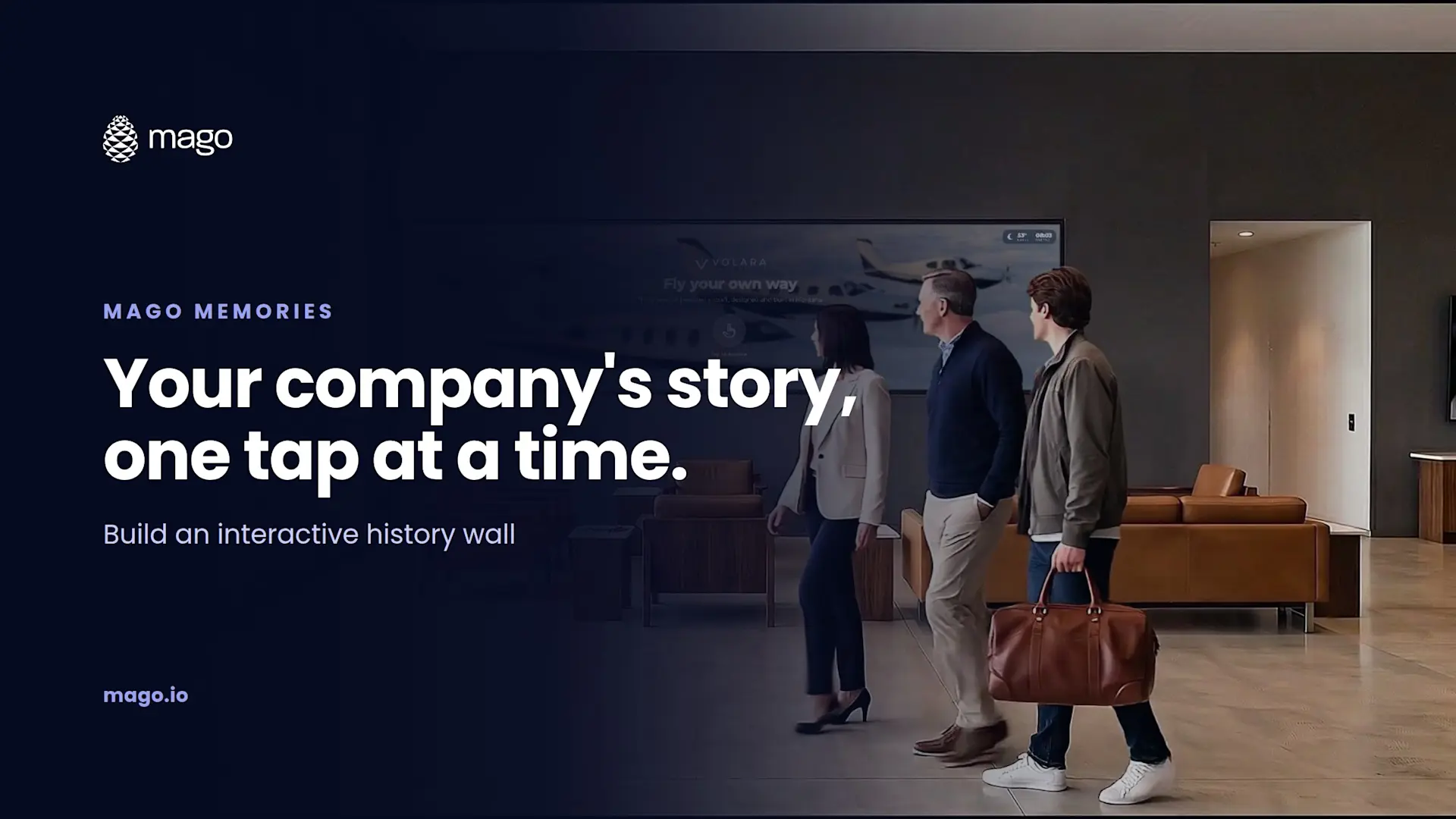
How to Build an Interactive Company History Wall for Your Lobby

An interactive company history wall is a touchscreen, LED wall or video wall in your lobby where visitors scroll a timeline of your milestones and tap each one to open its photos, films and documents. With Mago Memories you build it in a browser, add your people, offices and products alongside the timeline, and publish it to a screen of any shape.
Most companies already tell their history somewhere: a printed wall, a framed timeline, a slide in the welcome loop. The problem is that a printed wall never changes and a loop only shows each year for a few seconds. An interactive wall lets visitors go straight to the part they care about, and lets you update it the day something happens.
What is an interactive history wall?
It is a company timeline that visitors control. Years, milestones and eras sit on a line they scroll with a finger. Each milestone opens a card with the photos, film and documents of that moment, and can even hold a 3D model of the product that launched that year. Around the timeline, you can add the other parts of the story: who leads the company, where it operates and what it makes.
What should go on the wall?
A good lobby story usually combines several Mago Memories scenes:
- Story timeline. Milestones grouped into eras, such as Origins, Growth, Innovation and Today, with filters so visitors jump straight to a chapter.
- People and org chart. Photo, role and biography of each leader, as a tree to pan and zoom on wide screens or one person at a time on portrait.
- Interactive map. Offices, plants and partners around the world, with each pin opening its own card.
- Products and objects. The product range in a grid, with 3D models and AR.
- Content pages. Key figures, a mission statement, a film or a live web page.
In one of our demos for a car rental company, the visitor taps from the founding year to the current fleet by category, then to the leadership team, then to a map that zooms from the whole country down to a single regional office. That is the kind of path a slide loop can never offer.
How do you build an interactive history wall?
Gather your milestones and media
List the moments that matter, with a year, a short title, two or three sentences and the best photo for each. Collect films, documents and any 3D product models (GLB) you want to include.
Start a story
Open the Mago Memories editor in your browser. Start from a home layout or a template, or let the AI story assistant draft the story from your website.
Add the timeline and choose a layout
Add your milestones and group them into eras. Choose one of four layouts: alternating cards, cards above the line, large photos as a filmstrip, or round photos on the line.
Add your people, places and products
Add an org chart, a map of your locations and a product grid so the story goes beyond dates.
Set the attract screen and your brand
Choose the photos or films that play when nobody is touching the screen, with a "tap to interact" prompt. Apply your colors, font and logo.
Preview every screen format
Check the story on the exact screen you are using, and on any other format you might add later, side by side in the editor.
Publish and put it on the screen
Publish a version, then pair the screen with a code or open a secure display link in its browser.
Which screen works best for a lobby?
Any of them. Across a wide wall or an ultra-wide LED wall, the timeline runs horizontally. On a portrait totem at reception, it runs from top to bottom. A standard 16:9 touch display works just as well, with the same interface at a smaller scale. On a video wall, multi-touch lets several visitors open their own cards at once.
How do visitors take the story with them?
Any card can hold a PDF, a web page or a 3D model with a QR code. A visitor waiting for a meeting can scan the company brochure or a product catalog and read it on their phone later, with no app to install.
How do you keep the wall current?
- Edit anytime. Add a milestone the day it happens, then publish.
- Versions and rollback. Every publish is kept, so an earlier version can go back live in one step.
- Scheduled playlists. Plan an anniversary version for a specific week, or an evening version after six.
- Roles. Editors make changes without touching what is live; a Publisher decides when it goes on screen.
Frequently asked questions
How many milestones should a history wall have?
Enough to tell the story without overwhelming it. Grouping milestones into a handful of eras with filters keeps a long history easy to navigate.
Can several visitors use the wall at once?
Yes. Multi-touch lets several people open their own floating cards at the same time, which is ideal on a video wall.
What happens if the network goes down?
Once the content has loaded, the screen keeps playing offline, including films, map tiles and fonts.
Does it work on a portrait screen?
Yes. On a portrait totem the timeline runs from top to bottom, and scenes can be hidden by orientation.
Want to see your own history on the wall? Book a demo and we will show you a timeline on a screen like yours. New to the product? Start with what Mago Memories is.