Interactive Signage Software for AV Integrators: A Guide to Mago Memories

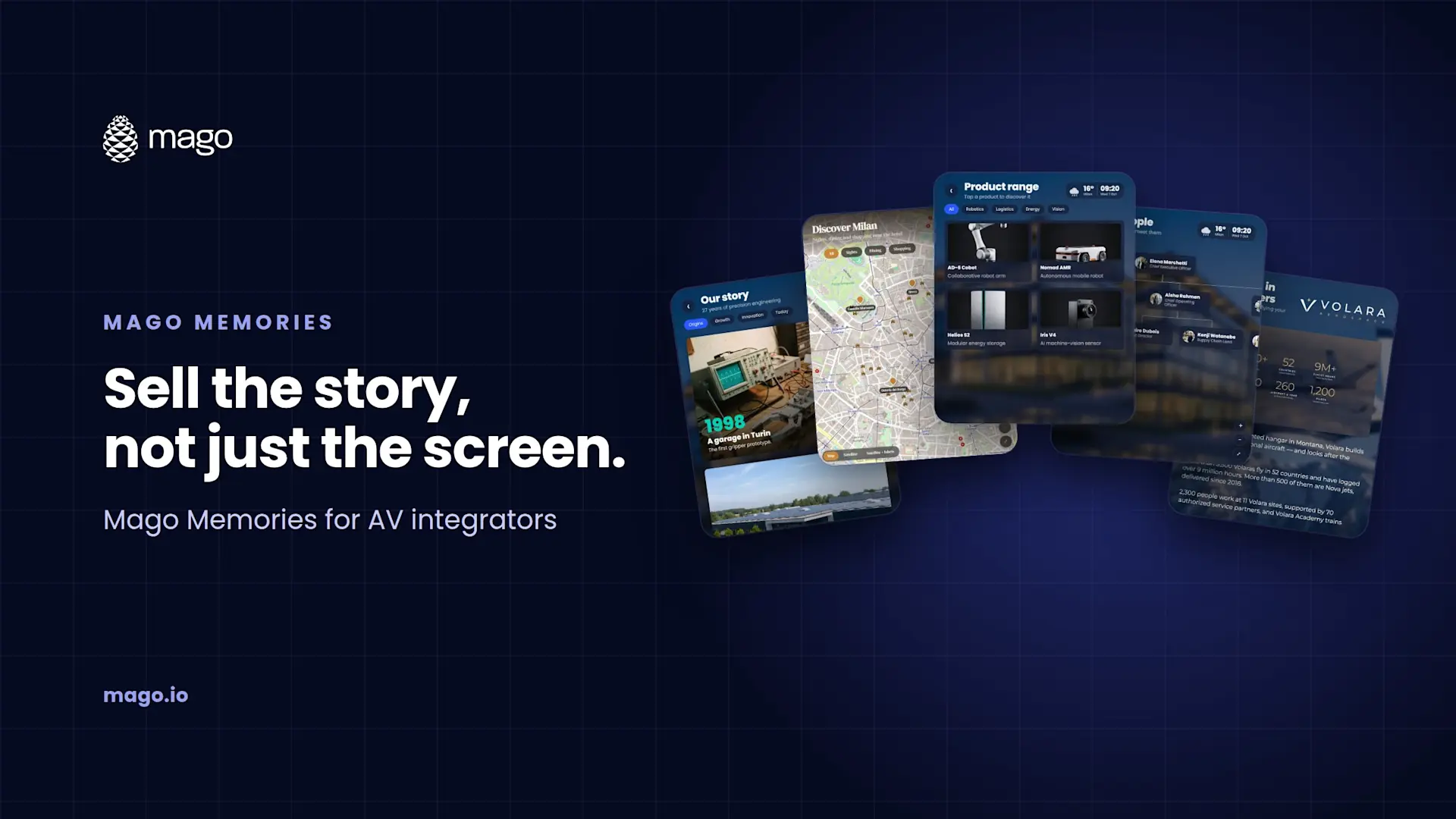
For AV integrators, Mago Memories is a software layer that turns the touchscreens, LED walls and video walls you already install into interactive experiences. It needs no proprietary player, adapts to any resolution and aspect ratio, and is sold as a $9 per display per month cloud subscription or a custom self-hosted deployment for customers who need it on their own infrastructure.
Most integrators I talk to have the same story. The client signs off on a beautiful touch display or LED wall for the lobby, the showroom or the visitor center, and six months later it is playing a slide loop nobody watches. The hardware is capable of far more. What is missing is software that makes the screen worth touching, and that a client's marketing team can actually keep up to date.
Why should integrators care about interactive signage?
Because it changes what you are selling. A display is a one-time line item. An interactive experience is a project with content, configuration and ongoing support around it, and it gives the client a reason to add screens rather than question the ones they have. It also gives you a better demo: a prospect touching their own company history on a 21:9 wall is a different conversation from a spec sheet.
What hardware does Mago Memories run on?
Whatever you are already specifying. The player is any modern browser on a PC, mini PC, Android device, ChromeOS device, iPad or Linux box, with touch or without, including touch panels and interactive boards. There is no app to install on the display.
| Format | Examples |
|---|---|
| Full HD and 4K | Landscape 16:9 displays and touchscreens |
| Ultra-wide and LED walls | 21:9 and 32:9, down to LED walls with their own pixel size |
| Portrait totems and kiosks | 9:16 screens, with scenes that can be hidden by orientation |
| Tiled video walls | 2x2, 3x1, 5x1 or a custom layout, with bezel compensation |
Every layout sizes itself on the screen, so one story can run on a portrait kiosk at reception and a 32:9 LED wall in the atrium without a separate build for each.
How does deployment work?
Build the story in the browser
The editor runs in a browser with nothing to install. Pick a home layout or a template, add scenes, and upload photos, films, 3D models and documents to the media library.
Check every target format at once
Select the screen formats the story will run on. The editor previews them side by side, seams between video wall panels included.
Publish a version
Every publish is kept, so you can roll back to an earlier version in one step if something goes wrong on site.
Put it on screens
Pair a screen with a code, or send a secure display link limited by seats, IP allowlist and expiry. Paste the link into the player's browser and the story starts.
Lock it down
Kiosk mode runs full screen with locked shortcuts and stays awake, with a technician menu behind a PIN. Once loaded, content keeps playing offline.
How do you hand the content over to the client?
Roles make the handover clean. The client's marketing team can work as Editors, building and changing stories without touching what is live. A Publisher, which could be the client or you as a managed service, decides what every screen plays, runs playlists and rolls back. Admins manage users, display formats, kiosk settings and backups. Scheduled playlists by date, weekday and hour mean seasonal and event content can be set up once and left to run.
How do you win the deal?
- Demo with their story, not ours. The AI story assistant can research a prospect's official website and build a draft story, with their colors, logo, milestones, offices, products and leadership, in 5 to 15 minutes. Walking in with their own company on the wall changes the meeting. See how to create an interactive signage story with AI.
- Let them try it. The cloud plan includes a 15-day free trial with a ready-made demo story.
- Prove the value afterwards. Analytics show uptime and proof of play per display, QR scans, contacts captured through on-screen forms and, optionally, anonymous counts of what visitors opened. That gives the client the numbers to justify the next phase.
What does it cost, and how do you package it?
The Cloud plan is $9 per display per month (USD, excluding VAT), hosted by Mago on Microsoft Azure, with up to 50 displays and 2 GB of storage and every scene, card and setting included. For larger estates, government or regulated customers, or anyone who needs the platform on premises or in a private cloud, the Self-hosted plan is quoted on the setup, with custom limits and a private DNS name.
Because the software cost is predictable per display, it is easy to bundle with the hardware, installation, content production and ongoing management you already offer.
Which projects is it best suited to?
- Corporate lobbies and receptions: company history, leadership and global locations. See interactive company history walls.
- Museums and visitor centers: multi-touch timelines and collections on video walls. See interactive museum exhibits.
- Showrooms and retail: product ranges with 3D and AR. See interactive product showroom kiosks.
- Hotels and info points: maps, services, agendas and weather. See interactive hotel lobby displays.
Frequently asked questions
Do customers need a specific media player?
No. Any modern browser on a PC, mini PC, Android, ChromeOS, iPad or Linux box drives the screen.
Can Mago Memories run on the customer's own servers?
Yes. The Self-hosted plan runs the whole platform on premises or in the customer's private cloud.
Can one story run on screens of different sizes?
Yes. Layouts adapt to portrait, square, landscape and ultra-wide on their own, and the editor previews every target format side by side.
Can several people use a video wall at once?
Yes. Multi-touch lets several visitors open their own floating cards at the same time.
If you integrate displays, LED or video walls, book a demo and ask about partnering with Mago. We will show you Mago Memories on the formats you install most. New to the product? Start with what Mago Memories is.