What Is Mago Memories? Interactive Signage Software Explained

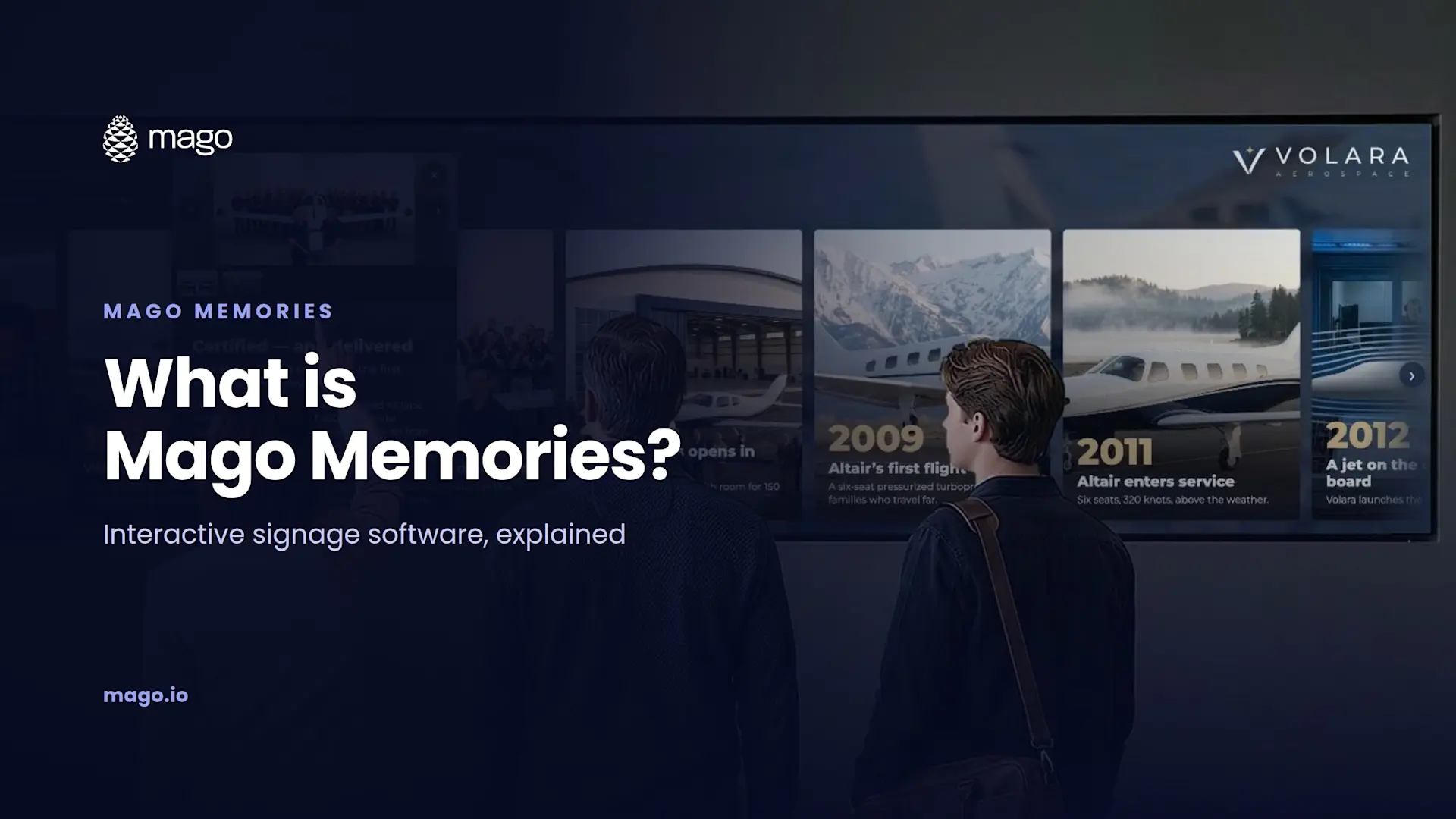
Mago Memories is interactive signage software that turns touchscreens, LED walls and video walls into stories visitors explore. Instead of watching a loop of slides, visitors tap a timeline, a map, a product or a person, open cards with photos, films, 3D models and documents, and take what they need home on their phone with a QR code. Stories are built in a web browser, play on any modern browser, and the cloud plan costs $9 per display per month.
Walk into almost any corporate lobby and you will see the same thing: a big screen playing a loop of slides while visitors walk past, check their phone and never stop. The story the company wants to tell stays on the wall. Mago Memories is built to change that.
What problem does Mago Memories solve?
Passive signage plays to nobody. A slide loop asks people to wait for the part they care about, and most of them will not. Interactive signage flips that around: the visitor chooses where to go, at their own pace, and the screen answers. The same touchscreen or LED wall you already paid for becomes something people actually use.
What is interactive digital signage?
Interactive digital signage is a display that responds to the person in front of it. Instead of pushing a fixed sequence, it offers a set of choices, such as a timeline, a map or a product range, and opens more detail when someone touches it. Done well, it also lets visitors take content with them, so the conversation continues after they leave the building.
What can visitors do on a Mago Memories screen?
- Tap and open. Every milestone, product, person and map pin opens a card that holds whatever tells it best: a photo gallery, a film or YouTube video, a PDF, a web page or a 3D model.
- Turn a product in 3D. Rotate and zoom a GLB model on the screen, then scan a QR code to place it in their own space in augmented reality on Android or iPhone.
- Take it home. Catalogs, links, documents and 3D models continue on the visitor's phone through a QR code, with no app to install.
- Explore together. Multi-touch lets several visitors open their own floating cards at the same time, which is what makes it work on a video wall.
What are the five scenes?
A Mago Memories story is made of the scenes you need, in any combination:
| Scene | What it shows |
|---|---|
| Story timeline | Years, milestones and eras on a line visitors scroll with a finger, in four layouts |
| Interactive map | Offices, partners or nearby places by category, in street, satellite or hybrid view |
| Products and objects | A grid of two to six columns with category filters, 3D models and AR |
| People and org chart | Photo, role and biography of each person, as a tree or one person at a time |
| Content pages | Text with a picture or a film, or a live web page or web app |
How is a story built and published?
Everything happens in a browser-based editor, with nothing to install. The scenes of the story sit on the left, a live preview sits in the middle with every target screen format underneath, and the settings sit on the right. You can start from one of nine home layouts, save any story as a template, or let the AI story assistant build a first draft from your website.
When the story is ready, you publish a version and put it on a screen by pairing it with a code or sending a secure display link, with limits by seats, IP allowlist and expiry. In our own demos, Cristiano Fumagalli publishes the same story to a 21:9 5K touch display, a tablet and an interactive meeting board in a few taps, and each one lays it out for its own shape.
Every publish is kept, so you can put an earlier version back live in one step. Roles keep it safe: Editors build and change stories without touching what is live, Publishers decide what every screen plays, and Admins manage users, formats, kiosk settings and backups.
Does it run by itself?
Yes. You set it up once and it runs all day:
- Attract screen. Photos, films or YouTube with a "tap to interact" prompt, and an automatic return to it after a few idle minutes.
- Scheduled playlists. Rules by dates, weekdays and hours, such as a holiday version in December or an evening version after six.
- Time of day. Dawn, day, afternoon and night looks, each with its own brightness and tint.
- Your brand. Colors, font, logo, corners and a photo or video background.
- Kiosk mode. Full screen, locked shortcuts, always awake, with a technician menu behind a PIN.
- Works offline. Once content has loaded, screens keep films, map tiles and fonts and keep playing without a connection.
Which screens and players does it run on?
Any resolution and any aspect ratio. Layouts size themselves on the screen and switch between portrait, square, landscape and ultra-wide on their own: Full HD and 4K displays, 21:9 and 32:9 LED walls, 9:16 portrait totems and kiosks, and tiled video walls such as 2x2, 3x1 or 5x1 with bezel compensation. The player is a modern browser on a PC, mini PC, Android device, ChromeOS device, iPad or Linux box, with touch or without.
Where does Mago Memories fit?
The same platform tells a different story in every space. I cover each one in this series:
- Lobbies and receptions: the history, people and places of the company. See how to build an interactive company history wall.
- Museums and visitor centers: collections and timelines on walls of any shape. See interactive museum exhibits on video walls.
- Showrooms and retail: products in 3D with documents and AR. See interactive product showroom kiosks.
- Hotels and info points: maps, places, services and the weather. See interactive hotel lobby displays.
If you design and install these spaces for clients, read interactive signage software for AV integrators.
How do you know if it is working?
Mago Memories reports each display's uptime over 24 hours, 7 days and 30 days, with proof of play for every item. It counts QR code scans and can ask visitors for a name, email and consent before a download, so sales get an email for every request. Optional, anonymous counts show which scenes and cards visitors open, by day and by hour, with no cameras and no personal data. Everything exports as CSV.
How much does Mago Memories cost?
| Plan | Price | What is included |
|---|---|---|
| Cloud | $9 per display per month (USD, excl. VAT) | Hosted by Mago on Microsoft Azure, up to 50 displays, 2 GB of storage, every scene, card and setting |
| Self-hosted | Custom, quoted on your setup | Everything in Cloud, on your own servers or private cloud, custom limits and your own private DNS name |
A 15-day free trial with a ready-made demo story is available on the cloud plan.
Frequently asked questions
Does Mago Memories need a touchscreen?
No. It runs with touch or without. Without touch, the attract screen, scheduled playlists and QR codes still work, and you can add touch later.
Do visitors need an app to take content home?
No. Visitors scan a QR code with their phone camera to open catalogs, links, documents or a 3D model in augmented reality.
Does it work without an internet connection?
Yes. Once the content has loaded, screens keep films, map tiles and fonts and keep playing offline.
Can a story be written in another language?
Yes. Each story can be written in the language of your visitors.
Can I try it first?
Yes. The cloud plan includes a 15-day free trial with a ready-made demo story.
The fastest way to understand interactive signage is to touch it. Book a demo and we will show you Mago Memories on a screen like yours.