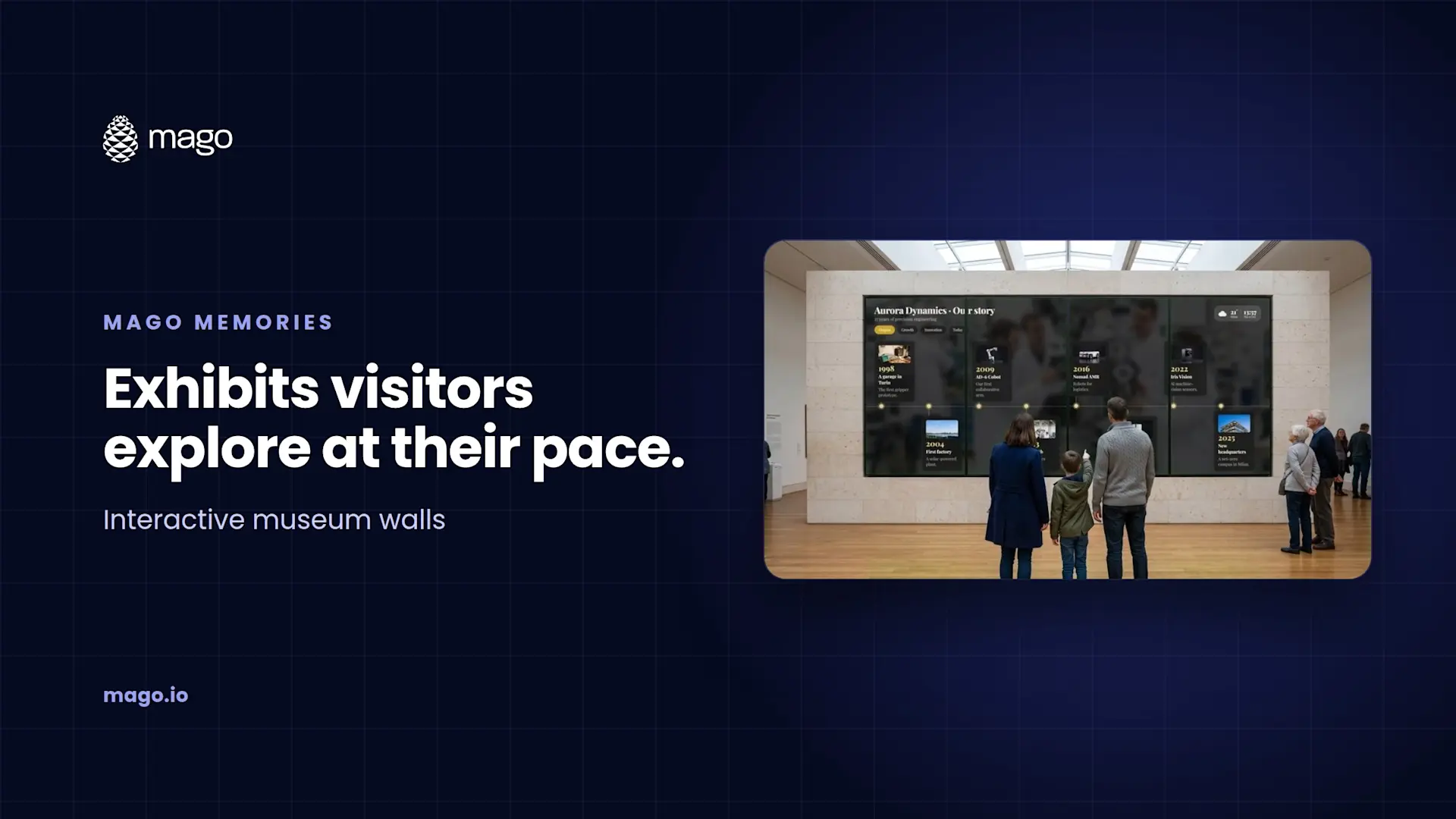
Interactive Museum Exhibits on Video Walls and Touchscreens

Interactive museum exhibits let visitors explore a collection, a timeline or a place on a touchscreen or video wall instead of reading a fixed panel. Mago Memories puts multi-touch timelines, object collections with 3D models, maps and people on walls of any shape, from a single kiosk to a tiled video wall with bezel compensation, and runs unattended all day in kiosk mode, even offline.
A printed panel has room for a few hundred words and one photo. A visitor center often has decades of archive, film and objects that never make it onto the wall. Interactive exhibits close that gap: the story can go as deep as the visitor wants, and the curator can update it without reprinting anything.
What makes a museum exhibit interactive?
The visitor decides the path. On a Mago Memories wall, a family can scroll a timeline to the decade they care about, tap a milestone to open its photos and film, then switch to a map or an object in 3D. Several visitors can do this at once, each with their own floating card, which is what makes a large video wall feel like an exhibit rather than a screen.
Why do video walls suit timelines?
Timelines are long and wide, and so are video walls. Mago Memories runs on tiled video walls such as 2x2, 3x1, 5x1 or a custom layout, with bezel compensation so content lines up across the seams between panels. The editor previews the wall with its seams included before you publish. Across a wide wall the timeline runs horizontally, and on a portrait totem it runs from top to bottom.
What can a museum or visitor center show?
- Story timeline: eras and milestones with filters, in four layouts.
- Products and objects: a collection in a grid of two to six columns, with 3D models visitors can rotate and place in AR on their phone.
- Interactive map: sites, routes or places of interest by category, in street, satellite or hybrid view.
- People: founders, artists or figures with photo, role and biography.
- Content pages: text with a picture or film, or a live web page or web app.
How do visitors go deeper after the visit?
Any card can carry a QR code. Visitors scan to take a PDF guide, a web page or a 3D object home on their phone, with no app to install. The visit continues after they leave.
How does it run unattended all day?
- Kiosk mode: full screen, locked shortcuts and always awake, with a technician menu behind a PIN.
- Attract screen: photos, films or YouTube with a "tap to interact" prompt, and an automatic return to it after a few idle minutes, so the next visitor always starts fresh.
- Scheduled playlists: rules by dates, weekdays and hours, for a temporary exhibition, a holiday program or late opening.
- Time of day: dawn, day, afternoon and night looks with their own brightness and tint.
- Works offline: once loaded, films, map tiles and fonts stay on the screen and keep playing.
Can exhibits be in the visitor's language?
Yes. Each story can be written in the language of your visitors.
How do you know what visitors explore?
Optional, anonymous counts show visits by day and by hour and which scenes and cards are opened most. There are no cameras and no personal data, which matters for public institutions. Uptime and proof of play for every display are on the same page and export as CSV.
Frequently asked questions
Can several visitors use the same video wall at once?
Yes. Multi-touch lets each visitor open their own floating cards at the same time.
Does it handle the gaps between video wall panels?
Yes. Tiled video walls are supported with bezel compensation, and the editor previews the seams.
What hardware does it need?
A modern browser on a PC, mini PC, Android, ChromeOS, iPad or Linux box drives each screen. There is no app to install.
Can it run on our own servers?
Yes. The Self-hosted plan runs the whole platform on premises or in your private cloud.
Planning a new gallery or visitor center? Book a demo and we will show you an interactive timeline on a video wall. AV integrators can also read interactive signage software for AV integrators.