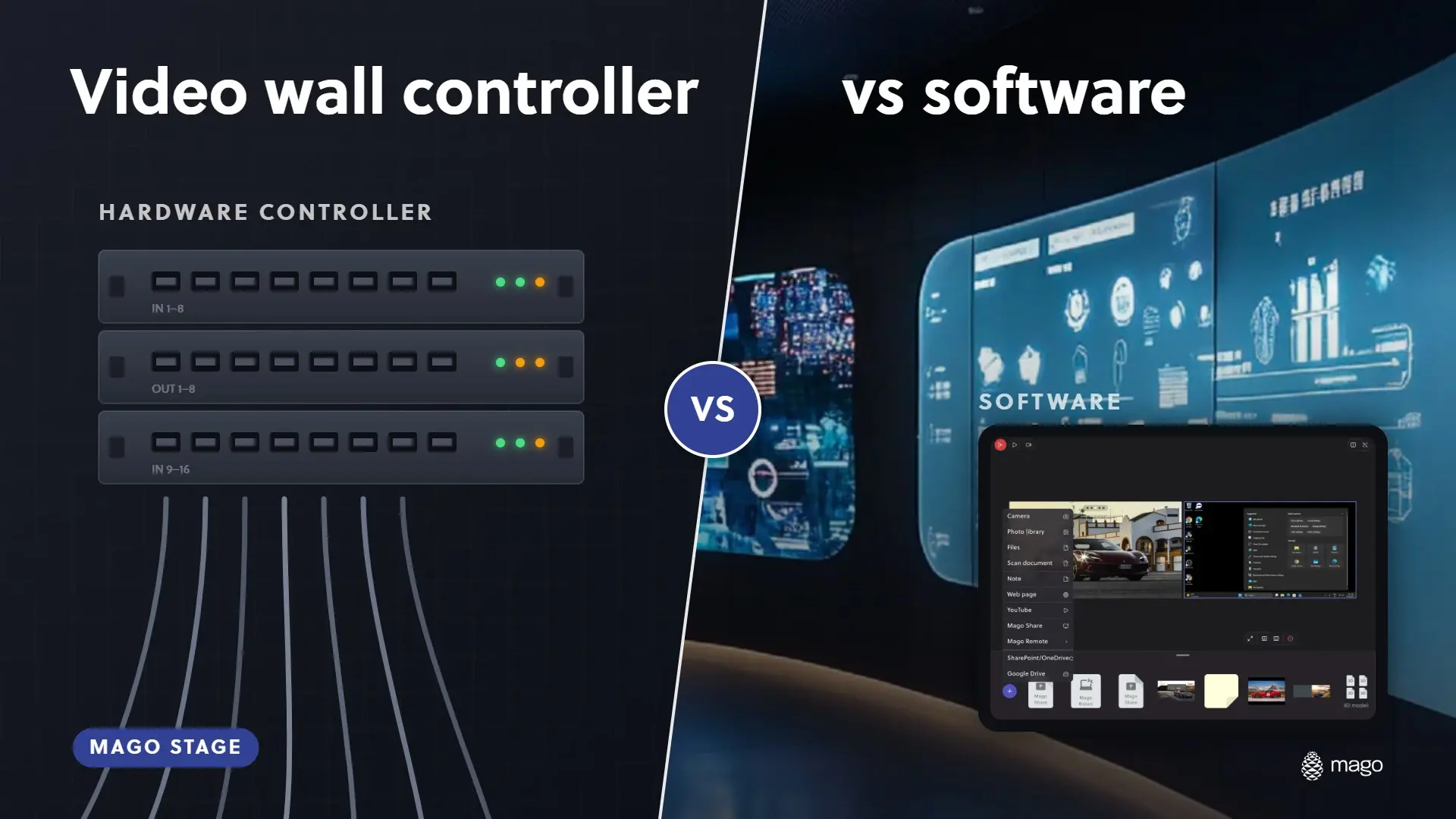
Video Wall Controller vs Software: Which Do You Need?

A hardware video wall controller takes physical video inputs and drives an array of displays. Software-based multi-display presentation, like Mago Stage, runs on the players or PCs behind your displays and lets you place content on each screen from a tablet. Choose hardware for fixed signal routing and software for flexible, mixed content that people change often.
The two are often described as rivals. In practice, they solve different problems, and the right choice depends on what you need to show and how often it changes.
What is a video wall controller?
A video wall controller, or processor, is dedicated hardware. Video sources are cabled into it, and it splits, scales and sends the result to the displays. It is strong where inputs are fixed and signal routing needs to be dependable.
What is software-based multi-display presentation?
It is software that runs on the devices already behind your displays. Mago Stage uses a Receiver on a Windows 11 PC, a Mac, an Android OS player or a Samsung VXT display, and a console on a tablet. Content is added and moved from the console, not by rerouting cables.
How do they compare?
| Factor | Hardware controller | Mago Stage |
|---|---|---|
| Content types | Video signals from physical inputs | Video, PDF, photos, 3D models, web apps, cameras, whiteboard, live workstations, remote guests |
| Changing what is on screen | Often a configuration task | Drag and drop from a tablet |
| Control device | Controller software or a dedicated panel | iPad, Android tablet, Windows PC, Mac, touch table or touch screen |
| Extra equipment | The controller itself, plus input cabling | A Receiver on hardware you may already own |
| Remote participants | Needs separate conferencing | Built-in videocall on the wall |
| Visitor interaction | Usually none | Showroom mode and mixed reality |
| Scaling | Add hardware | Built-in server per room, on-premises servers or Cloud |
When is a hardware controller the better choice?
- Your inputs are fixed and rarely change.
- The priority is signal routing between physical sources and screens.
- You do not need to mix documents, 3D, web apps and calls.
One point to check before you buy: Mago Stage gives each display its own canvas. If you need a single image stretched across a tiled array of many displays, confirm that layout with us in a demo.
When is software the better choice?
- Presenters change content constantly, in meetings, showrooms and briefings.
- You want one tablet to drive every screen, with live previews.
- You want remote guests, 3D models and live workstations on the same wall.
- You would rather use the displays and players you already have.
Can you use both?
Yes. Mago Stage accepts an HDMI input and NDI feeds, so existing equipment can feed it. On LED walls, the LED controller or processor in most cases still drives the panels while Mago Stage supplies the content. Samsung LED displays and The Wall are supported natively through the VXT app.
Frequently asked questions
Do I need a video wall controller to use Mago Stage?
No. The Receiver runs on a PC, Mac, Android OS player or Samsung VXT display. Each player has a built-in server, so a room works on its own.
Can I control Mago Stage wirelessly?
Yes. The console connects to receivers wirelessly, and on the Basic edition it works with no internet at all.
Can I use my existing displays?
Yes. The Receiver turns the displays you already have into Mago Stage screens.
Not sure which fits your room? Book a demo and tell us about your spaces, or start with what Mago Stage is.