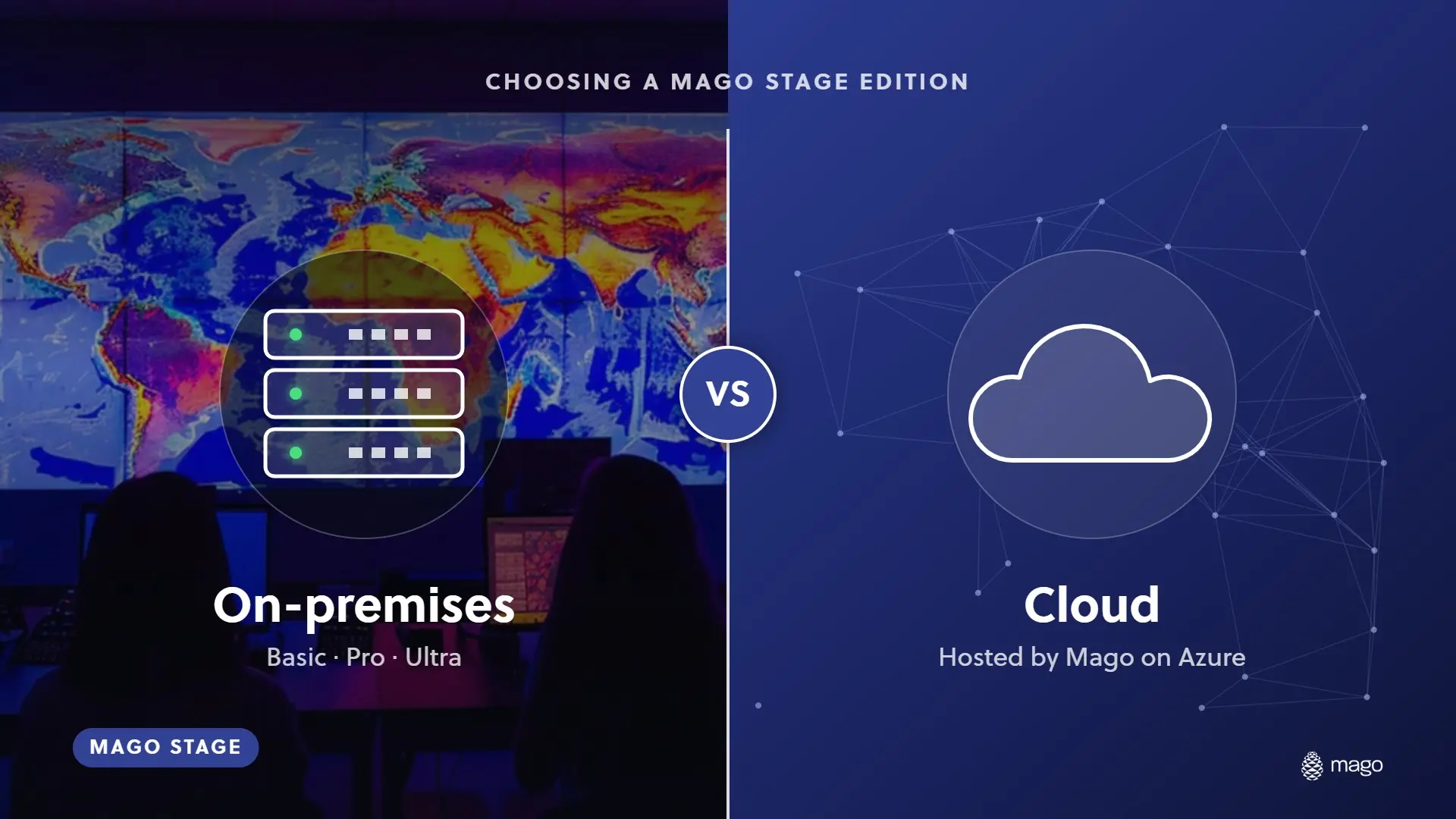
On-Premises vs Cloud: How to Choose a Mago Stage Edition

Mago Stage comes in four editions. Basic, Pro and Ultra are self-hosted, from one Windows 11 PC up to your own servers on premises or in your cloud, and are quoted on your setup. Cloud is hosted by Mago on Azure at 799 euros per receiver per year, billed annually. Each edition includes everything in the one before it.
The first question I hear about any presentation platform is where it runs. For Mago Stage, the answer is wherever your content is allowed to live, which is why there is more than one edition.
What are the four editions?
| Edition | Where it runs | Scale | Cost model |
|---|---|---|---|
| Basic | One Windows 11 PC, an i3 is enough | Up to 3 displays connected to that PC | Price on request, quoted on your setup |
| Pro | A local server on a Windows PC | Up to 30 Mago Stage Receivers on the same LAN | Price on request, quoted on your setup |
| Ultra | Your own servers, on premises or in your cloud tenant | Custom limits agreed, not capped; regional multi-server deployments | Price on request, quoted on your setup |
| Cloud | Hosted by Mago on Azure | Per receiver | 799 euros per receiver per year, billed annually |
What is the difference between on-premises and cloud?
- Who runs the server. On premises, you do. In Cloud, Mago does, with nothing to buy and no other cost for a server.
- Where content lives. Self-hosted editions keep content on your infrastructure. Cloud stores it on Mago's Azure instance, with 2 GB of storage for every Stage user.
- Internet. Basic works with no internet at all, which suits trade shows. Cloud, as the name says, is managed over the internet from anywhere.
- Cost model. Cloud is priced per receiver per year, so cost follows the number of displays. Self-hosted editions are quoted on your setup.
- Users. In Cloud, the first user is included and each additional user is 199 euros a year.
Which edition fits which situation?
- Basic fits a single room, a demo suite or a trade show stand, where one PC drives up to three displays.
- Pro fits a site with several rooms or many displays on one network, where a local server turns the room into a network of receivers.
- Ultra fits organizations that need the server on infrastructure they control, across regions, with limits that are agreed rather than capped.
- Cloud fits teams that want nothing to buy or run, and want to manage every room from anywhere.
How much does Mago Stage cost?
Cloud is listed at 799 euros per receiver per year, billed annually. Basic, Pro and Ultra are quoted on your setup. Remote Agents are listed at $99 per agent per year on Basic, with a volume discount on Pro and Ultra. If you have many displays, ask for a quote on the self-hosted editions and compare it with the per-receiver Cloud cost.
Is there a free trial?
Yes. The trial runs on the Cloud edition and is arranged at your first appointment. Book a demo to start.
What hardware do I need?
Basic runs on one Windows 11 PC, and an Intel i3 is enough. For Pro, an Intel i7 with 16 GB of RAM and a dedicated GPU is suggested for the local server. Receivers run on Windows 11, macOS, Android OS and Samsung VXT, and Pro adds receivers on Samsung VXT, Android OS, Chrome, Windows and Mac.
Frequently asked questions
Can I run Mago Stage without the cloud?
Yes. Basic, Pro and Ultra are self-hosted, and Basic works with no internet.
How many displays can I connect?
Basic supports up to 3 displays on one PC. Pro supports up to 30 receivers on the same LAN. Ultra limits are agreed with you.
Does each edition include the features of the one below it?
Yes. Pro includes everything in Basic, Ultra includes everything in Pro, and Cloud includes everything in Ultra.
Need help choosing? Tell us about your spaces and we will recommend an edition. Book a demo, or revisit the basics in what Mago Stage is.