Interactive Product Showroom Kiosks With 3D Models and AR

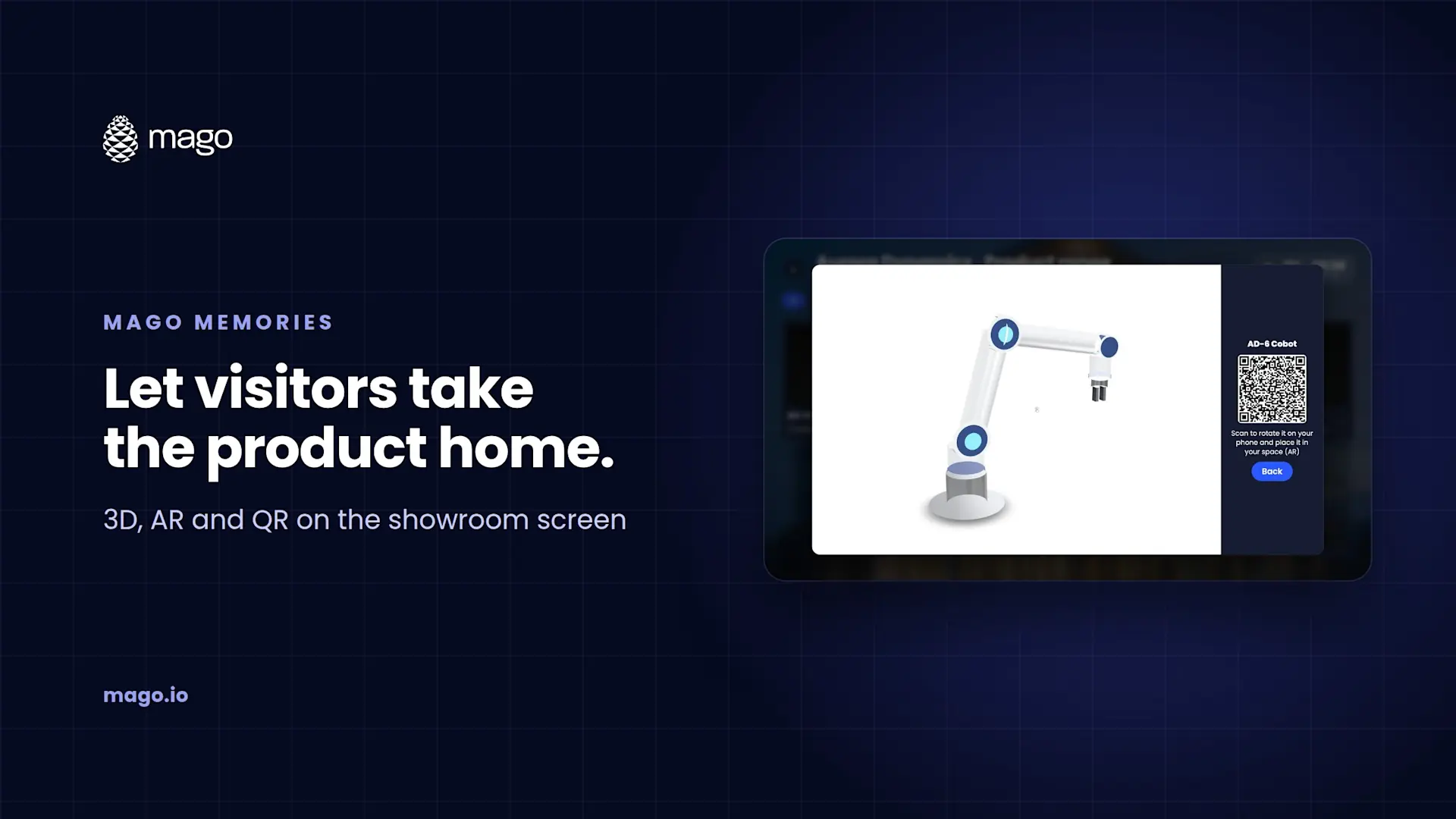
An interactive product showroom kiosk is a touchscreen next to your products where visitors browse the range, rotate a 3D model, open the catalog and scan a QR code to continue on their phone. With Mago Memories, each product opens a card with photos, films, documents and a GLB 3D model that visitors can place in their own space in augmented reality on Android or iPhone, with no app to install.
A showroom can only hold so much. The floor has one version in one color, the catalog sits in a rack, and the salesperson is with another customer. A kiosk that shows the whole range, in 3D, with the documents attached, lets visitors answer their own questions and leave with something in their pocket.
What can each product card hold?
Every product opens a card that holds whatever tells it best:
- Photos. A cover and a gallery to browse full screen.
- Videos and YouTube. Uploaded films and YouTube videos playing inside the card.
- 3D models (GLB). Rotate and zoom the product on the screen.
- Documents and links. PDF catalogs and web pages in a built-in viewer, plus PDF, Word, Excel and PowerPoint files sent to the visitor's phone by QR code.
How do 3D models and AR work?
Upload a 3D model in GLB format to the product card. On the screen, visitors turn and zoom it with a finger. Next to it, a QR code opens the same model on their phone in augmented reality, on Android and iPhone, so they can see it at full size on their own floor or desk. Nothing has to be installed on the phone.
How do you organize a product range?
Products sit in a grid of two to six columns, or are placed by hand, with category filters along the top. A robotics maker might filter by Robotics, Logistics, Energy and Vision. A car showroom might filter by Electric, Executive and SUV. Visitors tap a filter, tap a product and they are in its card.
How do QR codes turn into leads?
When a visitor scans a catalog or brochure, you can ask for their name, email and consent first. Sales get an email for each request, and every contact sits in one list with what they asked for and on which display. The list exports as CSV for your CRM and contacts can be deleted on request.
Which spaces is it built for?
- Showrooms and retail: the full range next to the products on the floor.
- Executive briefing and experience centers: a product story visitors explore before or after a presentation.
- Lobbies: a product range scene alongside the company timeline.
Kiosks can be landscape touch displays, 9:16 portrait totems, or a video wall where several visitors open their own cards at once.
How do you know which products get attention?
Optional, anonymous visitor counts show visits by day and by hour and which scenes and cards are opened most. There are no cameras and no personal data. Alongside QR scans and captured contacts, that tells you which products pull people in.
How does it stay on brand and on message?
Apply your colors, font, logo and background. Schedule a launch version for a specific date range, an evening version after six, or a seasonal promotion, and the screen switches on its own. Every publish is kept, so you can roll back in one step.
Frequently asked questions
Which 3D format does Mago Memories use?
GLB. Visitors rotate and zoom the model on the screen and open it in AR on their phone with a QR code.
Do visitors need an app for AR?
No. The QR code opens the model in augmented reality on Android and iPhone without an app.
Can the kiosk be a portrait screen?
Yes. Portrait 9:16 totems and kiosks are supported, and layouts adapt to the screen on their own.
Can visitors download the catalog?
Yes. PDF catalogs and other files go to the visitor's phone by QR code, optionally after a short contact form.
See your product range in 3D on a real screen. Book a demo and we will show you a showroom kiosk built around your products. New to the product? Start with what Mago Memories is.