How to Create an Interactive Signage Story With AI

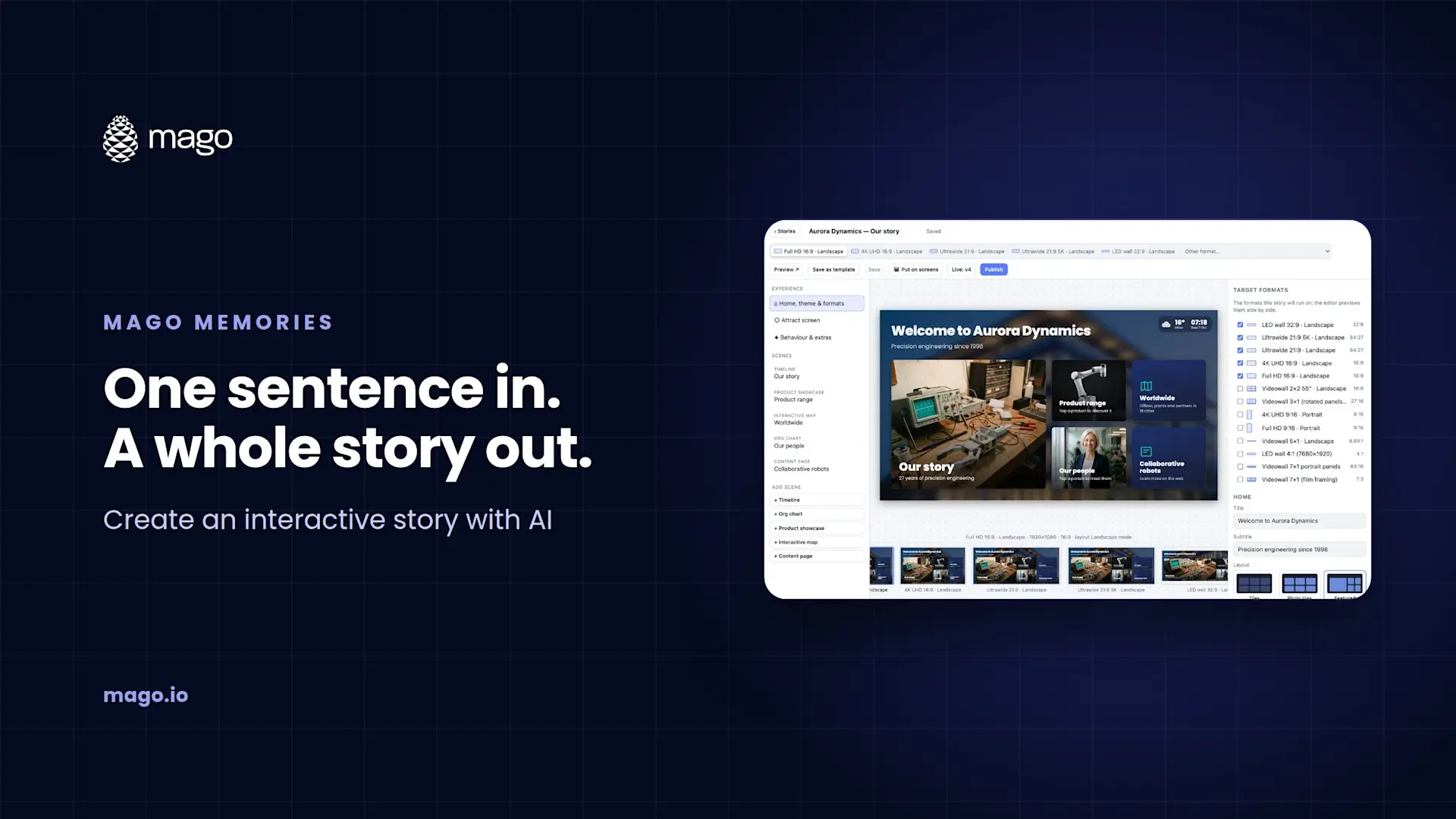
Mago Memories can build an interactive signage story for you with AI. You connect your own Claude or Microsoft Copilot account, describe your company in a sentence, and the assistant researches your official website and builds a complete draft in 5 to 15 minutes: your colors and logo, a timeline of milestones, a map of your offices and markets, your products, your leadership team, YouTube films and an attract screen. Nothing goes live until you review and publish it.
The hardest part of interactive signage has never been the screen. It is the blank page: gathering the milestones, the photos, the office list and the product range before anything can go on the wall. The AI story assistant does that first pass for you, so you start from a working story instead of an empty editor.
What does the AI story assistant build?
A complete Mago Memories story draft that can include:
- Your colors and logo, taken from your official website
- A story timeline of company milestones
- An interactive map of your offices and markets
- A product range scene
- A leadership team in the people scene
- YouTube films, embedded rather than copied
- An attract screen with a headline and a "touch to discover" prompt
Every draft lists the sources it used, so you can check where each fact came from.
What do you need to get started?
- A Claude API key or Microsoft Copilot. Claude keys are stored encrypted. Copilot connects with a key you create in Mago.
- Optionally, a Gemini key. It adds the ability to create images and short videos for the attract screen.
- Your company's website. The assistant uses it as the source for text, photos, logos and documents.
You use your own AI accounts, so Anthropic, Google or Microsoft bill you directly.
How do you create a story with AI?
Open Create a story with AI
In the Mago Memories console, open the Create a story with AI form.
Describe your company
Enter the company name and its website, and describe it in a sentence.
Choose what to include
Pick the scenes you want, write the attract screen text, and choose the language and the display format.
Let the assistant build the draft
The assistant researches your site and builds the story. This takes 5 to 15 minutes.
Review the sources and edit
Open the draft in the editor, check every milestone, person and product against its source, and refine the text, photos and layout.
Publish and put it on screens
When you are happy, publish a version and send it to your screens with a pairing code or a secure display link.
Is it safe to use AI for this?
The design keeps you in control. Keys are stored encrypted. Photos, logos and documents come from your own official website, and YouTube films are embedded, never copied. Every result is a draft that lists its sources, and nothing goes live until someone with the right role reviews and publishes it.
What should you check before it goes on screen?
Treat the AI draft like a first draft from a new colleague. Confirm dates and figures, make sure everyone in the leadership scene is current and happy to appear, check that photos are yours to use, and preview the story on every target screen format. Then publish.
Who is it for?
- Marketing teams who want a lobby or showroom story without a long content project.
- AV integrators who want to walk into a meeting with the prospect's own company already on the wall. In our demos, a story built for a car rental company showed its history, its fleet by category, its leadership and a map down to a regional office. See interactive signage software for AV integrators.
- Multi-site organizations who want a consistent starting point for every location.
Frequently asked questions
How long does it take to create a story with AI?
Typically 5 to 15 minutes for a complete draft, ready for review.
Can we use Microsoft Copilot instead of Claude?
Yes. Copilot connects with a key you create in Mago.
What does a Gemini API key add?
The ability to create images and short videos for the attract screen.
Does the AI publish anything on its own?
No. Every AI story is a draft, and nothing goes live until you review and publish it.
See it build a story from your own website. Book a demo and we will create a draft for your company live. New to the product? Start with what Mago Memories is.