Interactive Showroom Software for Automotive and Retail

Interactive showroom software turns a display into a self-service experience where visitors browse products, play videos, turn 3D models and take brochures home. Mago Stage does this on any touch display with showroom mode, and a salesperson can run the same content on an LED wall from a tablet, including mixed reality at full size.
A showroom works best when customers can see, touch and explore the product. A brochure rack and a looping video only go so far, and interactive showroom software goes further.
What is interactive showroom software?
It is software that lets visitors steer the content on a display instead of watching a fixed loop. That can mean tapping a video to play, turning a 3D model, exploring a configurator, or scanning a code to take material away. The same content can also be driven by a salesperson for a guided conversation.
What can customers do in Mago Stage showroom mode?
Showroom mode turns any touch display into a self-service showroom. Visitors browse what you prepared and tap to play, right on the screen.
- Play videos and media on their own
- Explore 3D configurators and models
- Experience augmented and virtual reality content
- Connect to a screen from their phone in one tap
- Take 3D models, videos and brochures home by scanning a code, while you collect their email
How does a salesperson use it?
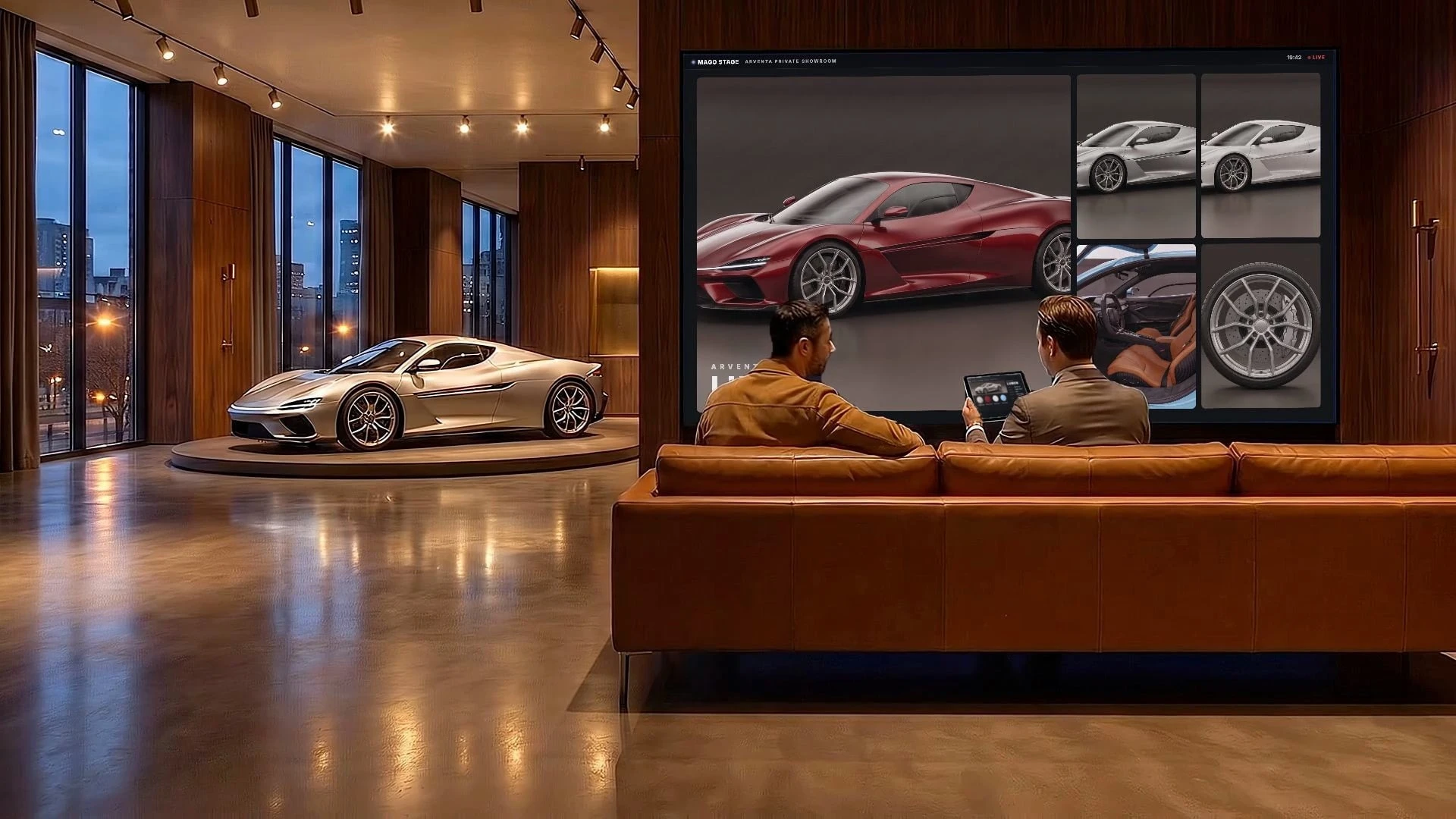
The Automotive and Retail use case shows a private showroom where the customer configures the car on the wall and sees it life size. The salesperson drives everything from a tablet.
- Put the configurator on the LED wall and change options from the tablet.
- Bring the 3D model into the room with mixed reality, at full size, and walk around it.
- Show photos, video and 3D side by side, and circle a detail such as the wheels by hand. Magic annotation snaps the freehand mark into a clean shape.
- Bring in a remote decision-maker through the built-in videocall so they appear on the wall next to the car.
Do I need a touch screen?
For self-service showroom mode, yes, a touch display lets visitors explore on their own. For a guided presentation on an LED wall, which is usually not touch, the salesperson uses the tablet as the controller. Both can run in the same space.
What hardware does it run on?
The Mago Stage Receiver runs on Windows 11, macOS, Android OS and Samsung VXT. On Samsung displays running Tizen 6.5 or later, Mago Stage is a VXT app with no external player needed, and Samsung LED displays and The Wall are supported natively. Every player has a built-in server, so a showroom works on its own.
How is this different from digital signage?
Digital signage plays a schedule. Mago Stage can do that too, since you can assign signage playlists to displays from the admin console, but it adds the part signage lacks: a visitor or salesperson who takes control, then hands the screen back to the loop. If you already run signage, that is what Mago Stage adds.
Frequently asked questions
Can customers use their own phone with the display?
Yes. They can join a screen from their phone in one tap and take content home by scanning a code.
Can I show a 3D car configurator?
Yes. Web apps, 3D models in GLB format and configurators can be shown on any display, and 3D models can be placed in mixed reality at full size.
Can I capture leads?
Yes. Visitors who take content home can leave their email, so the showroom produces leads as well as impressions.
How much does it cost?
Basic, Pro and Ultra are quoted on your setup, and Cloud is priced per receiver per year. Book a demo and we will size it to your showroom. For more rooms like this one, read seven rooms where Mago Stage fits.